
Let's be real for a second. You know that panic that sets in around 10 PM when you realize you haven't posted anything today? You scramble, shoot something mediocre, slap a filter on it, and pray the algorithm doesn't hate you.
We've all been there. It's the content hamster wheel, and it is exhausting.
But what if I told you that the biggest creators—the ones flooding your feed—aren't working 24/7? They're not filming every day. They're not even editing every day.
They are batching. And if you want to scale without losing your mind, you need to start doing it too.
This isn't just another "tips and tricks" list. This is a complete system to create, schedule, and publish 50+ videos a week while actually getting your life back.
The Productivity Hack (Or, How to Buy Back Your Sundays)
Imagine cooking dinner every single night from scratch. Chopping onions, preheating the oven, cleaning the pans. Every. Single. Night. You'd go crazy, right? That's why meal prep exists.
Batching is just meal prep for your content.
When you context-switch—jumping from filming to editing to writing captions—your brain burns energy just trying to refocus. By grouping these tasks (e.g., "Filming Fridays" or "Editing Mondays"), you stop that energy leak.
The Data
Creators who batch their workflow report saving an average of 10+ hours per week. That's a whole extra workday you get back. Plus, studies show that social media accounts posting consistently can achieve 47% faster follower growth compared to inconsistent ones.
Related Reading
Want to dive deeper into workflow automation for content teams? We've got a complete guide on how to save 10+ hours weekly.
Video Workflow Automation for Content TeamsFeeding the Algorithm Beast

From one long-form video to multiple short clips: the batching workflow that saves 10+ hours weekly.
Here is the hard truth about YouTube Shorts and TikTok: They care more about quantity and consistency than perfection.
It sounds harsh, but the data backs it up. A "pretty good" video posted every day beats a "perfect" video posted once a week.
For maximum reach, the data suggests posting 1-4 times daily on TikTok.
On YouTube Shorts, a massive chunk of your views—often 68% or more—can happen in the first 24 hours.
Batching ensures you have a loaded clip chamber. You're never scrambling because you did the work two weeks ago.
Deep Dive
Want to understand how the YouTube Shorts algorithm actually ranks content? We break down the ranking factors.
Short-Form Video SEO: How to Rank Shorts on YouTube and GoogleThe Multi-Platform Magic Trick
Stop treating TikTok, Instagram, and YouTube like separate planets. They are just different neighborhoods in the same city.
You don't need to film three different videos. You need to film one great video and tailor it.
Needs to feel raw, fast, and trendy.
Can be a bit more polished; focus on aesthetics and value.
It's all about the title and the hook.
Pro Move
A single video file, when properly optimized (captions, native fonts) for each platform, can see 3-5x better engagement than just lazily cross-posting the exact same file with the watermark on it.
Related Reading
We've got a comprehensive guide on adapting your shorts for each platform's unique algorithm.
Multi-Platform Video Distribution StrategyScaling with Automation (No Code Required)
Okay, so how do you physically post 50 videos a week without your thumbs falling off? You automate it.
You don't need to be a coder to do this.
The YouTube API
Did you know the YouTube Data API allows for massive scale? You have a daily quota of 10,000 units, and with each video upload costing 1,600 units, you can upload 6 videos per day automatically before needing a quota increase.
Tools: Use tools like Zapier or Make to connect your Google Drive to your social channels. Drop a video in a folder → Auto-publish to YouTube.
This is how the big agencies do it. They aren't clicking "upload" 50 times. They built a machine.
Or, Let AI Do the Heavy Lifting
AutoShorts takes this even further—upload your long-form video once, and it automatically identifies the best moments, adds animated captions, and exports clips optimized for every platform. Need just captions? Try our AI Caption Generator.
Learn more about AutoShortsData-Driven Captions & Analytics

Karaoke-style captions with Sans Serif fonts consistently outperform static text for viewer retention.
Views are a vanity metric. They look nice, but they don't pay the bills.
If you want to go viral, look at Retention and Engagement.
The Rule
If people aren't watching past the 3-second mark, your hook sucks. If they aren't watching past 30 seconds, your story sucks. Learn more about analyzing Shorts performance.
Engagement over Views: 5,000 views with an 18% engagement rate is infinitely more valuable to the algorithm than 100k views with 2% engagement.
Caption Science
We found that "Karaoke style" captions (one or two words popping up at a time) keep retention higher because eyes are glued to the movement. ContentFries has great research on this.
- Font Matters: Stick to Sans Serif fonts (Arial, Roboto). They are the easiest to read on a shaking bus.
- Accessibility: Always use open captions (burned in). Not everyone listens with sound on, and open captions are preferred over closed captions for social scrolling.
Deep Dive
Want the complete breakdown of viral caption styles and fonts for 2026? We've got you covered.
Viral Caption Styles 2026: Best Fonts & Trends to Boost RetentionThe Money (Monetization)
Let's talk cash. Consistency stabilizes your income.
Ad revenue on Shorts (RPM) fluctuates, but volume solves that. Studies on business accounts show that posting consistently (1-3x daily) can lead to predictable, steady growth, averaging around 17,523 views per video. That consistency is what brands pay for. They want to know you're a safe bet, not a one-hit wonder.
Your 30-Day Action Plan
Don't get overwhelmed. Just take it one week at a time.
Week 1: The Setup
- Pick your source. Are you chopping up a podcast? A Twitch stream? Or filming fresh?
- Build the template. Get a Google Sheet or use a proven template. Columns: Idea, Status, Filmed, Edited, Scheduled.
Week 2: The First Batch
- Script 10 ideas. Keep them simple.
- Film day. Shoot all 10 in one hour. Change your shirt every 3 videos so it looks like different days. (Oldest trick in the book.)
Week 3: The Systems Check
Week 4: Full Throttle
- Double it. Go for 20 videos.
- Automate. Try setting up an auto-uploader for YouTube Shorts.
Related Reading
If you're repurposing podcast content, we've got a complete framework for turning episodes into viral shorts.
Podcast to Shorts: The Complete Repurposing FrameworkFAQ: The Stuff You're Too Afraid to Ask
Q: Can I really post the same video to Shorts, Reels, and TikTok?
A: Yes, but tweak the caption and the hashtags. Don't leave the "TikTok" logo on your Reel—Instagram hates that.
Q: Do I need a fancy camera?
A: No. The phone in your pocket is better than the cameras used to film Hollywood movies 15 years ago. Lighting beats camera every time.
Q: How do I know if my batching is working?
A: Give it 30 days. If your stress levels go down and your views stay steady (or go up), it's working.
Q: Is AI cheating?
A: Using AI to generate captions or ideas isn't cheating; it's efficient. But keep the human connection. People follow you, not a robot.
Ready to Batch Your Content?
Our YouTube Shorts Maker takes your long-form videos and automatically generates platform-ready short clips with animated captions, smart framing, and one-click exports for TikTok, Reels, and YouTube Shorts.
Try the YouTube Shorts MakerQuem está por trás do AutoShorts

Nicolai Gaina
Fundador, AutoShorts
Engenheiro de software com mais de 12 anos de experiência profissional na região da Baía de São Francisco. Especializado em desenvolvimento de software, criação de conteúdo e crescimento em redes sociais, destaca-se em estratégias de crescimento baseadas em dados, IA e ferramentas online impactantes para criadores de conteúdo.
Seguir no: LinkedInMais sobre o AutoShorts
Artigos Relacionados

How to Make Viral Videos in 2026: The Complete Guide
Stop chasing the algorithm. Learn the proven framework for creating viral videos that people actually want to share—from hooks that grab attention in 3 seconds to the emotions that drive millions of views.
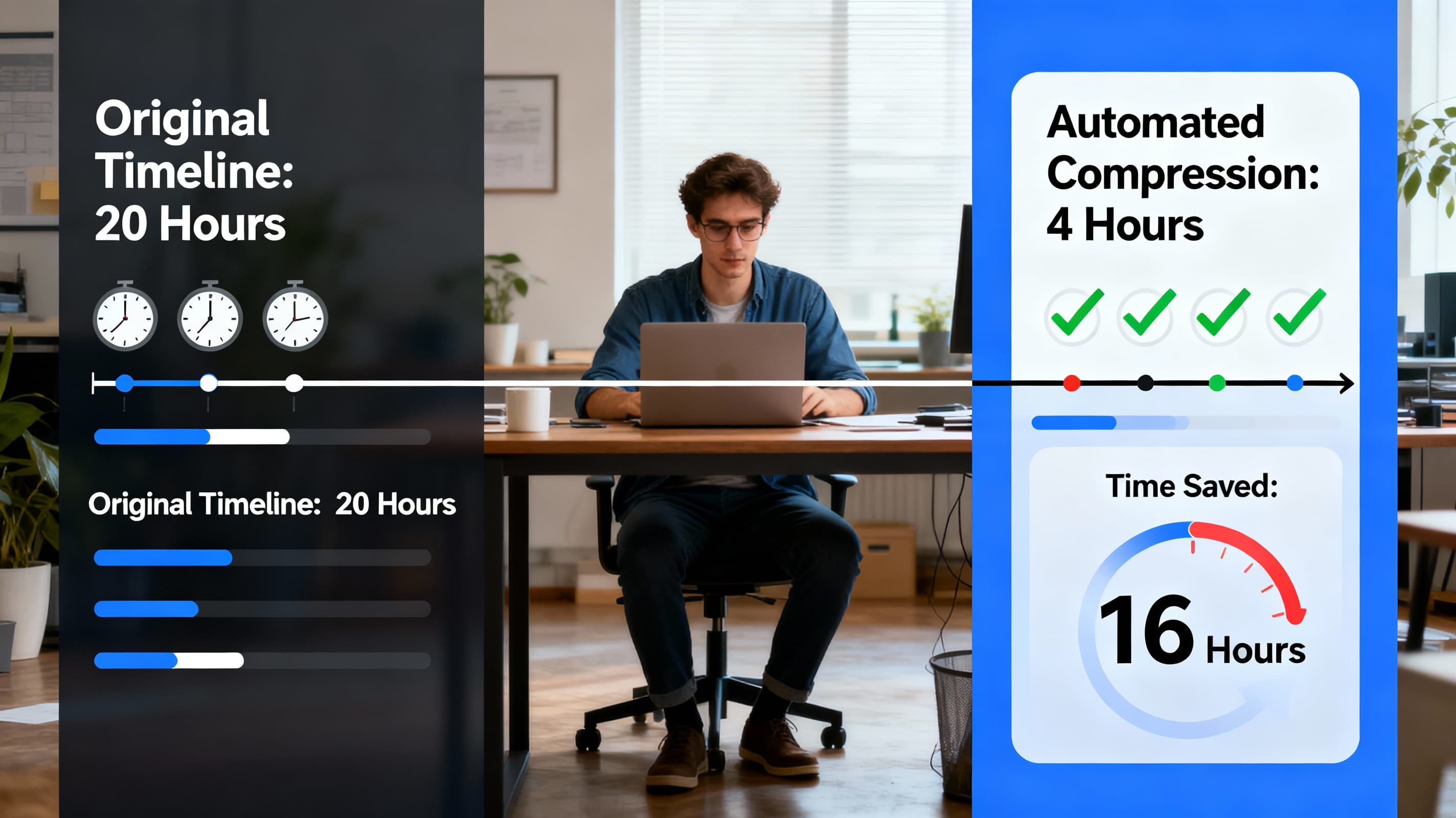
Video Workflow Automation for Content Teams: Save 10+ Hours Weekly
Learn how to automate your video production workflow and save 10+ hours weekly. Practical guide for content teams turning podcasts into viral shorts.

Como Agendar e Publicar Shorts em Todas as Plataformas Simultaneamente
Economize mais de 25 minutos por vídeo com agendamento multiplataforma. Publique no TikTok, Instagram Reels, YouTube Shorts e muito mais ao mesmo tempo. Guia completo aqui.
Análise de Vídeos Curtos: Quais Métricas Realmente Importam em 2026
Descubra quais métricas de vídeos curtos realmente impulsionam o crescimento. Pare de perseguir estatísticas de vaidade e aprenda os KPIs reais que importam no TikTok, YouTube e Instagram em 2026.

Viral Caption Styles 2026: Best Fonts & Trends to Boost Retention
Learn the science behind viral captions in 2026. From karaoke-style highlighting to platform-specific fonts, discover what makes viewers stay and watch.
Como Agências Usam IA para Criar Clips de Vídeo e Escalar Conteúdo de Clientes
Descubra como agências usam IA para gerar mais de 1000 clips por mês. Automatize edição, reduza custos e aumente a satisfação dos clientes em larga escala.