Master AI voiceovers for YouTube Shorts. Free tools, script writing tips, and monetization rules to sound natural and grow your channel.
Scroll any Shorts feed for ten minutes and you'll hear it: clean narration, fast cuts, no face on screen, no mic in sight. That's not a voice actor working cheap. That's AI, and by 2026 it's good enough that most viewers never clock it.
The problem isn't finding an AI voice tool. There are dozens. The problem is that most of them sound like AI voice tools — flat pacing, wrong emphasis, that slightly-too-smooth cadence that makes people scroll past. We went through the free options creators are actually using right now, wrote scripts specifically to see which ones broke the illusion and which held up, and tracked where "free" quietly turns into "pay us."
This isn't a list of every TTS tool with an API. It's what worked, what didn't, and how to write a script that plays to an AI voice's strengths instead of exposing its weaknesses. We'll also cover the monetization question every creator eventually asks: can you actually run ads on AI-narrated content? Short answer: yes, with conditions worth knowing before you build a channel on it.
The script matters more than the voice generator
Most robotic-sounding AI narration isn't the model's fault. It's a script problem. Somebody wrote a blog paragraph, pasted it into a voice generator, and hit render. That paragraph was built for eyes, not ears, and the AI reads it exactly as written — evenly, with no idea where a human would breathe or lean in. Fix the script and the same tool sounds like a different product. As Revid puts it, the trick to AI voice that doesn't sound robotic is the script, not the tool.
Write for spoken delivery, not for reading
Before you generate anything, rewrite the whole thing as if you're talking to one person across a table. Drop the subordinate clauses. Drop the semicolons. If a sentence needs a diagram to parse, it needs to be cut in half.
Break long sentences before you generate audio
Short sentences give the AI voice somewhere to pause. Aim for roughly a third of your sentences under eight words — that's the ratio that lets a script breathe instead of running on. Read the script out loud yourself first. Stumble on a phrase, and the AI will stumble there too; it's not smarter than the words you gave it.
Worth knowing: According to VoiceIndex AI, short-video voiceovers are different from long narration — the first seconds need to be built for the hook, not eased into.
Use contractions and fragments deliberately
"You're" not "you are." "Can't" not "cannot." Incomplete sentences, on purpose, for punch. That's how people actually talk, and leaning into it is free — it costs you nothing but the instinct to write formally.
Front-load the hook in the first three seconds. AI pacing is far harder to fix after the fact than script pacing is to fix before you generate. Rewrite the opening line five times if you have to.
Free AI voice tools we actually use for Shorts
Free voiceover tools fall into two camps: the ones that sound good and cap you on volume, and the ones that never run out but sound like a GPS unit. Pick based on which constraint hurts less. For most Shorts creators, that's the character cap — you're not producing 50 videos a week.
ElevenLabs free tier: 10,000 characters per month
This is the one we reach for first. ElevenLabs has the most natural prosody of any free tier out there — it breathes, it leans into words, it doesn't flatten every sentence to the same pitch. The catch is the cap: 10,000 characters a month, which works out to roughly 15 one-minute Shorts if you're writing tight scripts. Run a talkier channel and you'll hit the wall faster.
Native platform tools: TikTok and Instagram built-in voices
TikTok and Instagram both ship text-to-speech inside their own editors. Zero setup, zero export-import dance, and the audio syncs to your captions automatically because it's the same system generating both.
Quality is inconsistent — some voices sound fine, others sound like 2019. But for a quick Short where the voice is secondary to the footage, native TTS is hard to beat on convenience. According to OfflineTTS, TikTok, YouTube Shorts, and Reels have converged on TTS as a default narration option, not a novelty — which tracks with how normal these voices sound in feeds now.
CapCut fits in a different way. Its auto-caption tool isn't a voice generator, but pair it with audio you've already generated elsewhere — ElevenLabs, a native TTS export, whatever — and import that track, and CapCut becomes your syncing layer. Generate the voice, drop it in, let CapCut caption and time it.
When to skip the free tier and pay
Here's the tradeoff nobody states plainly: free tiers don't limit you by quality. They limit you by volume. The voice sounds the same whether it's your 1st character or your 9,999th. Once you cross 10,000, you either wait a month or pay.
Warning: Watch for tools that watermark exports or cap resolution at 720p to push you toward a paid plan. Your time editing around that limitation costs more than the subscription would.
According to ViralMint, the appeal of free AI voiceover in 2026 is natural text-to-speech without a watermark and without a per-character ceiling — which is exactly the combination that's hard to find for free. If you're publishing daily, that combination is worth paying for. If you post twice a week, stack the free tiers and never touch a paywall.
Matching voice to content without overthinking it

Voice choice paralyzes people more than it should. There's no perfect voice waiting to be discovered on page four of a dropdown menu. There's a good-enough voice, chosen fast, used consistently. That's the whole strategy.
Pick one voice and stick with it across videos
Viewers recognize a recurring voice faster than most creators expect. It's a brand cue the same way an intro sting or a color palette is. Swap it every few uploads and you're quietly asking your audience to re-orient every time a new video loads. That's friction you don't need.
Key Point: Consistency reads as professionalism, even when the voice itself is unremarkable. A recognizable narrator builds trust that a "better" but rotating voice never gets the chance to.
Match energy level to your niche, not your mood
Pick energy based on format, not on how you feel that day. Explainer content — tutorials, how-tos, breakdowns — wants a neutral, mid-paced voice that gets out of the way of the information. Reaction and commentary content wants the opposite: faster delivery, more pitch variation, something that sounds like it's keeping up with the footage.
Accent and gender matter less here than people assume. A calm British voice works for a tech tutorial and a skincare routine equally well, because pacing and tone are doing the actual work, not the accent. Chase the wrong variable and you'll spend hours auditioning voices that all would have worked fine.
Test three voices maximum, then commit
According to OfflineTTS, TikTok, YouTube Shorts, and Reels each have their own conventions around narration style, which is exactly why an endless voice hunt is a trap — you're optimizing for a moving target instead of your own format.
Here's the actual method:
Most creators skip straight to testing a dozen voices and land on none of them, stuck in a loop of almost-right options. Three is enough. Once you've committed, write the settings down — model, speed, stability value, whatever your tool uses — because switching mid-channel confuses returning viewers and kills whatever momentum you'd built.
Syncing AI narration to cuts and captions
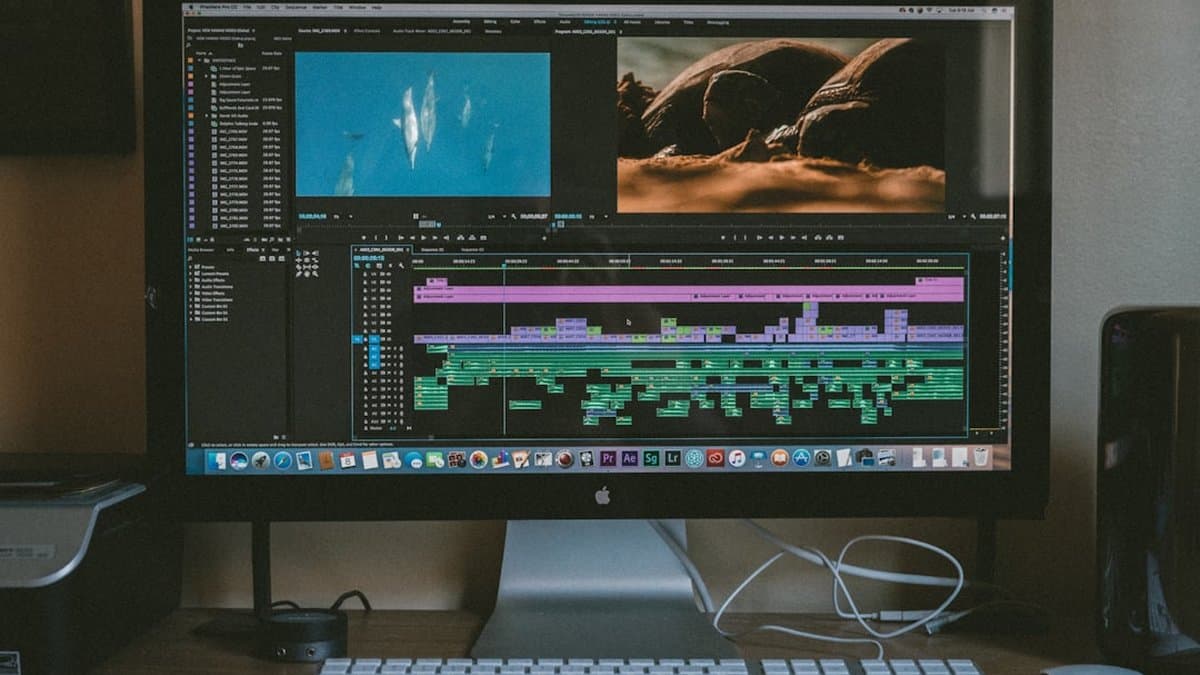
Get the order of operations wrong here and you'll re-edit the same video three times. Voiceover first, video second, captions last. Do it any other way and you're fighting the timeline instead of building it.
Export audio first, edit video to match
Generate the full AI voiceover before you touch the video edit. It's far easier to trim footage to fit a fixed piece of narration than to chop narration to fit footage you've already locked. Once the audio file exists with its exact runtime, you're editing against a fixed target instead of guessing.
This also stops you from re-rendering the voice five times because a cut ran long. The narration is done. The video bends to it.
Use silence as a cut marker
Read your script back and notice where the periods and line breaks land. Those are the pauses an AI voice generator will actually produce, and they're free cut points. Edit your visual change to land on that silence, not mid-sentence.
Worth knowing: A cut that lands exactly on a breath or pause reads as intentional. A cut mid-word reads as a mistake, even if nobody could say why.
Auto-caption tools save hours but need cleanup
According to ViralMint, an AI voice over turns a written script into spoken narration, and once that audio exists, tools like CapCut can generate captions from it automatically. Budget five minutes per video to fix misheard words and awkward line breaks. It's not zero effort. It's just far less than typing captions by hand.
Captions synced word-for-word with the AI voice matter more than people assume — viewers read faster than they listen, so lagging or paraphrased captions create friction nobody names but everyone feels.
If your platform lets you burn captions directly into the video file rather than relying on a native overlay, do that. Burned-in captions play correctly everywhere, including reposts and downloads where platform-native captions vanish. This is exactly the kind of caption-and-crop work AutoShorts automates for long-form clips, word-level timestamps included.
Start with the script, not the settings
If you take one thing from this, take this: rewrite your script for speech before you touch a voice generator. Everything else — which tool, which voice, how you sync captions — matters less and fixes itself once the script sounds like talking instead of writing.
Skip the voice-hunting rabbit hole. Scrolling through forty ElevenLabs voices looking for "the one" wastes an evening and buys you nothing a good-enough voice, picked in two minutes, wouldn't have gotten you.
So: write a 60-second script this week. Read it out loud first. Generate it with ElevenLabs or your platform's native voice, publish it, and see how it lands. If your actual bottleneck is turning long recordings into Shorts rather than generating narration from scratch, AutoShorts transcribes, reframes to 9:16, and burns in word-level captions automatically — the tedious part you'd otherwise be doing by hand.
Start with one video. Not a content calendar.
Frequently asked questions
Yes, you can run ads on AI-narrated Shorts, but there are specific conditions you need to follow. The key is being transparent about AI voice usage and ensuring your content complies with YouTube's policies. Make sure to review monetization guidelines before building your entire channel strategy around AI voices.
Most robotic-sounding AI narration isn't the tool's fault—it's a script problem. When you paste a blog paragraph directly into a voice generator, the AI reads it evenly with no natural pauses or emphasis because the text wasn't written for spoken delivery. Rewriting your script for conversational speech dramatically improves how natural the AI voice sounds.
Write as if you're talking to one person across a table: use contractions, short sentences, and fragments for punch instead of formal writing. Break long sentences to give the AI pauses, aim for roughly a third of your sentences under eight words, and always read the script aloud yourself first. Front-load your hook in the first three seconds since AI pacing is harder to fix after generation.
The process is straightforward: write your script optimized for spoken delivery, paste it into a free AI text-to-speech platform, generate the audio file, and upload it alongside your video in the YouTube Shorts editor. The critical step is preparing your script first—tool selection matters less than script quality when creating voiceovers for Shorts that actually engage viewers.
Yes, multiple free AI voice options exist that creators are actively using in 2026, though many start free before costs appear. The best tools for Shorts specifically are optimized for short-form content and avoid that flat, overly-smooth cadence that makes viewers scroll past. Your script quality determines whether viewers think they're hearing a real person or an AI, regardless of which free tool you choose.
Writing for reading uses complex sentences, subordinate clauses, and formal punctuation designed for eyes; writing for AI voiceover uses short sentences, contractions, and fragments designed for ears. When you write conversationally and break content into natural speech patterns, the same AI voice tool produces dramatically better results. The script structure is what allows an AI narrator to sound like a person speaking naturally rather than a robot reading.