
Introduction: Welcome to the "Authenticity" Era
Let's be real for a second. By late 2025, LinkedIn had a problem. The feed was drowning in AI-slop—robotic comments like "Great insights, Sir!" and posts that sounded like they were written by a calculator.
Welcome to 2026. The pendulum has swung back. The "Cool Uncle" era of 2025 has evolved into the "Authenticity Era."
The algorithm has gotten smarter. It now hates generic content even more than you do. It's hunting for humanity. It wants raw video, unfiltered opinions, and community-building that feels like a dinner party, not a billboard.
If you're reading this, you want to know how to survive and thrive in this new landscape. You don't need a marketing degree; you just need to stop acting like a corporation and start acting like a person.
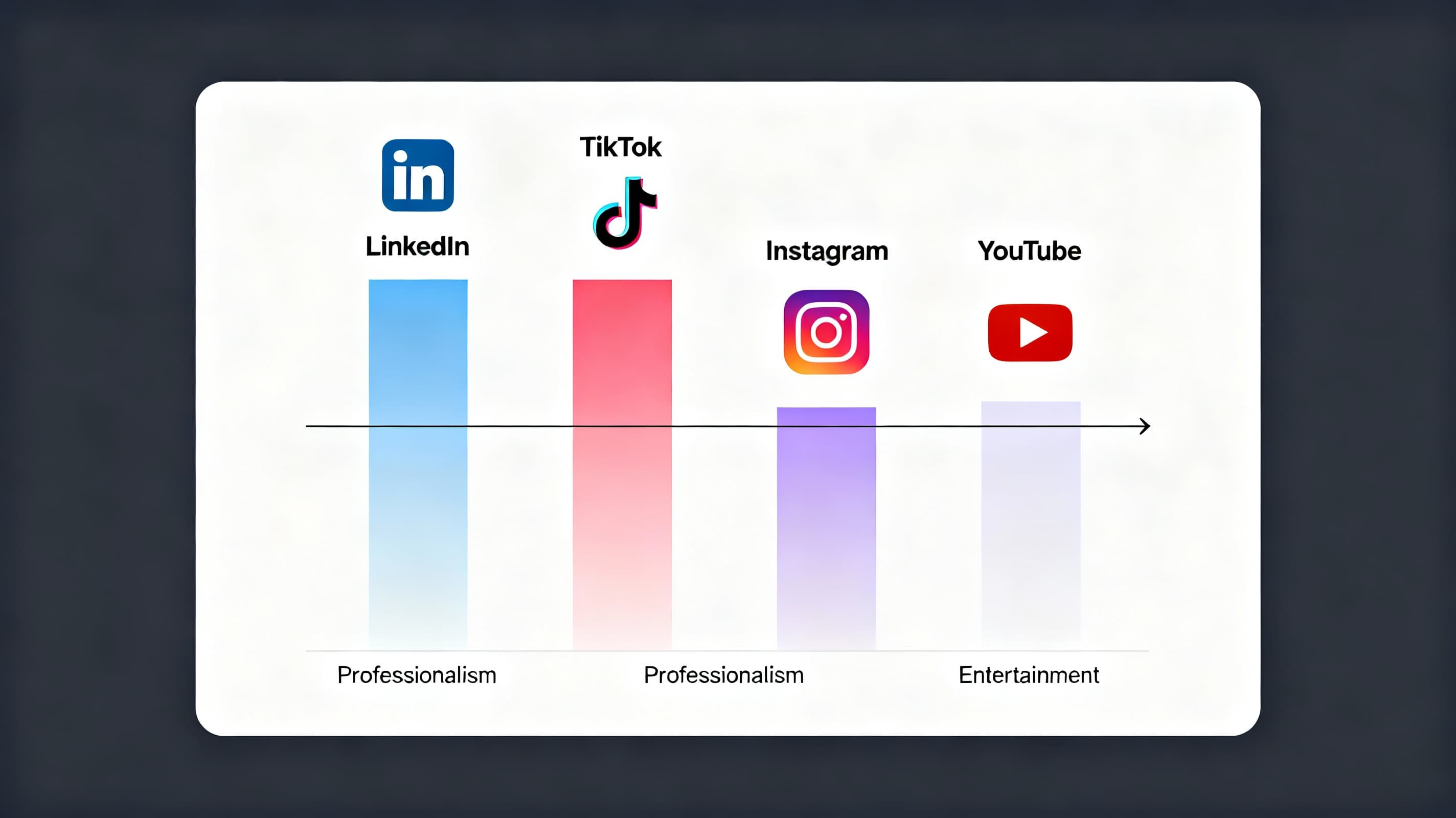
LinkedIn in 2026 stands apart from other platforms with its focus on authenticity and professional value.
The Short-Form Video Evolution (Vertical & Value)
The "Anti-TikTok" Approach
By 2026, we've all agreed: LinkedIn isn't TikTok. We aren't here for dances. We aren't here for pranks. We are here to get smarter, faster.
The biggest mistake creators made in 2024/2025 was repurposing content blindly. They took a trending audio from Instagram and slapped it on LinkedIn. That is dead.
The 2026 Video Formula: "The Knowledge Nugget"
Your video needs to respect the viewer's intelligence.
- Length: The sweet spot has tightened. 45-60 seconds is the gold standard.
- The Hook (0-3s): Don't introduce yourself. Nobody cares yet. Start with the problem.
- The Meat (3-50s): One clear, actionable tip. Not three. One.
- The CTA (50-60s): Don't ask for a follow. Ask for a thought. "Has this happened to your team?"
"Hi, I'm Dave and I'm a sales coach."
"Most sales emails get deleted in 2 seconds. Here is why."
Why This Works
The 2026 algorithm tracks "Completion Rate" aggressively. If people drop off because you're rambling about your weekend, your reach tanks.
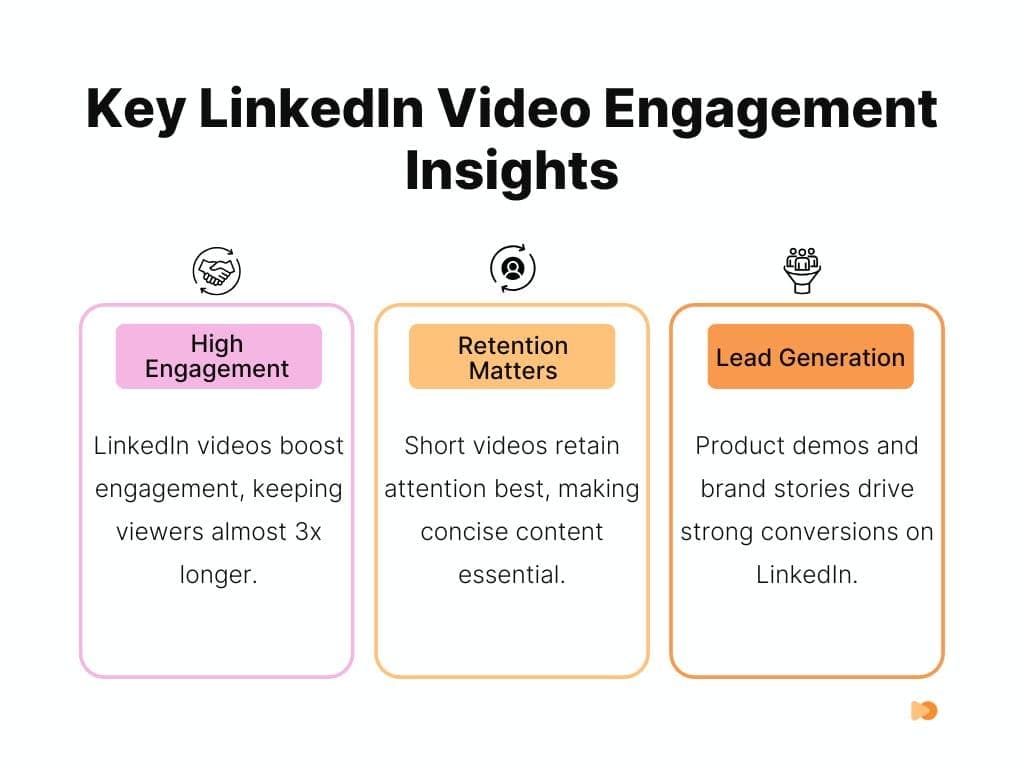
LinkedIn video statistics show the shift toward short-form content and engagement metrics.
The "Silent" Viewer Strategy
85% of LinkedIn users watch video with the sound OFF.
They are on the subway, in a boring Zoom meeting, or in line at a coffee shop. If your video relies on your voice alone, you are invisible to 85% of your audience.
The "Kinetic Caption" Standard
In 2026, captions aren't an accessibility "nice-to-have"—they are your primary visual hook.
DON'T: Use auto-generated tiny text.
DO: Use AutoShorts. Forget boring static subtitles. You need captions that pop, bounce, and change color to match your energy.
This tool automates the "Kinetic Typography" style that keeps the lizard brain engaged, making your video look like a high-budget production in seconds. It turns a standard talking head video into a visual experience, ensuring people watch even when their phone is on mute.
Visual Interrupts: Every 5-7 seconds, the screen should change. Change the angle, add a chart, pop up an emoji. It resets the viewer's attention span.
Think of your video as a silent movie that also has great audio.
The Algorithm: "Dwell Time 2.0" & The Comment Section
The "Robot Judge" (LinkedIn's algorithm) has evolved. It used to care about Likes. Now, it thinks Likes are lazy.
The New Metric: "Conversation Depth"
In 2026, a post with 10 comments that have replies is worth more than a post with 100 likes. The algorithm is looking for threads.
The Engagement Loop Strategy
The Question
End every video/post with a question that can't be answered with "Yes" or "No."
The Reply
When someone comments, don't just say "Thanks!" Ask a follow-up.
The Result
This creates a "thread." The algorithm sees people talking back and forth and thinks, "Whoa, this is a hot topic. Show this to more people."
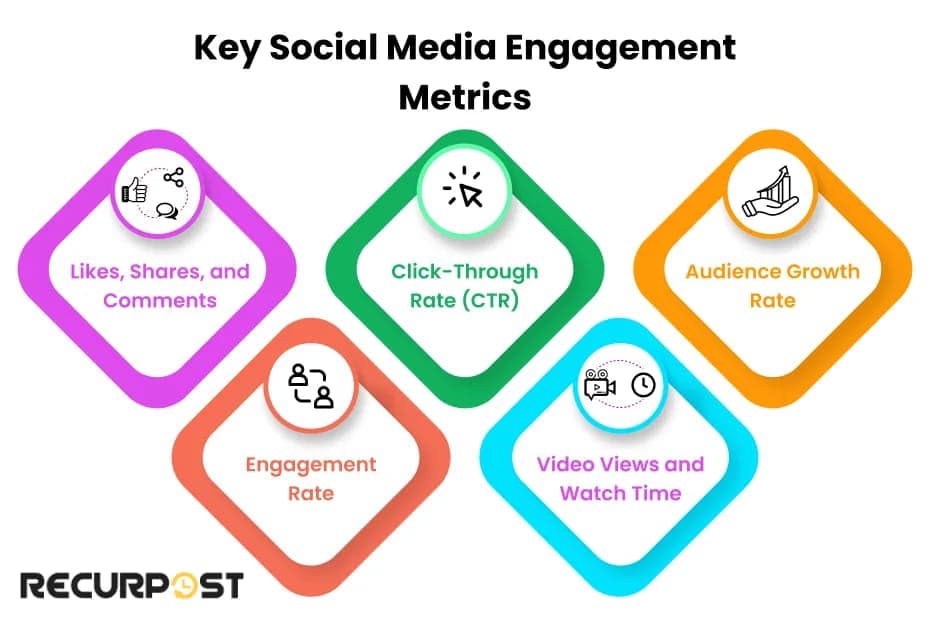
Understanding conversation depth and dwell time is key to LinkedIn algorithm success.
Beyond Video: The Carousel & Text Renaissance
Video is king, but Carousels (PDFs) are the queen.
Why? Dwell Time.
When someone swipes through 10 slides, they are spending 45-60 seconds on your post. That signals massive quality to the algorithm.
The "Zero-Click" Content Trend
LinkedIn (like all platforms) is greedy. It hates when you add a link that says "Read more on my blog." It will bury that post.
The Fix: Give the value right there.
The Carousel Structure:
- Slide 1:Big scary headline.
- Slide 2:The Context.
- Slides 3-8:The Steps (Visuals/Charts).
- Slide 9:The Summary.
- Slide 10:"Follow for more."
Text is Not Dead (The "Bro-etry" is Dead)
You know those posts with one...
word...
per...
line?
Those are dead.
In 2026, people want density. Write long paragraphs. Tell a story. Use "The Founder Mode" voice—vulnerable, detailed, and slightly raw. We want to know about the deal you lost, not just the one you won.
Profile SEO: Turning Your Profile into a Landing Page
Most people treat their profile like a CV. In 2026, it needs to be a Landing Page.
LinkedIn is the new Google. People search "SaaS copywriter" or "Fractional CFO." If those words aren't in your Headline, About Section, and Experience, you don't exist.
The "I Help" Formula
Ditch the fancy titles like "Chief Visionary Officer." Nobody searches for that.
Headline Formula:
[Job Title] | Helping [Target Audience] achieve [Result] | [Fun Fact]
Example: "Video Editor for B2B Founders | Helping you launch a podcast in 30 days | Pizza Enthusiast"
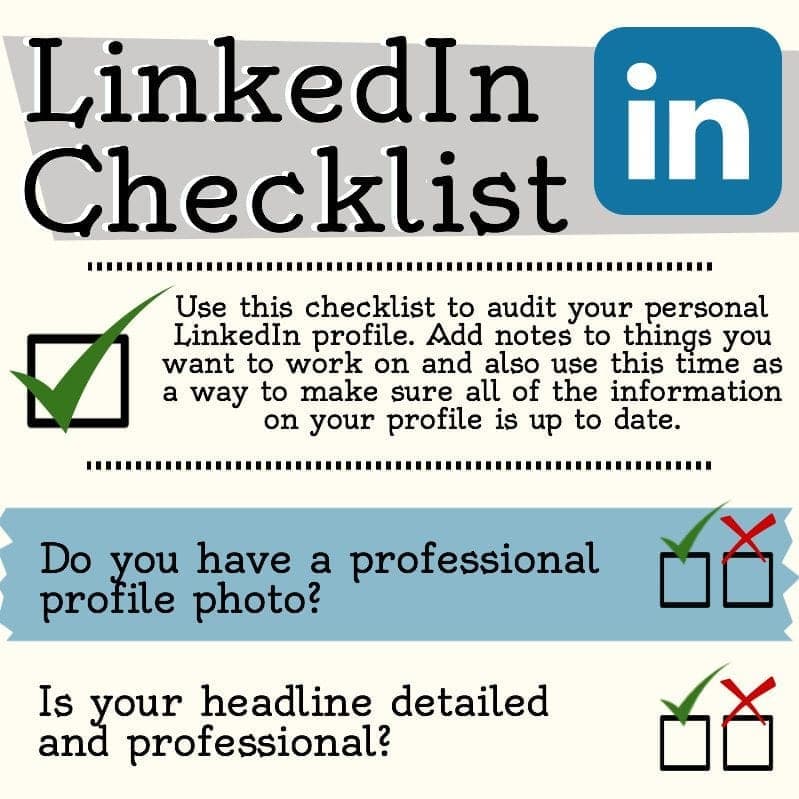
Optimize your LinkedIn profile as a landing page with searchable keywords and clear value propositions.
The "Ghost" Connection Strategy (The Familiarity Loop)
Cold outreach is dead. If you send a sales pitch in a connection request, you are blocked.
The 2026 Playbook: The Familiarity Hack
We are leveraging psychology here. It's called the "Mere Exposure Effect."
The Stakeout
Identify 10 "Dream Clients."
The Hover
Ring their profile bell. When they post, you are the first to comment.
The Value Add
Drop a smart comment. Not "Great post!" but "I love this point about X, but have you considered Y?"
The Loop
Do this 5 times.
The Blank Request
Send a connection request with NO NOTE.
Why Blank?
If you write a note, they expect a pitch. If you send it blank, they pause. They look at your face. They think, "Wait, I know this person. They always comment on my stuff. They must be in my circle."
Click. Accepted.
Now you are in their feed forever.
Monetization & Lead Gen (The "Soft Sell")
In 2026, the "Hard Sell" is offensive. The "Soft Sell" is profitable.
The "Newsletter" Funnel
LinkedIn Newsletters are huge in 2026. Why? Because they push a notification to every single subscriber's email.
The Strategy:
You move them from Rent (LinkedIn feed) to Owned (Email list) to Revenue (Client).
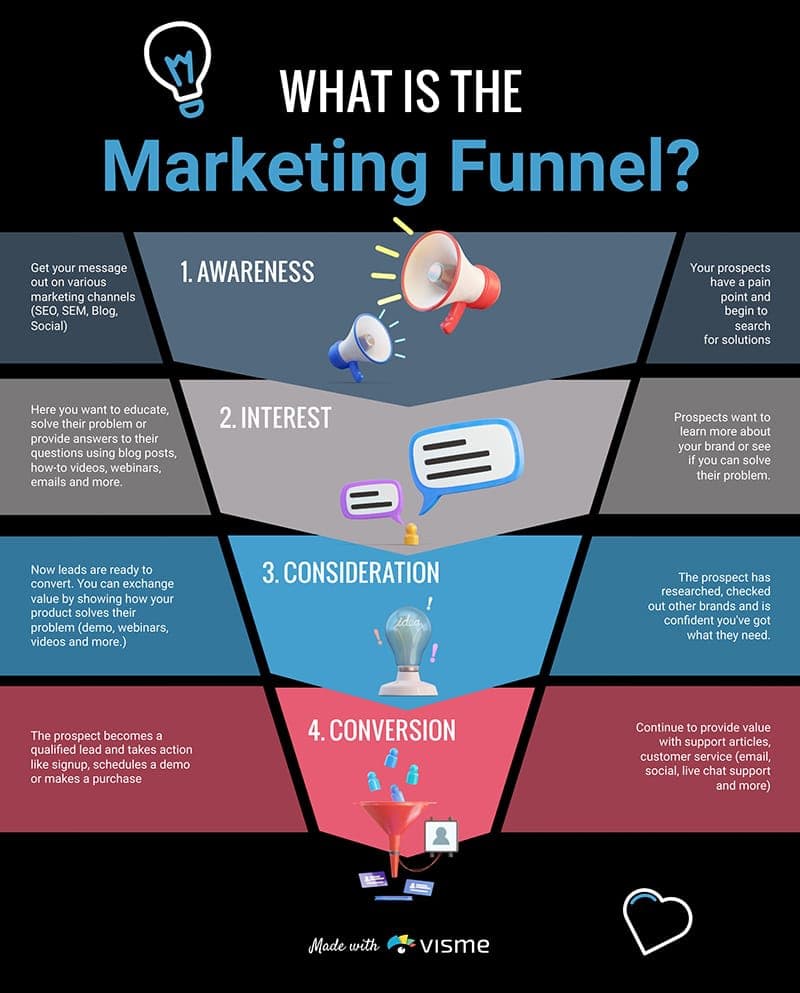
The newsletter funnel moves audiences from rented reach to owned email lists to revenue.
Conclusion: Be the Glitch in the Matrix
The future of LinkedIn isn't about outsmarting the algorithm. It's about out-humaning the bots.
While everyone else is using AI to write generic comments and filming polished, soulless videos, you will be the glitch. You will be the one posting a selfie video with messy hair, talking about a mistake you made, and asking a real question.
That is what stops the scroll in 2026.
The breakroom is open. Go make some noise.
Ready to Create Scroll-Stopping LinkedIn Videos?
The difference between a creator who struggles with silent viewers and one who captivates them often comes down to captions. Kinetic captions that pop, bounce, and change color keep the lizard brain engaged—even on mute.
Our LinkedIn Video Maker automatically transforms your videos with AI-powered speaker tracking, animated subtitles, and perfect vertical formatting—turning standard talking head videos into scroll-stopping LinkedIn content in seconds.
Related Resources
Who's Behind AutoShorts

Nicolai Gaina
Founder, AutoShorts
Software Engineer with over 12 years of professional experience in the San Francisco Bay Area. Specializing in software building, content creation and growing social media, he excels in driving data-driven growth, AI and making impactful online tools for Content Creators.
Follow on: LinkedInMore about AutoShorts
Related Posts

Multi-Platform Video Distribution Strategy: Optimizing Shorts for YouTube, TikTok, Instagram, and LinkedIn
Learn how to adapt your short-form videos for each platform's unique algorithm. Stop posting the same video everywhere and start seeing real results.
Ideal LinkedIn Video Length & Format
Discover optimal LinkedIn video length (30-90 sec) and format specs that maximize engagement and algorithm reach. Data-driven guide for professionals.

Turn Blog Posts Into Viral Shorts: The Content Repurposing Playbook
Stop letting your blog posts work at 20% capacity. Learn the proven framework for repurposing written content into viral TikTok, YouTube Shorts, Instagram Reels, and LinkedIn videos that multiply your reach by 5-10x.

How to Explode Your TikTok Views in 2026
Stop struggling with 50 views. Master the 3-second rule, watch time optimization, content pillars, and the TikTok algorithm to grow your audience in 2026.
How Coaches and Consultants Can Use AI Video Clips for Lead Generation
Discover how coaches use AI video to boost lead generation 40%. Create engaging clips in minutes, not hours. Increase conversions & save time.

How to Make Viral Videos in 2026: The Complete Guide
Stop chasing the algorithm. Learn the proven framework for creating viral videos that people actually want to share—from hooks that grab attention in 3 seconds to the emotions that drive millions of views.