AutoShorts vs CapCut

The Best CapCut Alternative

Stop spending hours manually editing in CapCut. AutoShorts uses AI to automatically find viral moments, track speakers, and add animated subtitles — turning long videos into shorts in minutes.

or

No credit card required — 3 free clips included

AutoShorts vs CapCut

See how AutoShorts compares for automated short-form video

AutoShorts

Columbia ASD Speaker Detection
Word-Level Animated Subtitles
Multi-Model AI (Claude + Gemini)
Pay-Per-Use Pricing (No Subscription)
YouTube URL Import
Multi-Platform Publishing
Vertical Video (1080x1920)
Fully Automated (No Manual Editing)
8/8
VS

CapCut

Columbia ASD Speaker Detection
Word-Level Animated Subtitles
Multi-Model AI (Claude + Gemini)
Pay-Per-Use Pricing (No Subscription)
YouTube URL Import
Multi-Platform Publishing
Vertical Video (1080x1920)
Fully Automated (No Manual Editing)
2/8

How it works

1

Upload your video

Drop a file or paste a YouTube link

2

AI transcribes

Word-level timestamps in seconds

3

Detects viral moments

Finds the most compelling clips

4

Ready to post

Vertical clips with subtitles & captions

Built by a creator, for creators

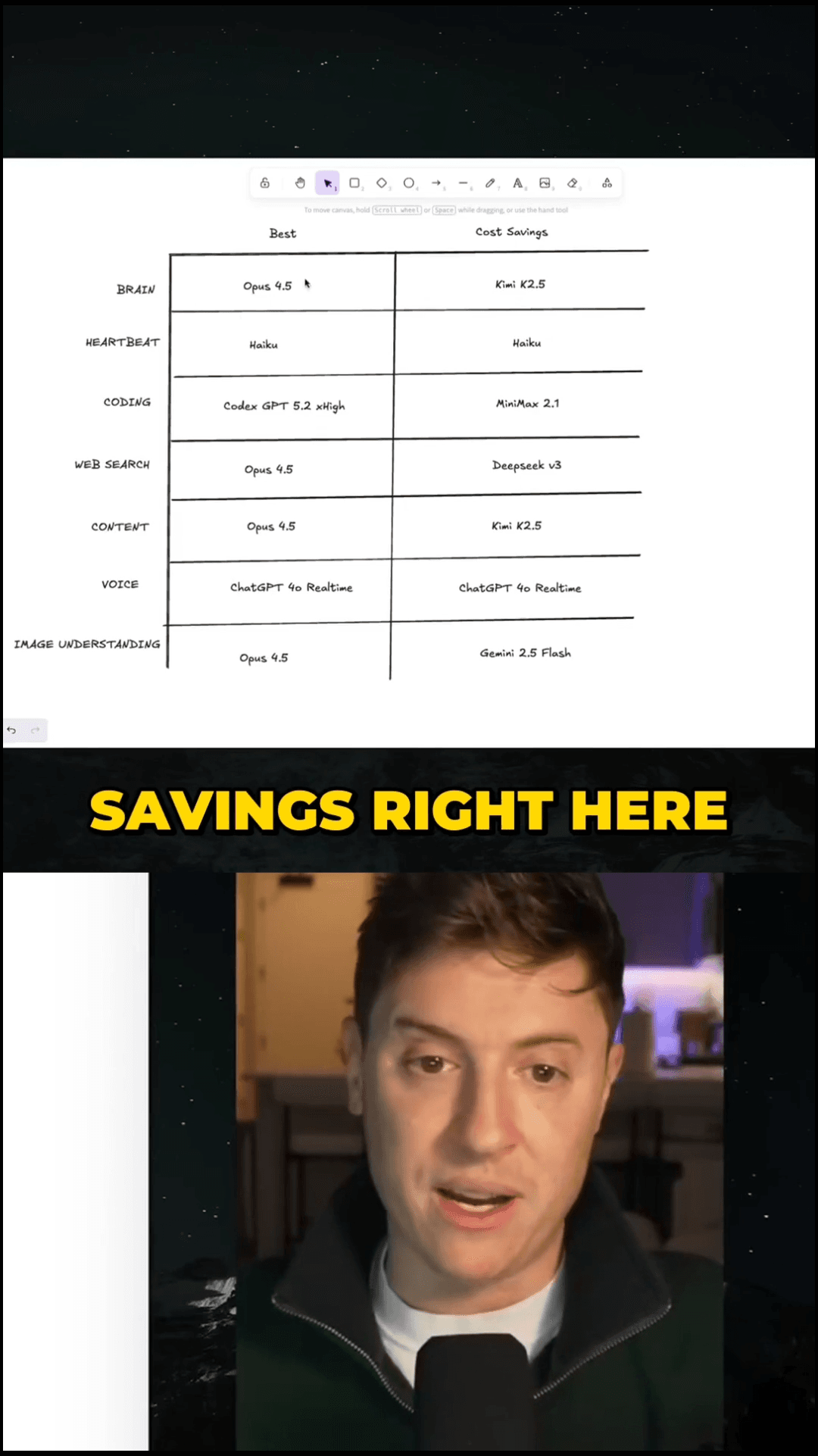
See the clips our users are creating with AutoShorts every day
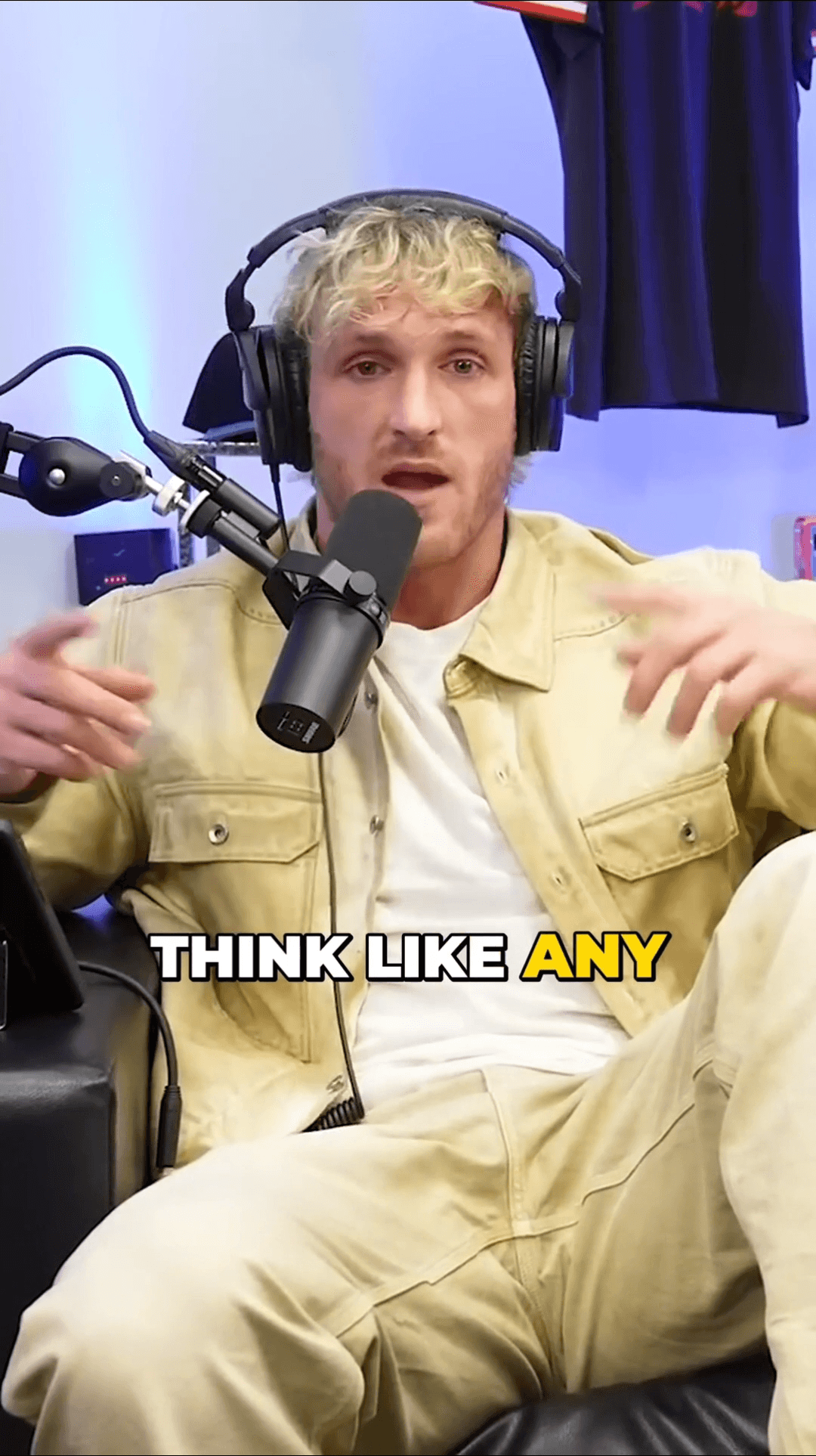
Creator clip 1
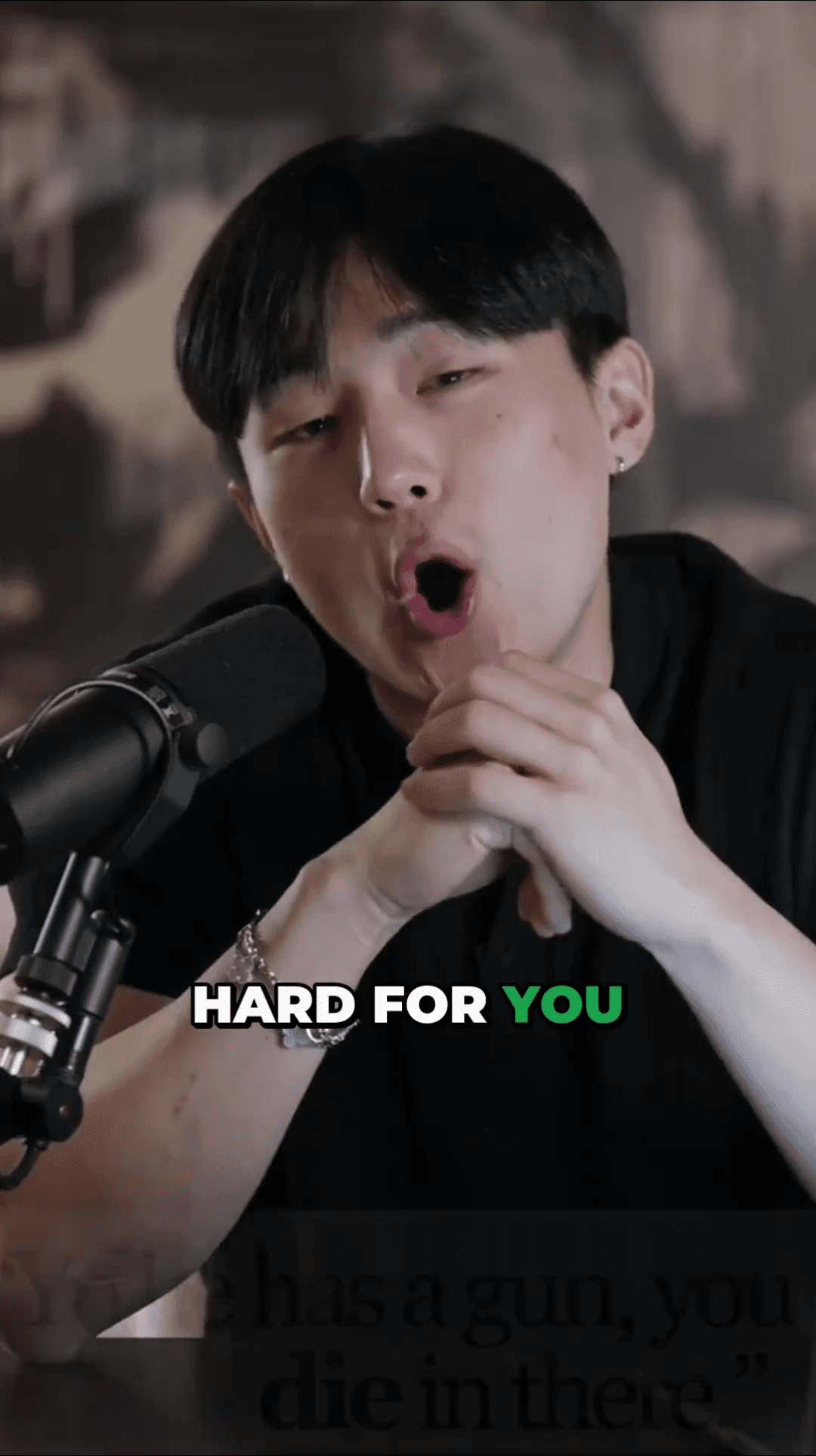
Creator clip 2
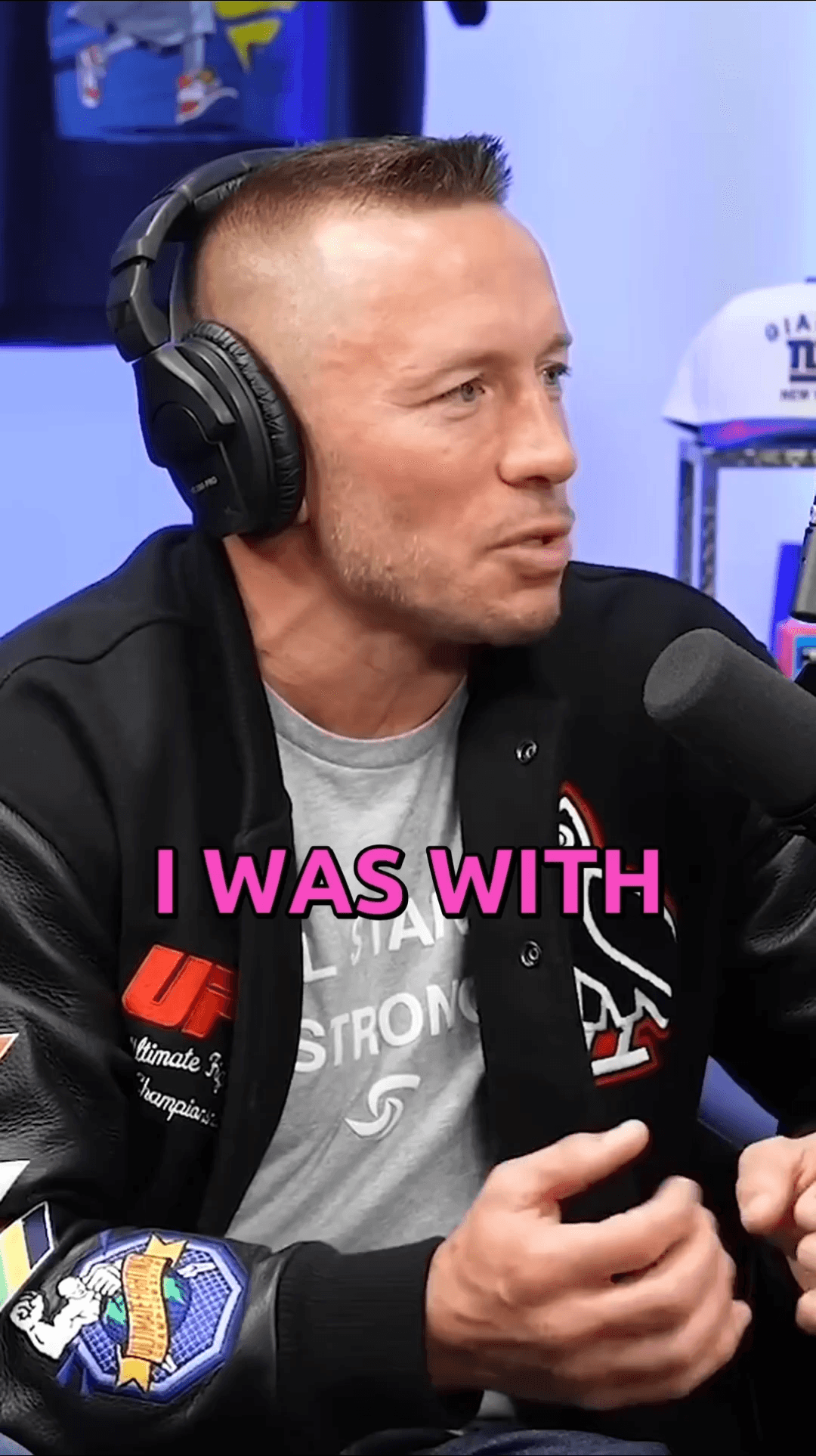
Creator clip 3
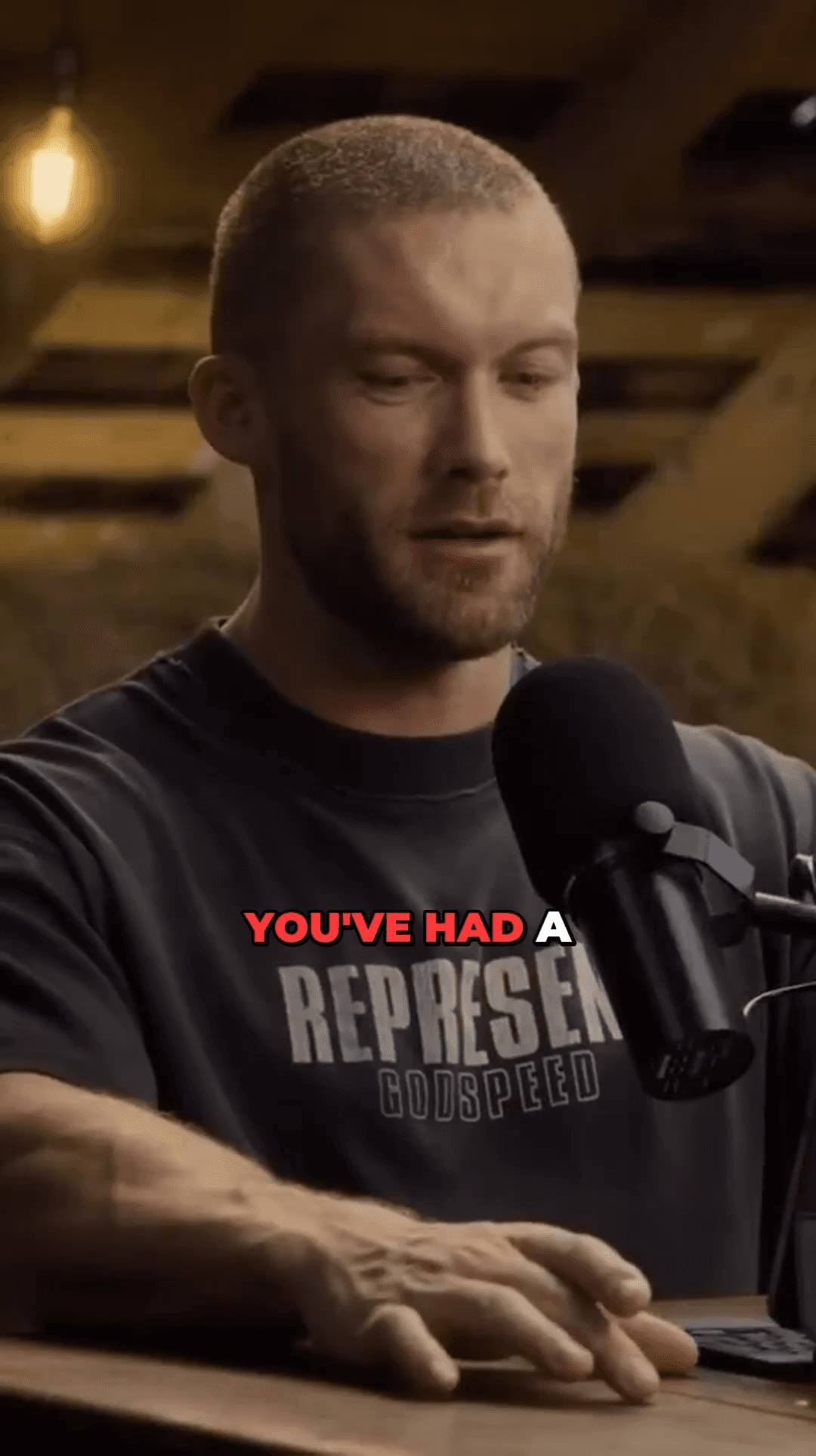
Creator clip 4
Creator clip 5
Creator clip 6
Creator clip 7
Creator clip 8
Creator clip 1
Creator clip 2
Creator clip 3
Creator clip 4
Creator clip 5
Creator clip 6
Creator clip 7
Creator clip 8
Creator clip 1
Creator clip 2
Creator clip 3
Creator clip 4
Creator clip 5
Creator clip 6
Creator clip 7
Creator clip 8
Creator clip 1
Creator clip 2
Creator clip 3
Creator clip 4
Creator clip 5
Creator clip 6
Creator clip 7
Creator clip 1
Creator clip 2
Creator clip 3
Creator clip 4
Creator clip 5
Creator clip 6
Creator clip 7
Creator clip 1
Creator clip 2
Creator clip 3
Creator clip 4
Creator clip 5
Creator clip 6
Creator clip 7

Why Creators Choose AutoShorts

Specialized AI automation vs CapCut's general editing workflow

Columbia ASD Technology

Research-grade speaker detection uses audio-visual analysis to track who's talking — more accurate than general face tracking.

Animated Subtitles

Auto-generated word-by-word animated captions. No need to manually add and time subtitles in CapCut.

Smart Viral Detection

AI finds the best moments from your full video — CapCut requires you to find and trim clips yourself.

Lightning Fast Processing

Upload once, get multiple finished clips in minutes. No editing timeline, no manual export.

Pay Only for What You Use

Affordable credit packs with no expiration. No hidden fees or premium feature locks.

Multi-Platform Ready

Publish directly to TikTok, Instagram Reels, YouTube Shorts — no downloading and re-uploading.

Competitor
~45 min
AutoShorts
~5 min

Up to 9× faster processing

Frequently Asked Questions

Everything you need to know about switching from CapCut to AutoShorts

While CapCut offers some AI features like AutoCut, AutoShorts is purpose-built for long-to-short conversion with research-grade Columbia ASD speaker detection, multi-model AI moment selection, and no subscription required.
Dramatically faster. What takes 30-60 minutes per clip in CapCut takes just a few minutes with AutoShorts. Upload your video and AI creates multiple clips automatically.
Yes! You can choose caption styles and customize the output. But the heavy lifting — moment selection, cropping, subtitles — is all automated.
Yes! Every new account gets 3 free clips to test the platform. No credit card required to sign up.
Yes! Paste any YouTube URL and AutoShorts downloads, analyzes, and creates clips automatically. CapCut requires you to download videos separately first.

Ready to Make Better Shorts?

Stop spending hours editing in CapCut. Let AutoShorts.APP create professional short-form clips in minutes.

No credit card required — 3 free clips included

Compare More Alternatives

See how AutoShorts stacks up against other video clipping tools