Face-Tracked Framing
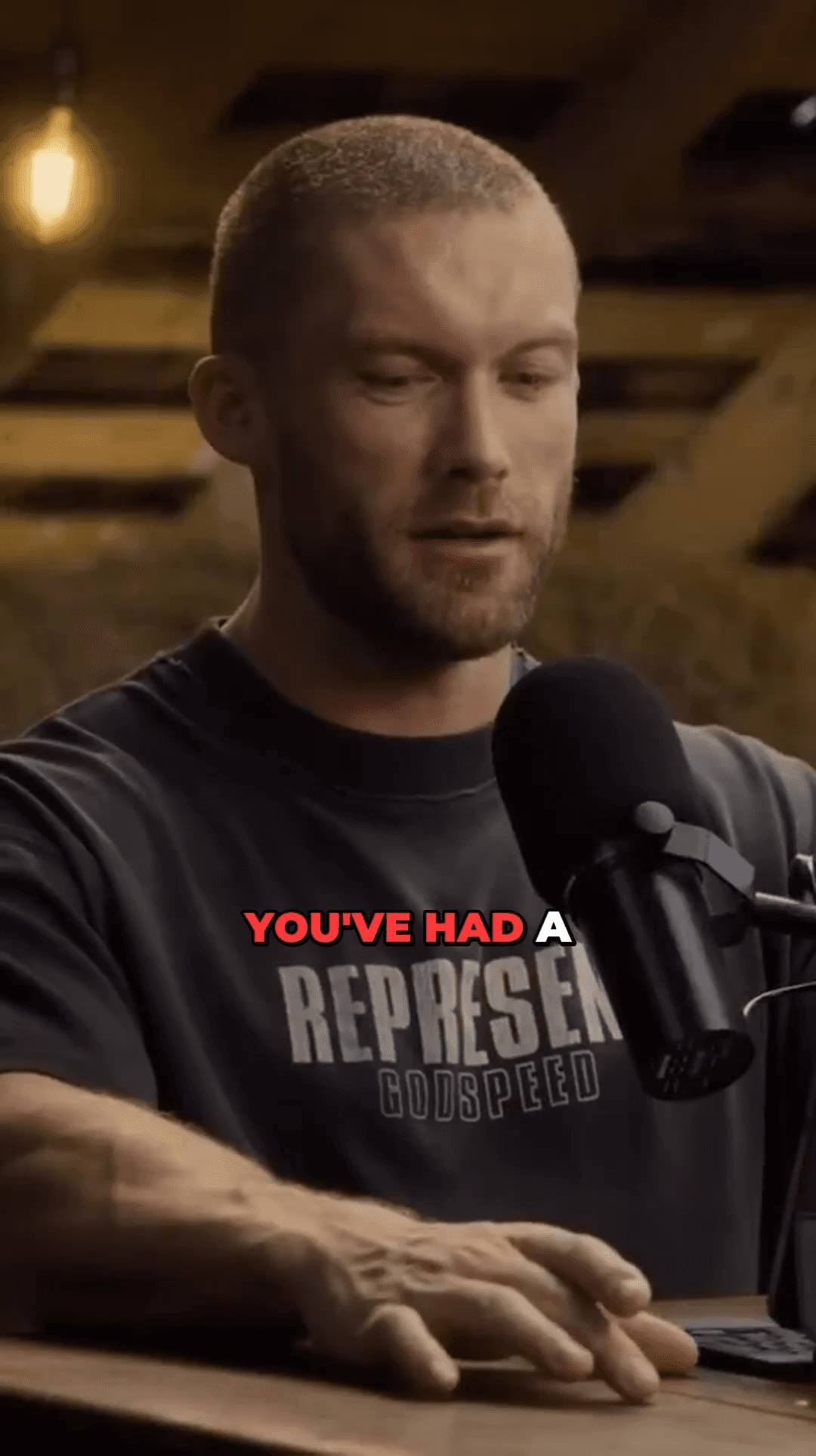
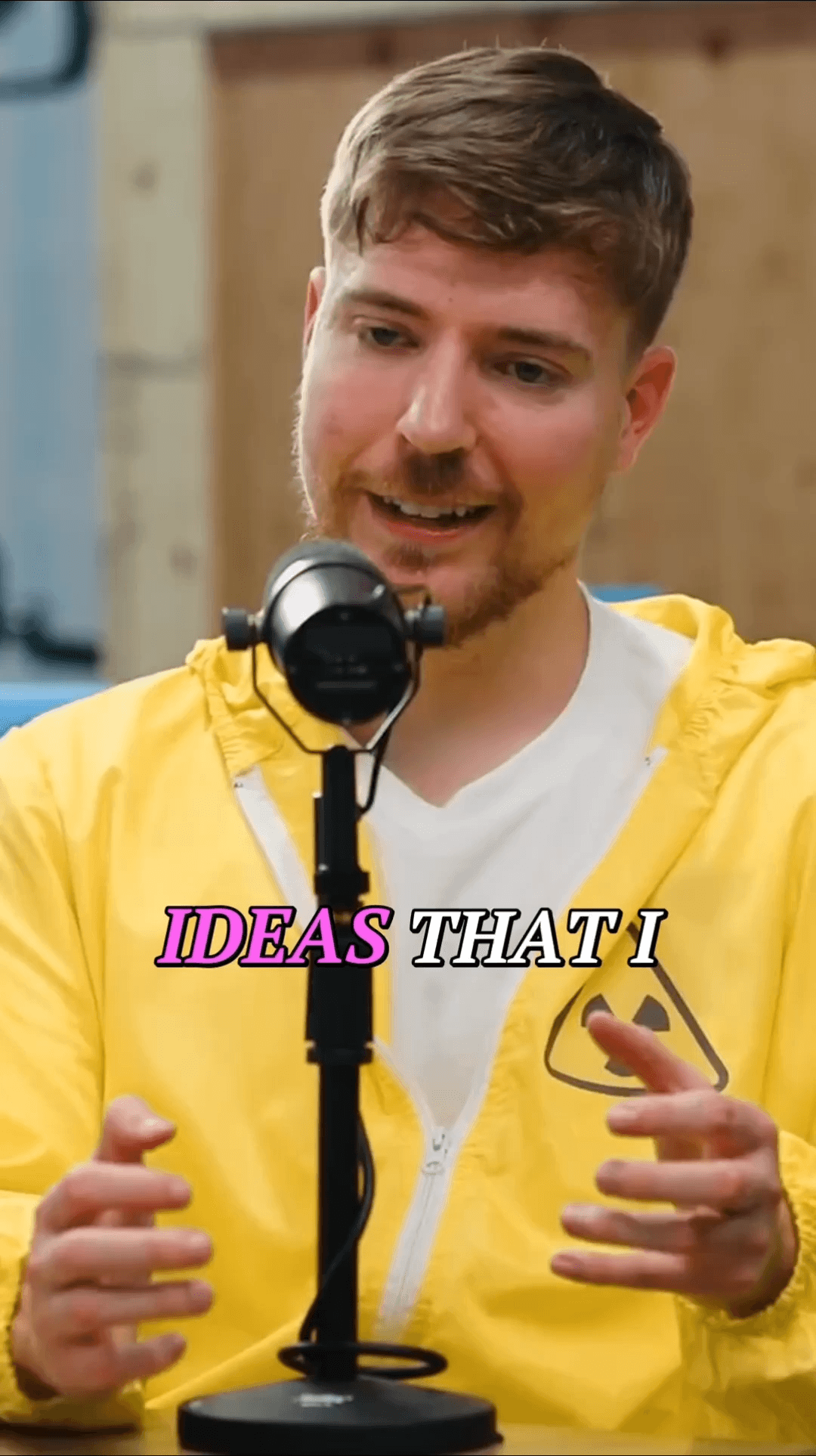
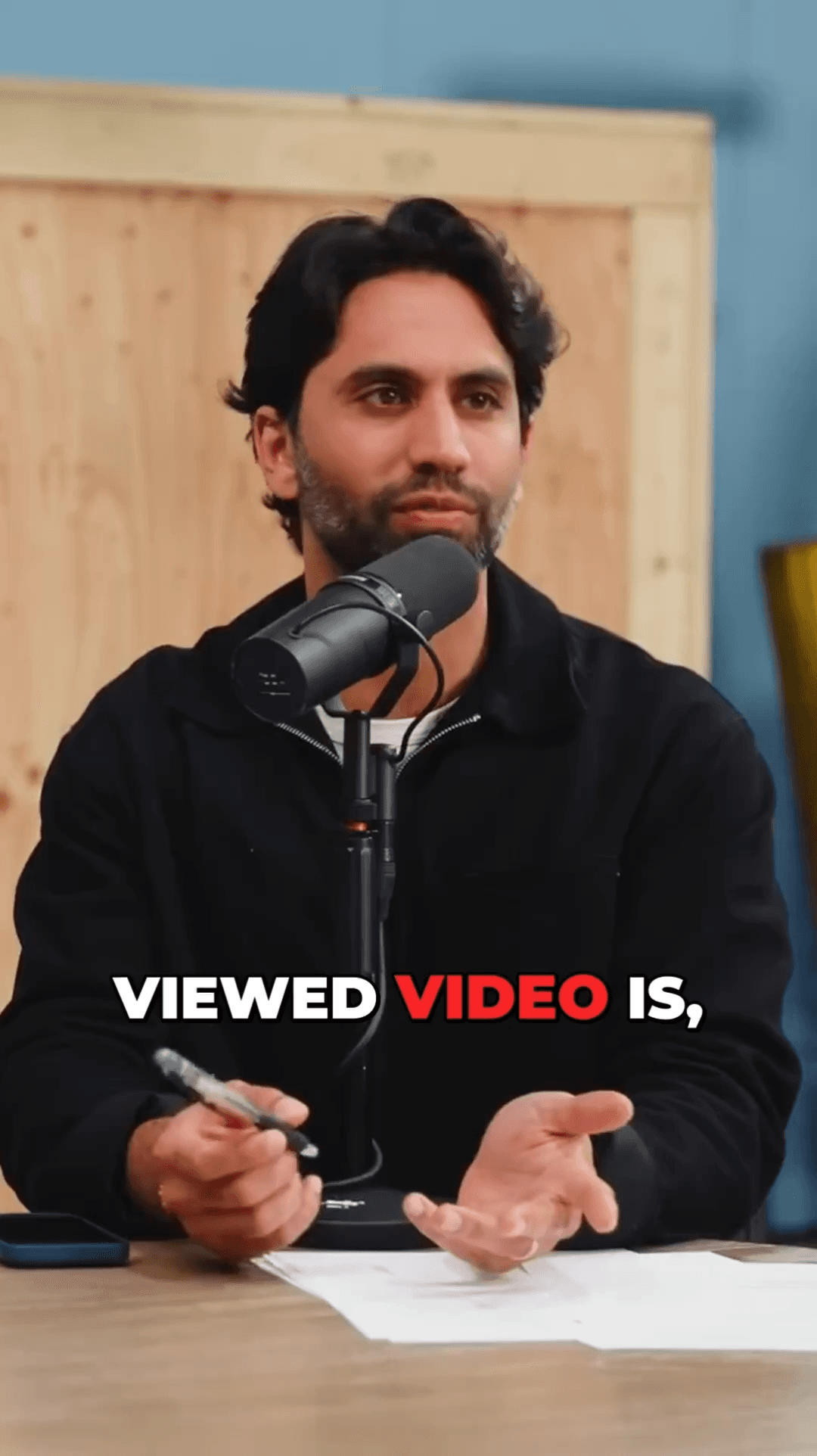
Face detection runs on every frame and the crop locks onto one subject, so the frame follows them instead of jumping between faces.
AutoShorts goes beyond basic clip generation with steady face-tracked reframing, word-level animated subtitles, and AI-powered viral moment identification. Switch today and create better shorts, faster.
No credit card required — 3 free clips included
See how AutoShorts compares feature-by-feature
Upload your video
Drop a file or paste a YouTube link
AI transcribes
Word-level timestamps in seconds
Detects viral moments
Finds the most compelling clips
Ready to post
Vertical clips with subtitles & captions
Upload your video
Drop a file or paste a YouTube link
AI transcribes
Word-level timestamps in seconds
Detects viral moments
Finds the most compelling clips
Ready to post
Vertical clips with subtitles & captions
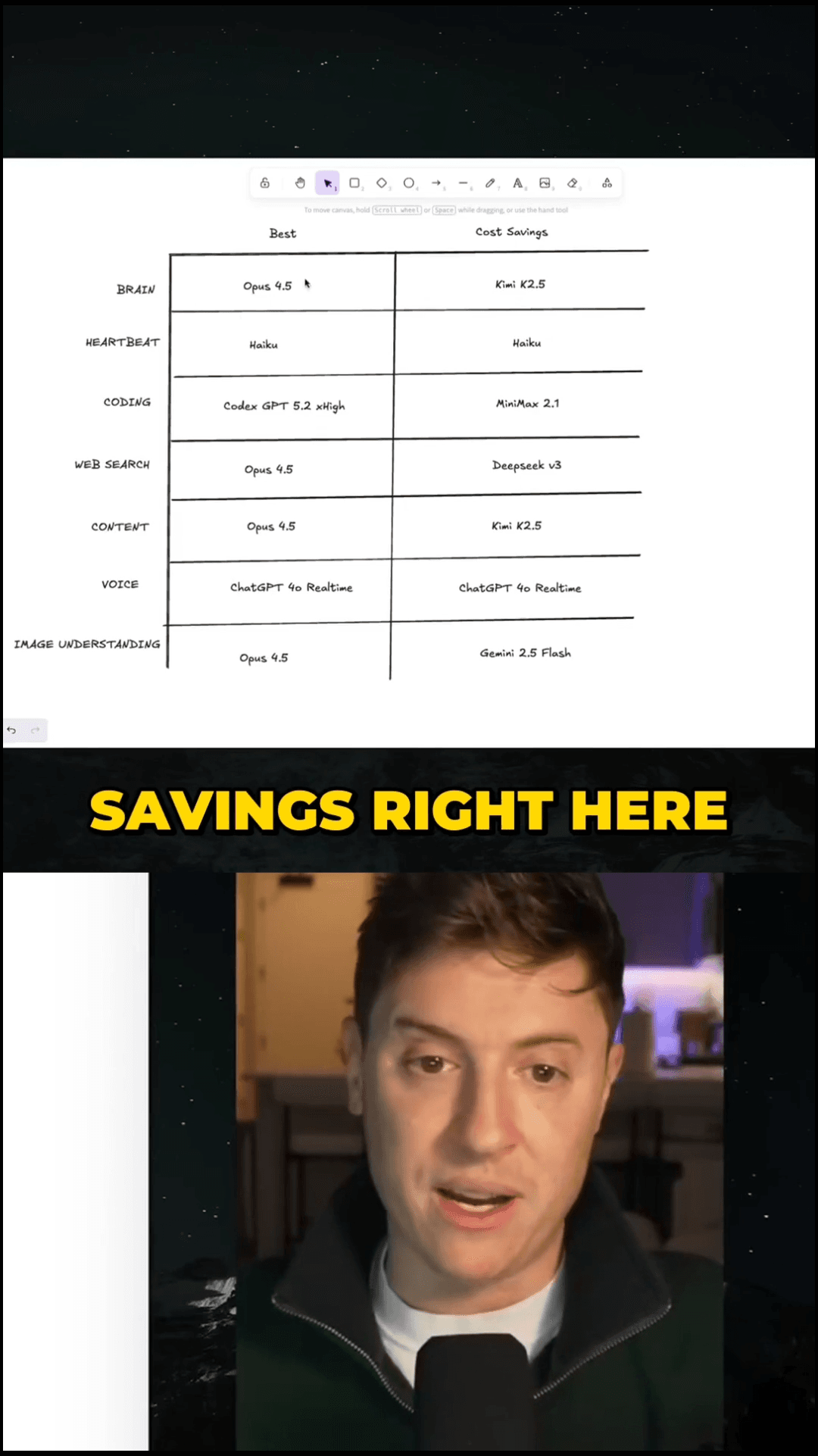
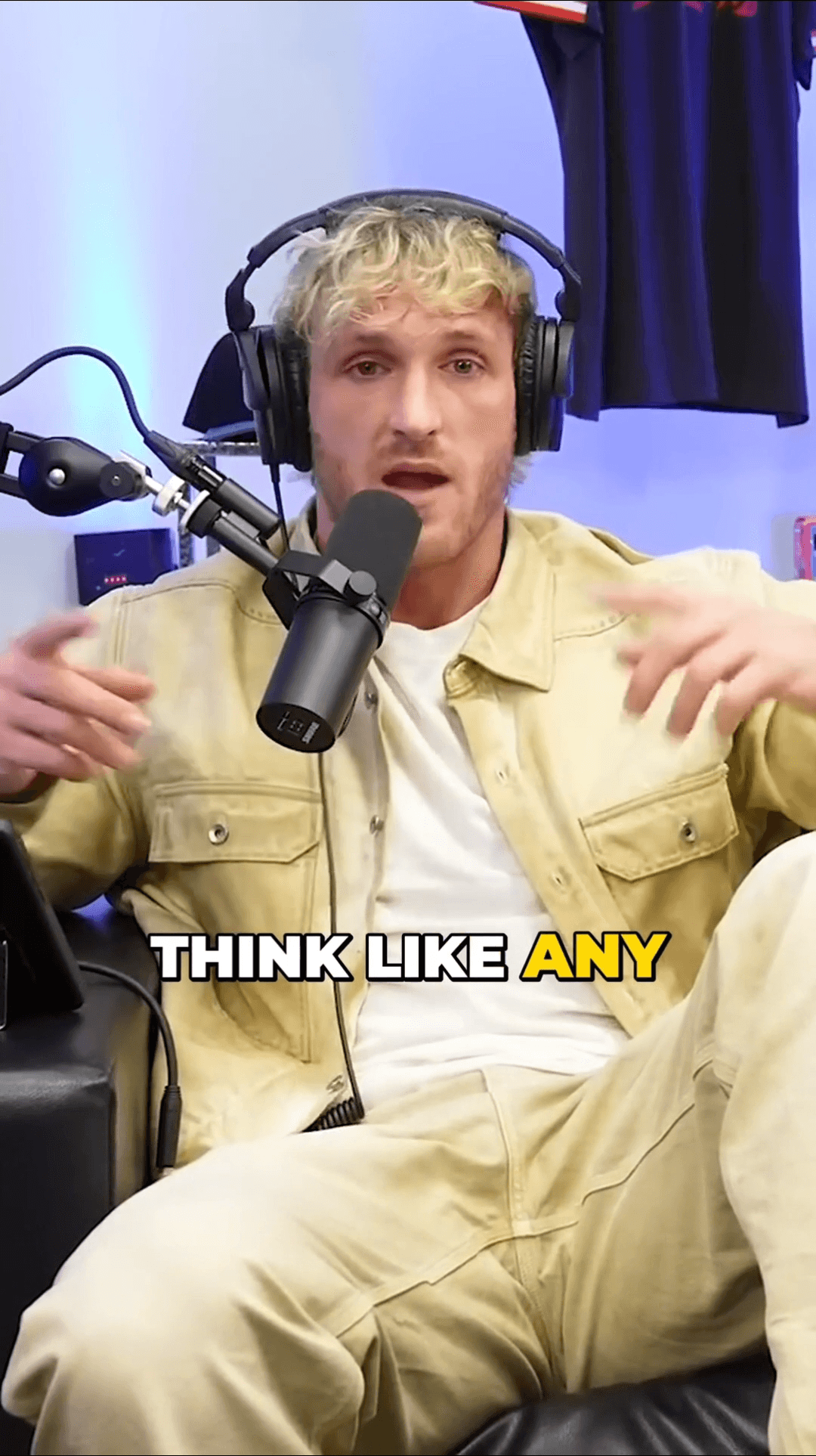
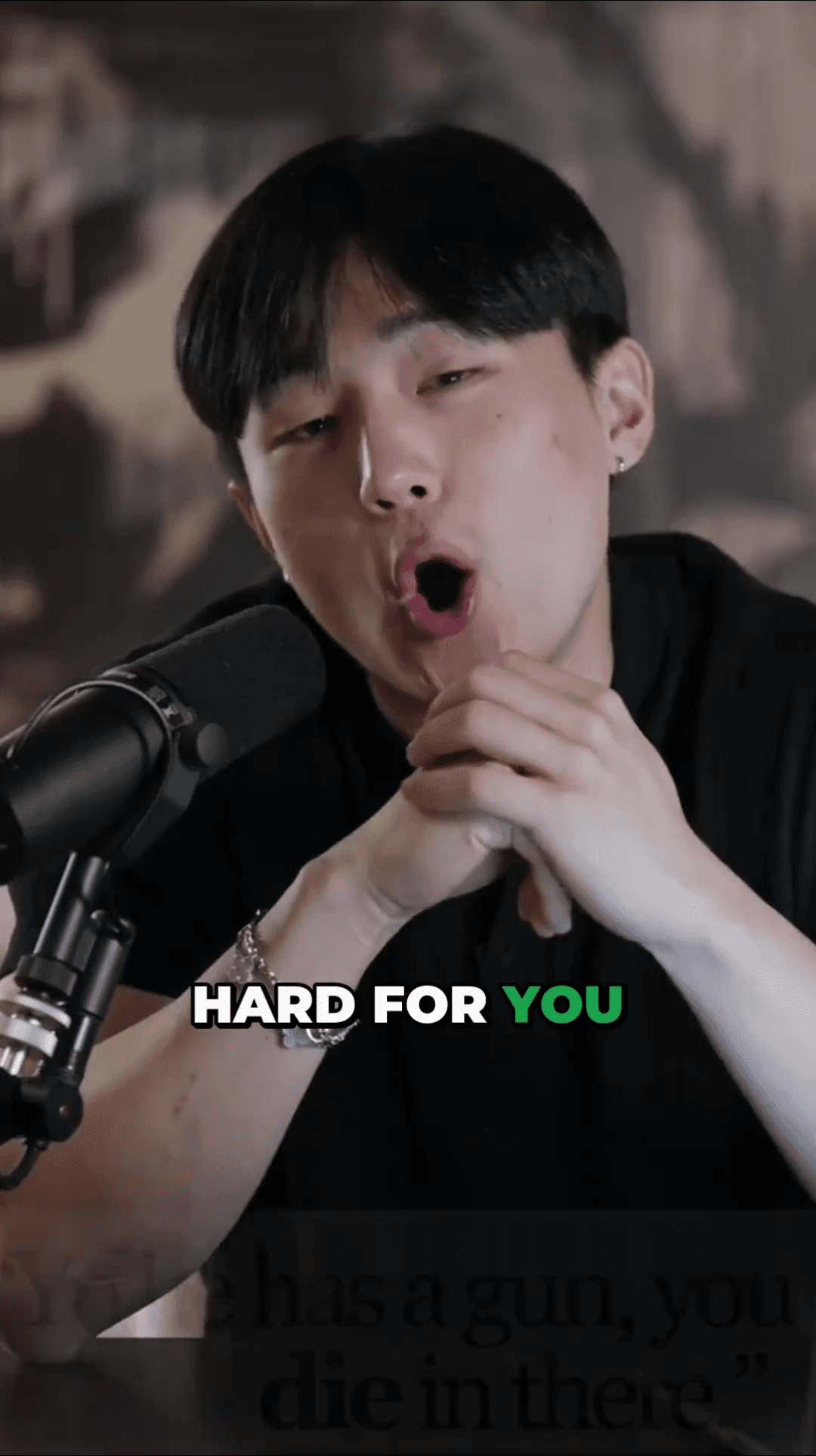
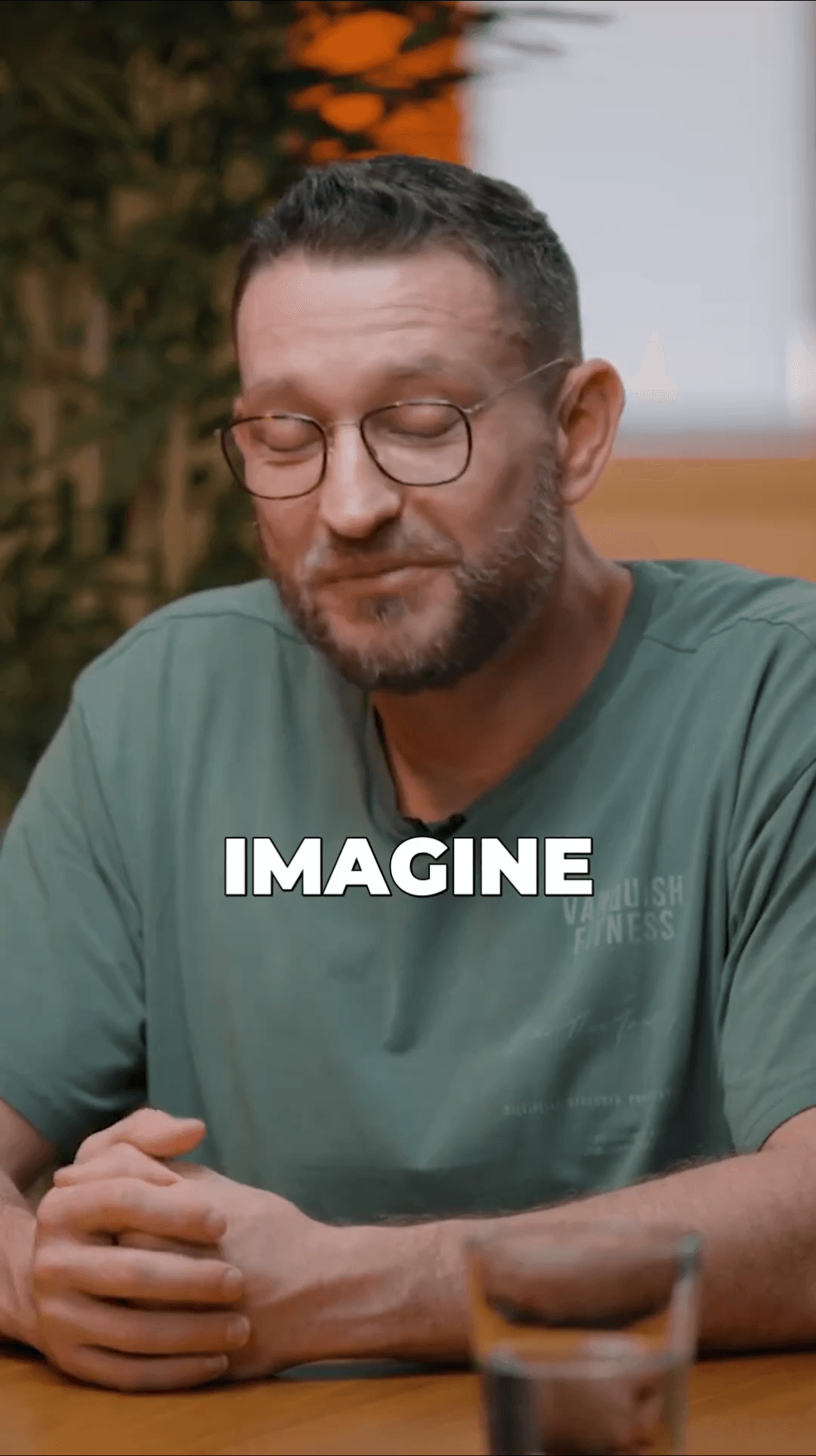
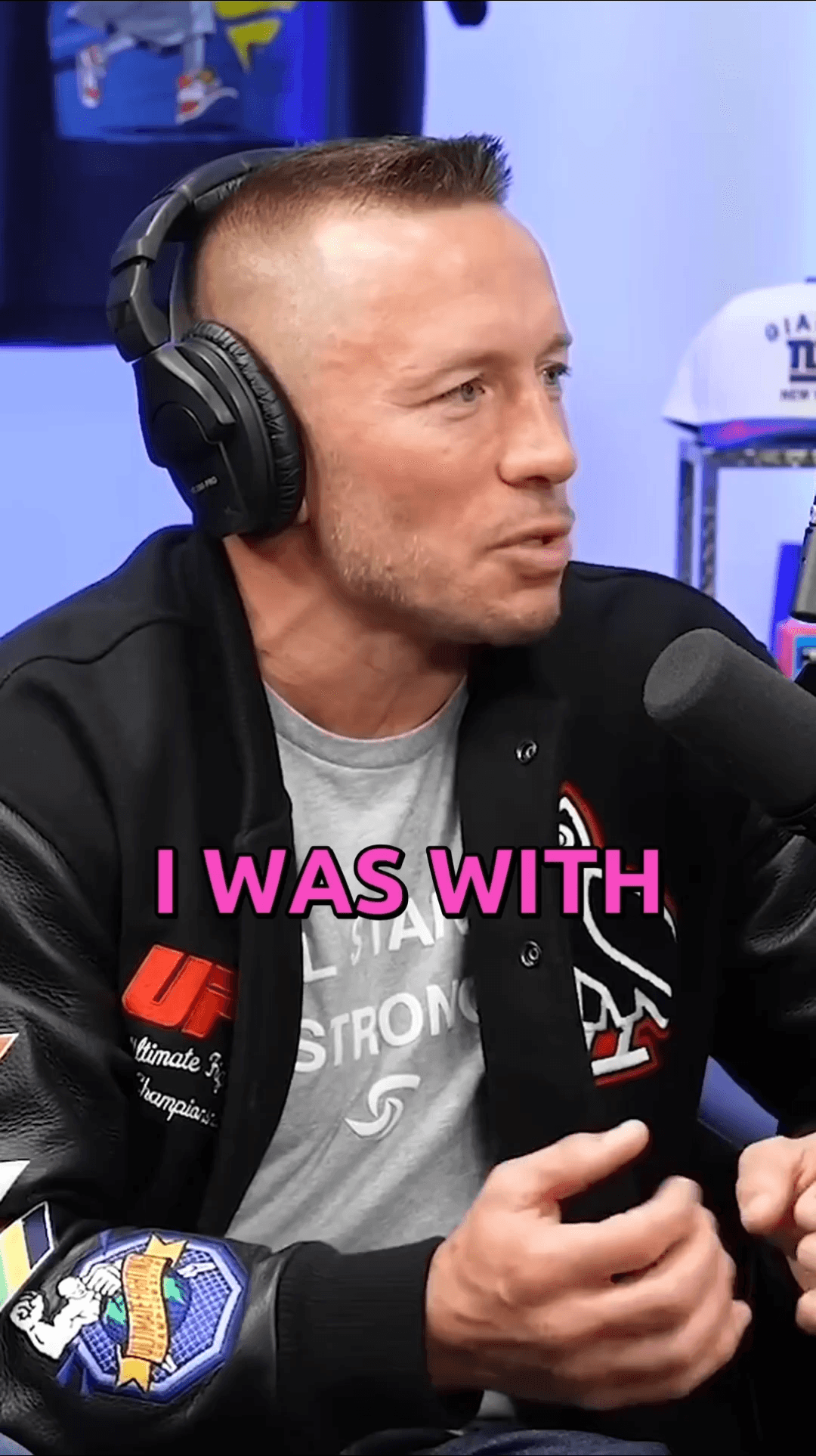
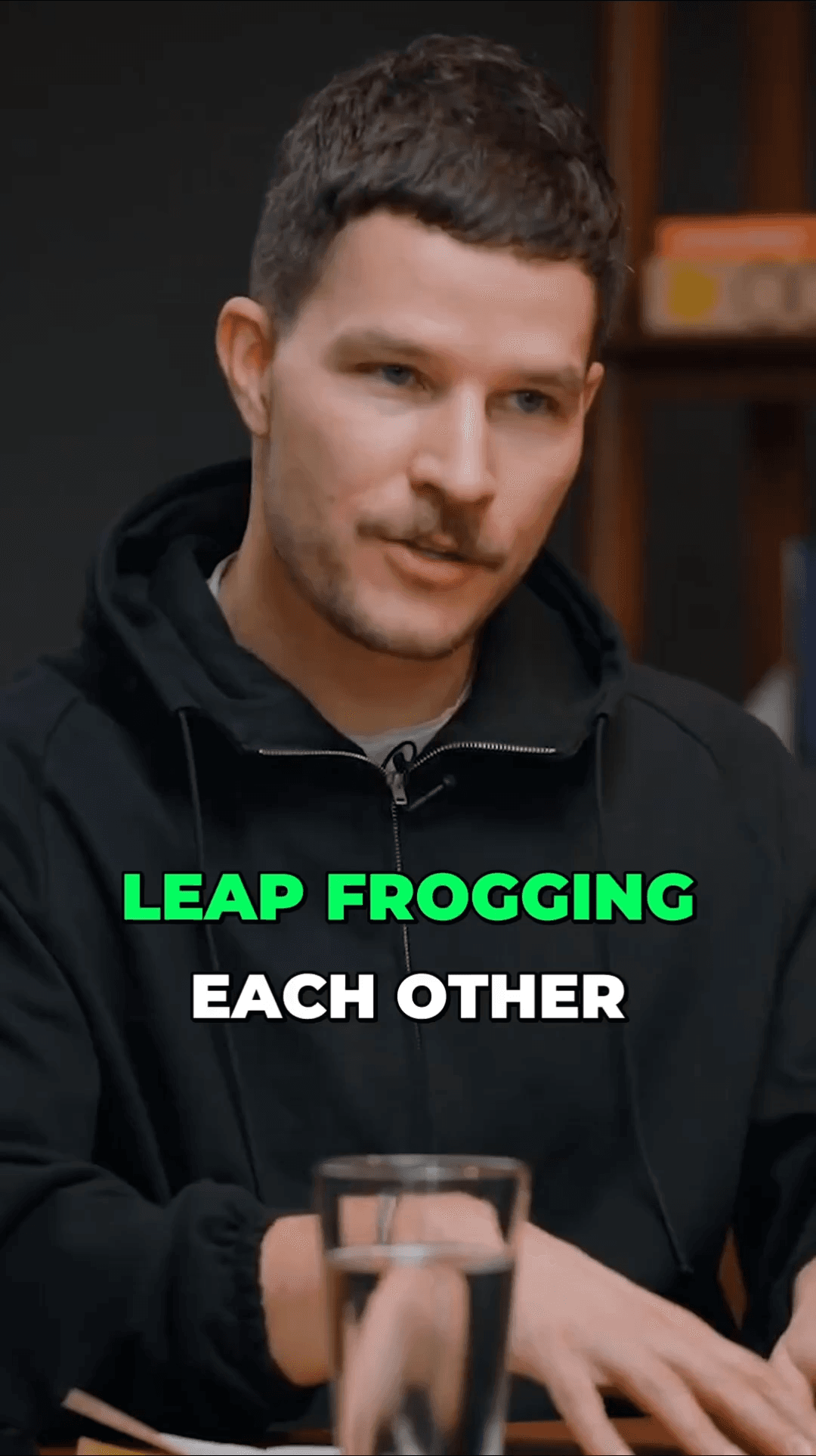
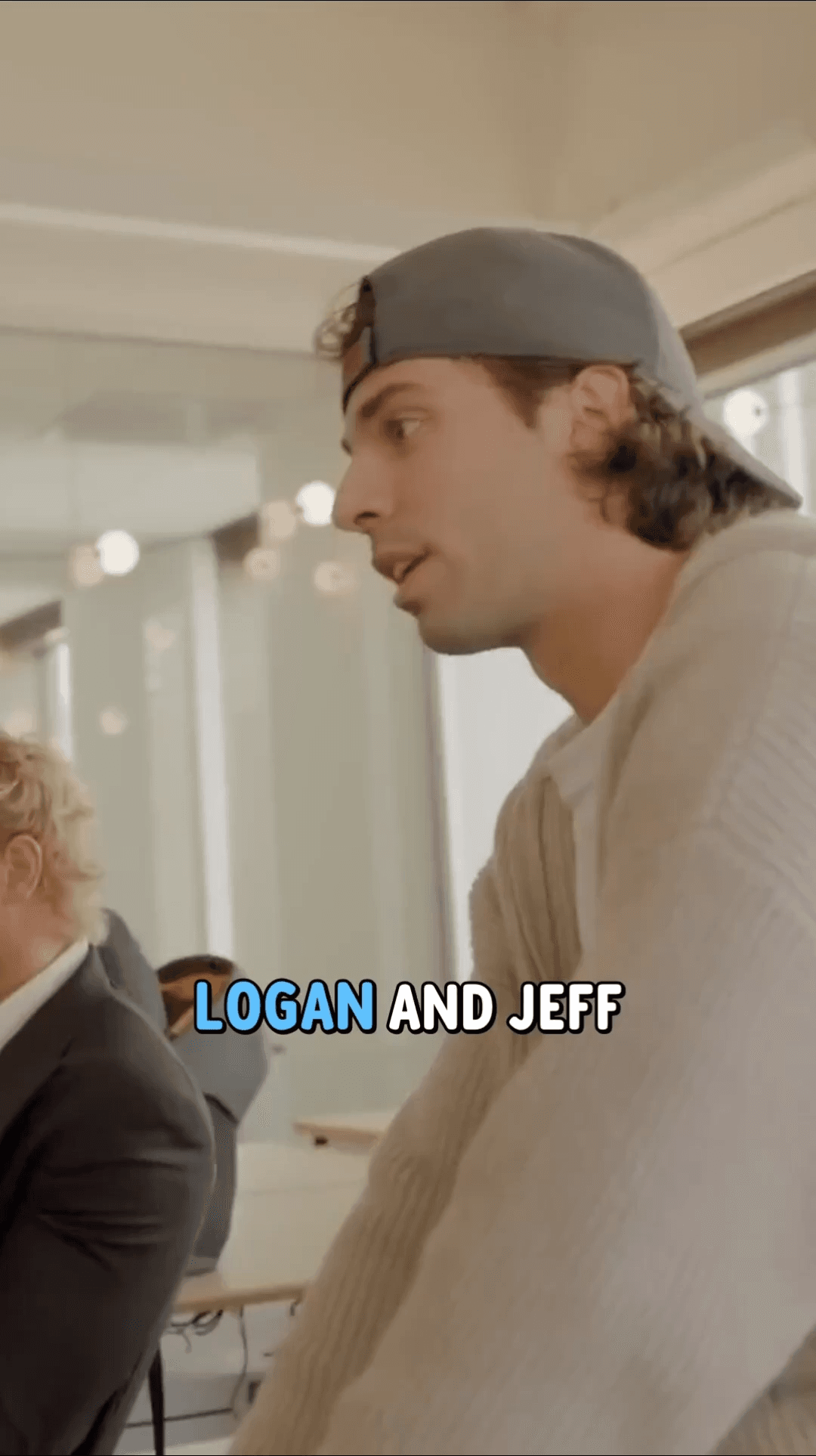
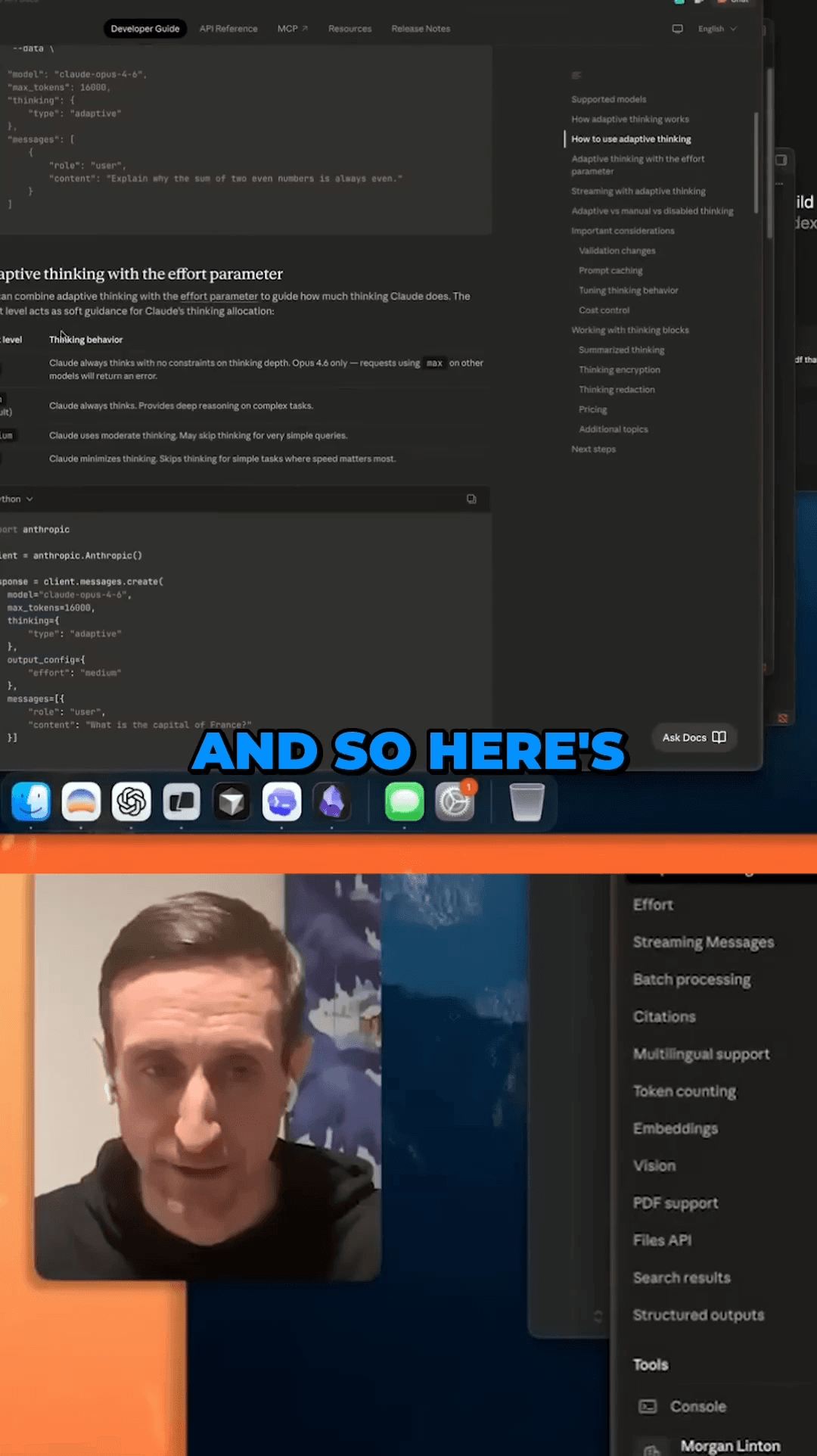
See the clips our users are creating with AutoShorts every day

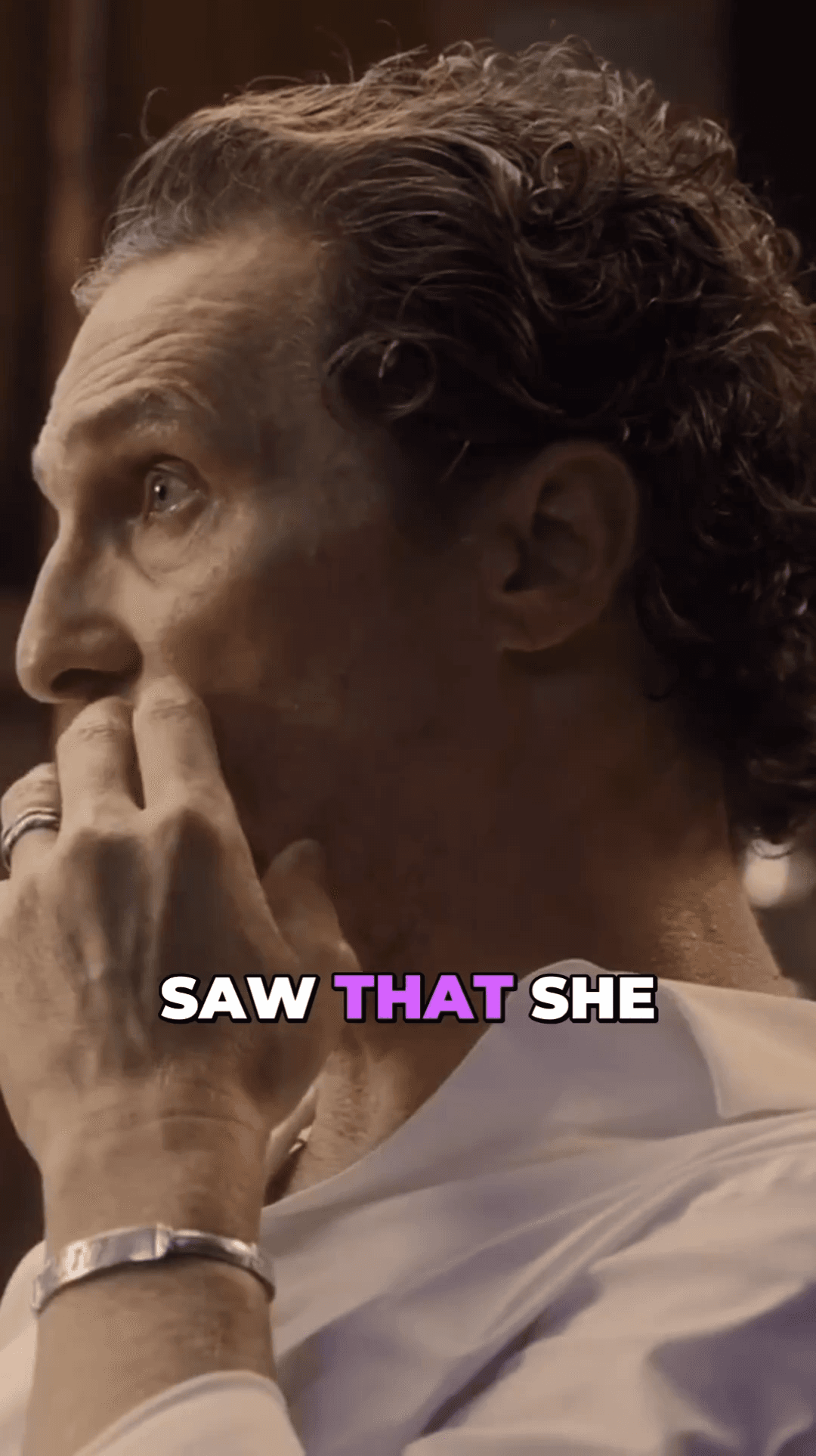
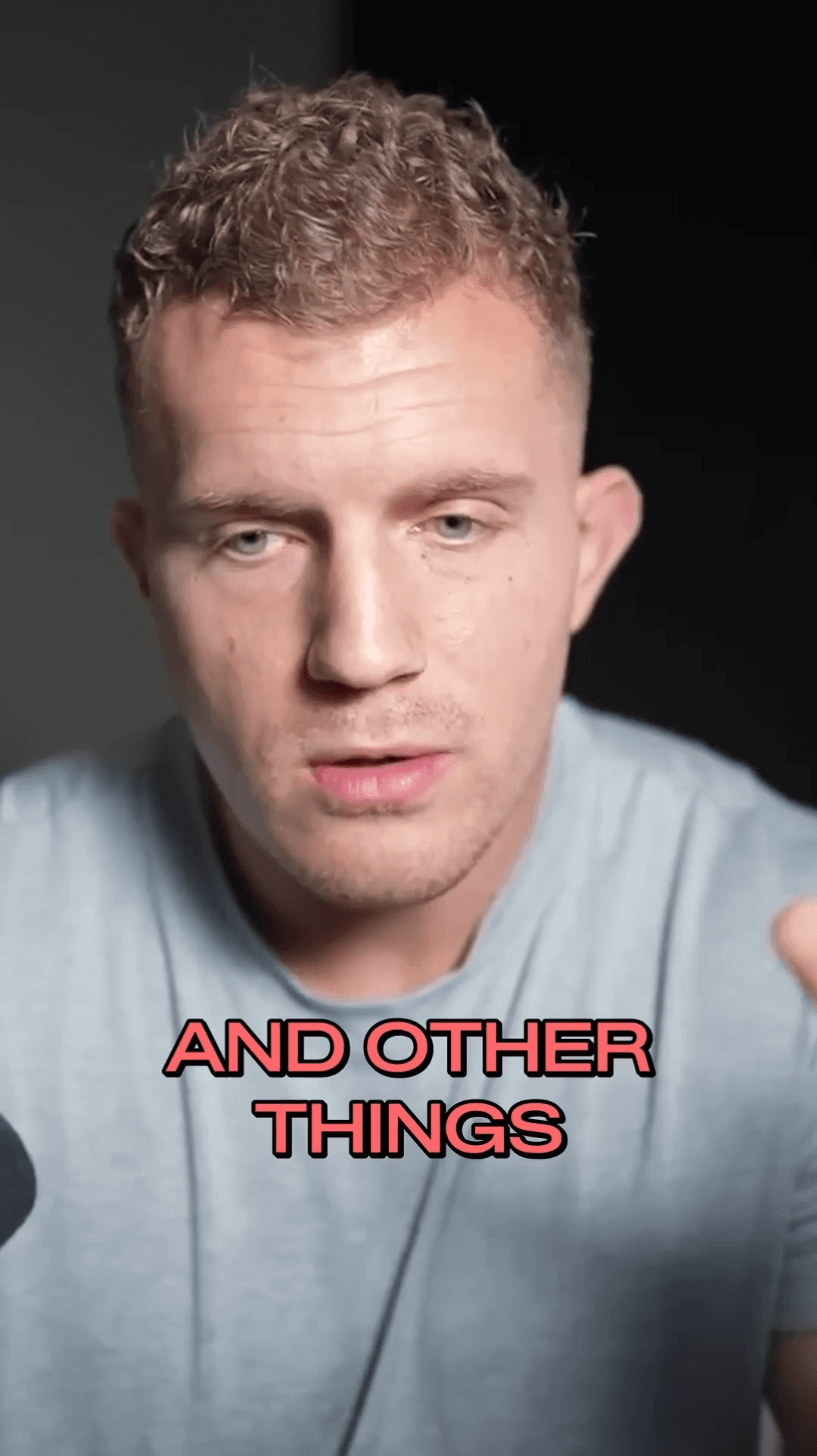
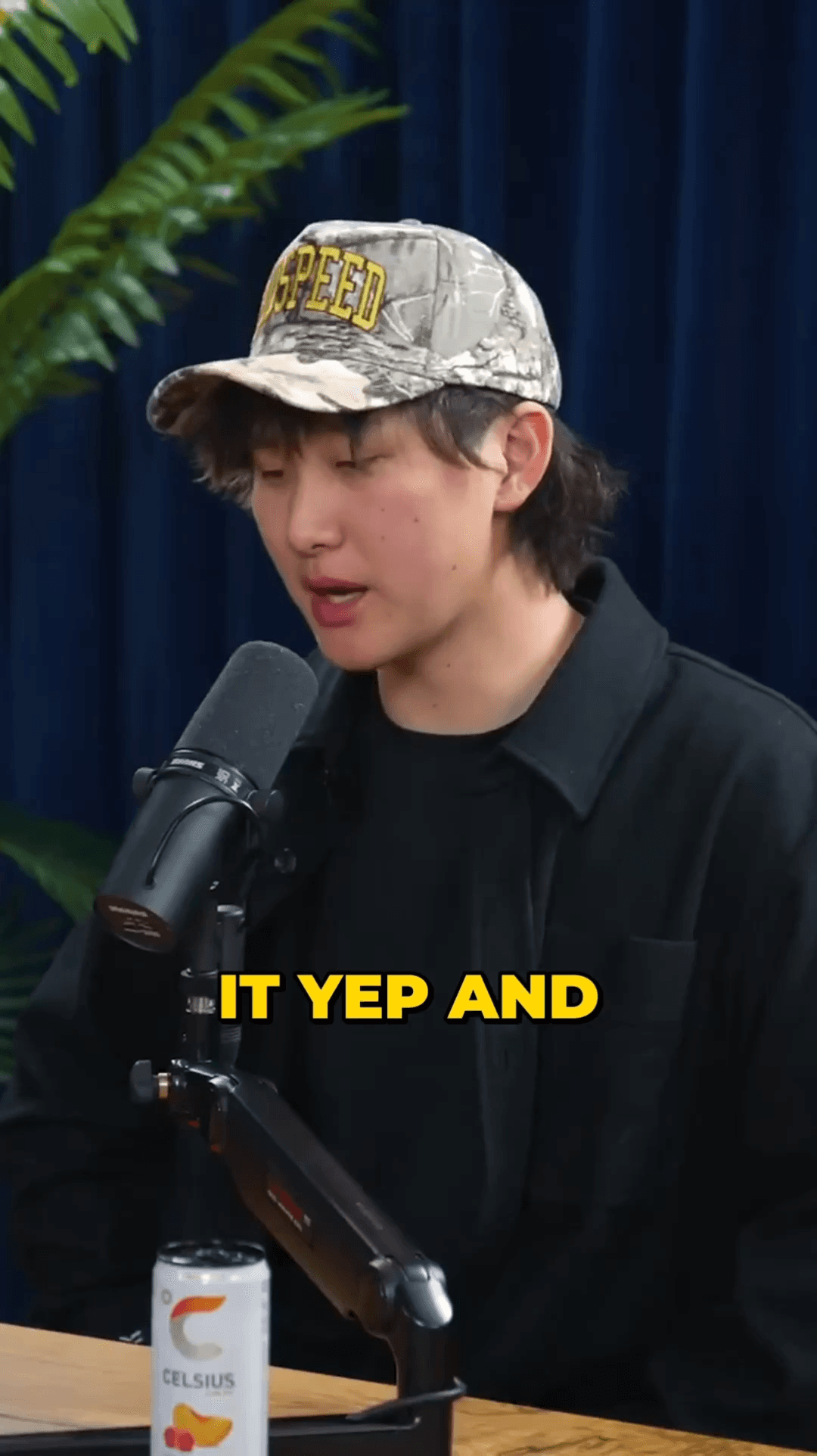
02 / Choose AutoShorts
Powerful features that set us apart from Opus Clip
Face detection runs on every frame and the crop locks onto one subject, so the frame follows them instead of jumping between faces.
Word-by-word animated captions that boost engagement and watch time — not just static text.
Multi-model AI analyzes your transcript to find the most compelling, shareable moments.
GPU-accelerated processing on cloud infrastructure delivers your clips in minutes, not hours.
No monthly subscription — buy credit packs and use them whenever you want. Credits never expire.
Export perfectly formatted videos for TikTok, Instagram Reels, YouTube Shorts, and more.
Up to 9× faster processing
Everything you need to know about switching from Opus Clip to AutoShorts
Join thousands of creators who switched from Opus Clip to AutoShorts for steadier framing on the speaker, multi-model AI, and flexible pay-per-use pricing.
No credit card required — 3 free clips included
10 / Blog
Deeper reading on this topic