AutoShorts vs Submagic

The Best Submagic Alternative

AutoShorts outperforms Submagic with steady face-tracked reframing, word-level subtitles, and a credit-based pricing model that saves you money. Make the switch today.

or

No credit card required — 3 free clips included

AutoShorts vs Submagic

See how AutoShorts compares feature-by-feature

AutoShorts

Face-Tracked Subject Framing
Word-Level Animated Subtitles
AI Viral Moment Detection
Pay-Per-Use Pricing (No Subscription)
YouTube URL Import
Multi-Platform Publishing
Vertical Video (9:16)
Credits Never Expire
8/8
VS

Submagic

Face-Tracked Subject Framing
Word-Level Animated Subtitles
AI Viral Moment Detection
Pay-Per-Use Pricing (No Subscription)
YouTube URL Import
Multi-Platform Publishing
Vertical Video (9:16)
Credits Never Expire
4/8

How it works

1

Upload your video

Drop a file or paste a YouTube link

2

AI transcribes

Word-level timestamps in seconds

3

Detects viral moments

Finds the most compelling clips

4

Ready to post

Vertical clips with subtitles & captions

Built by a creator, for creators

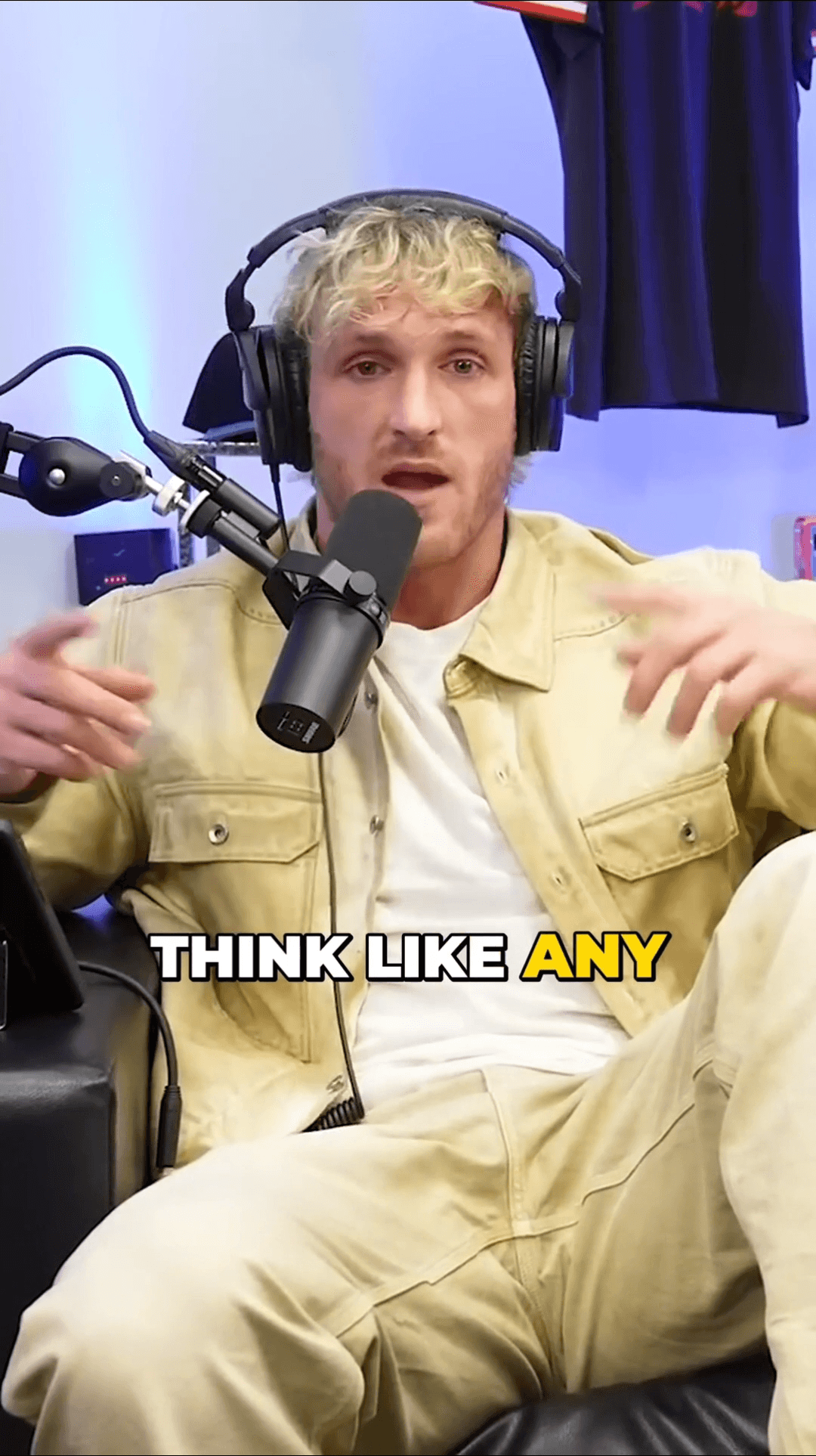
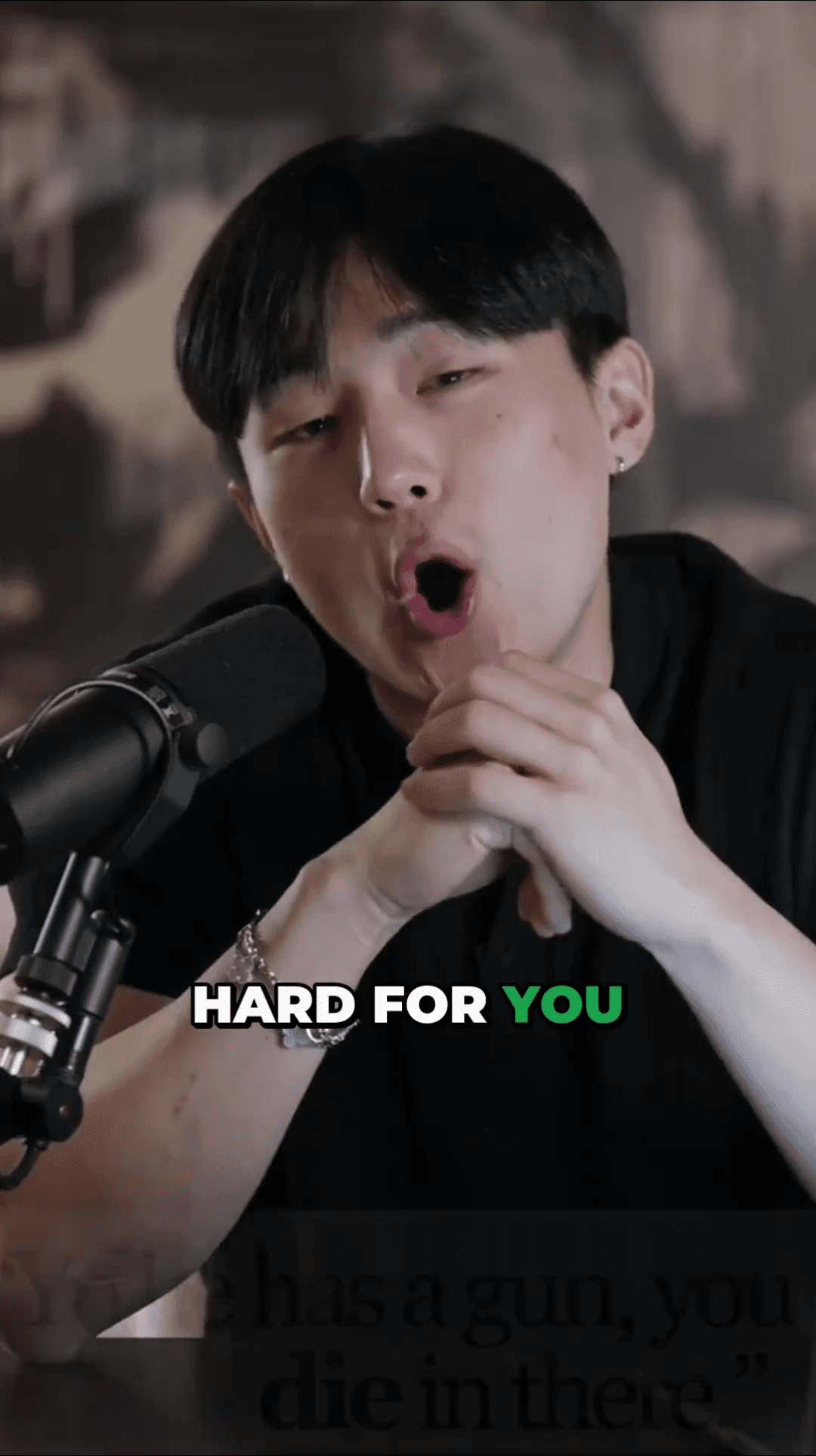
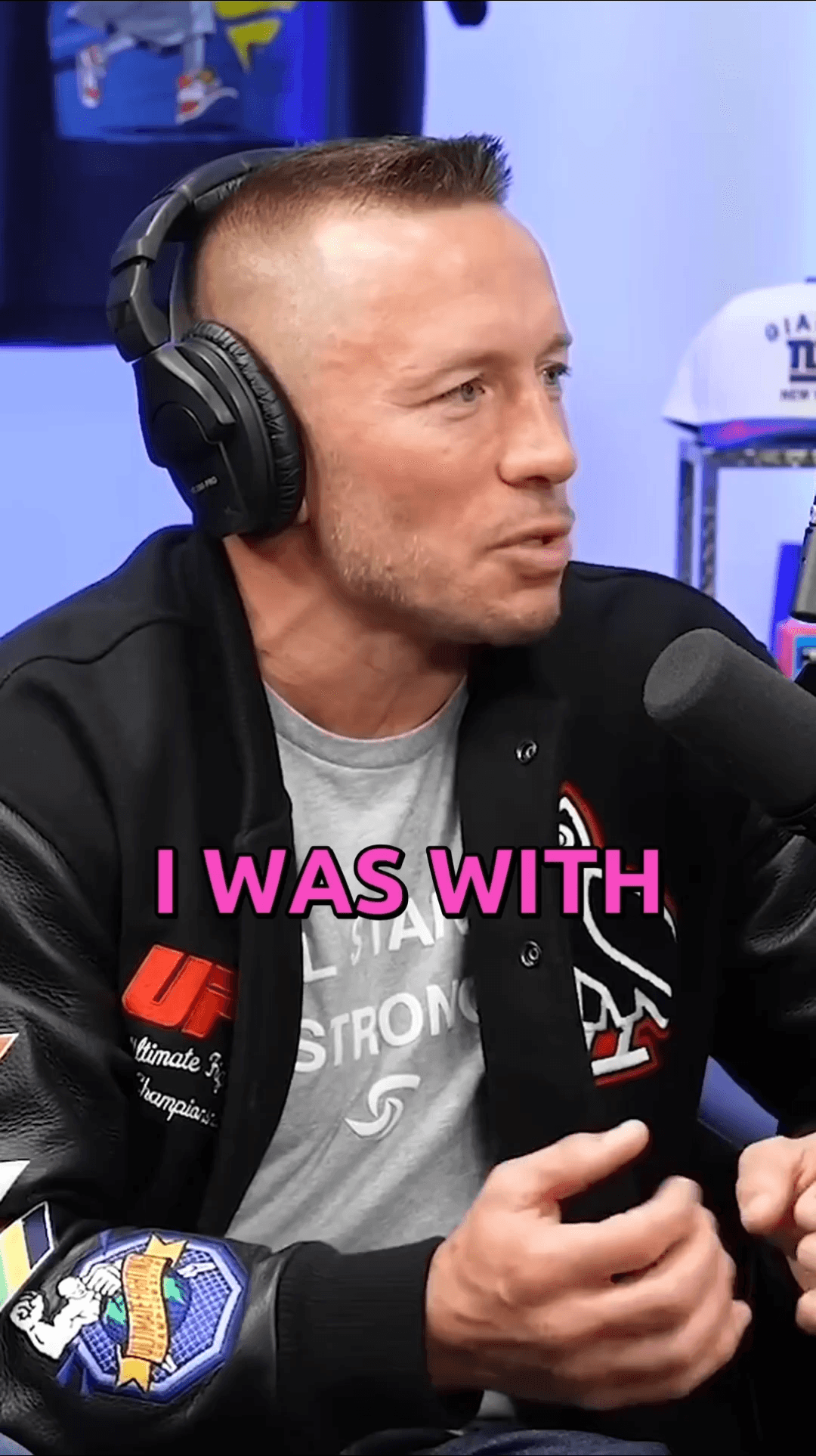
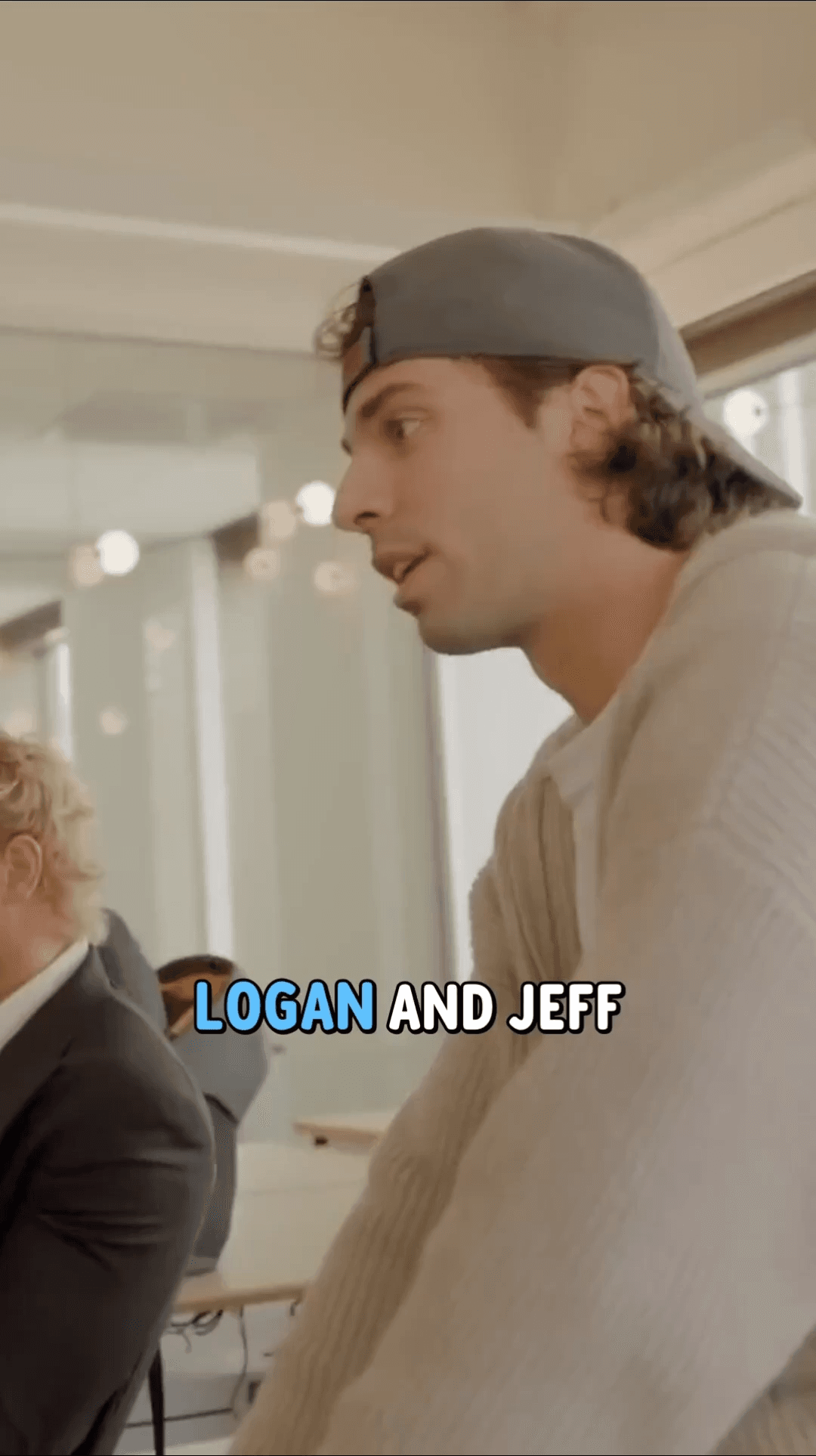
See the clips our users are creating with AutoShorts every day
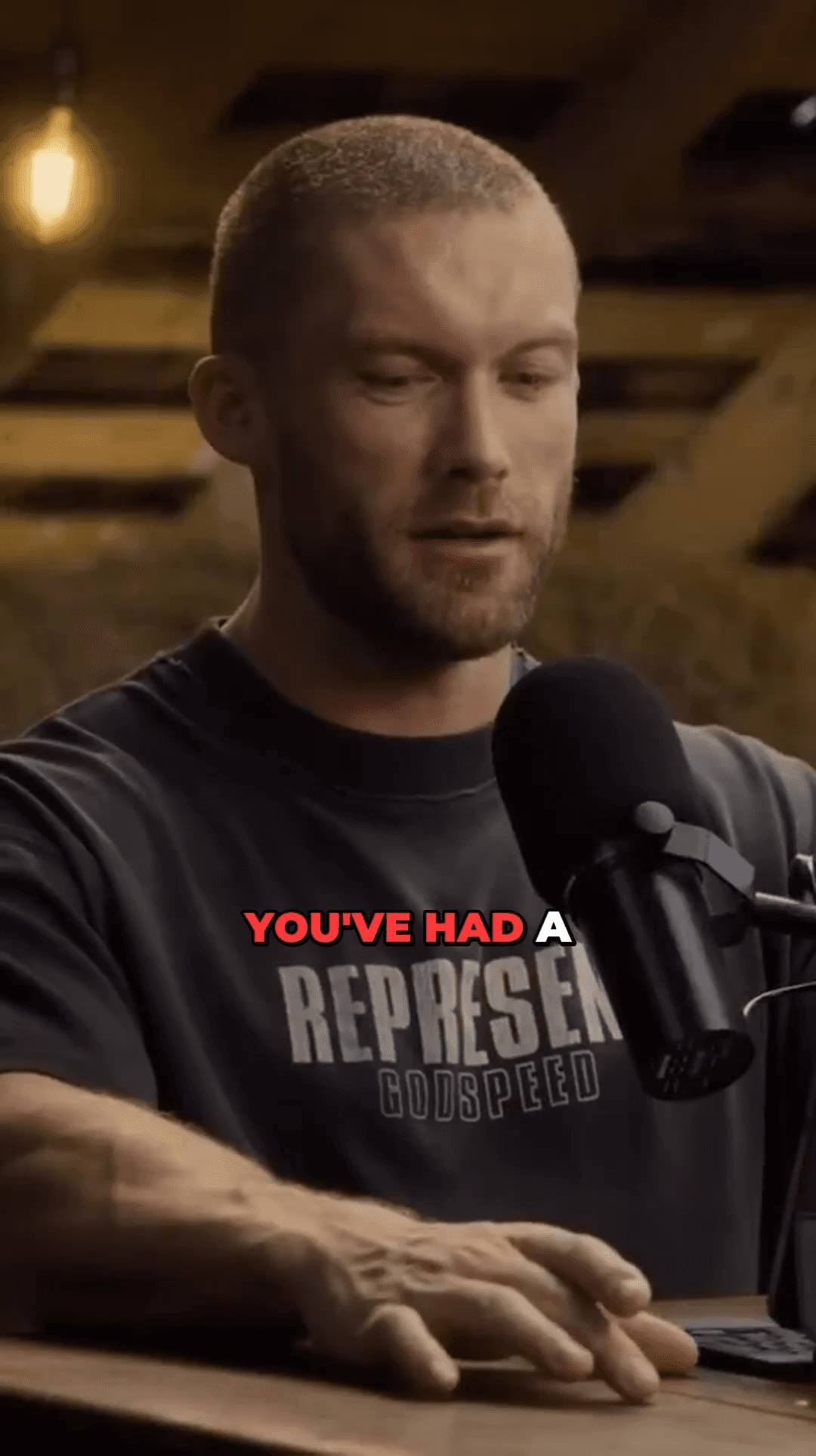
Creator clip 1
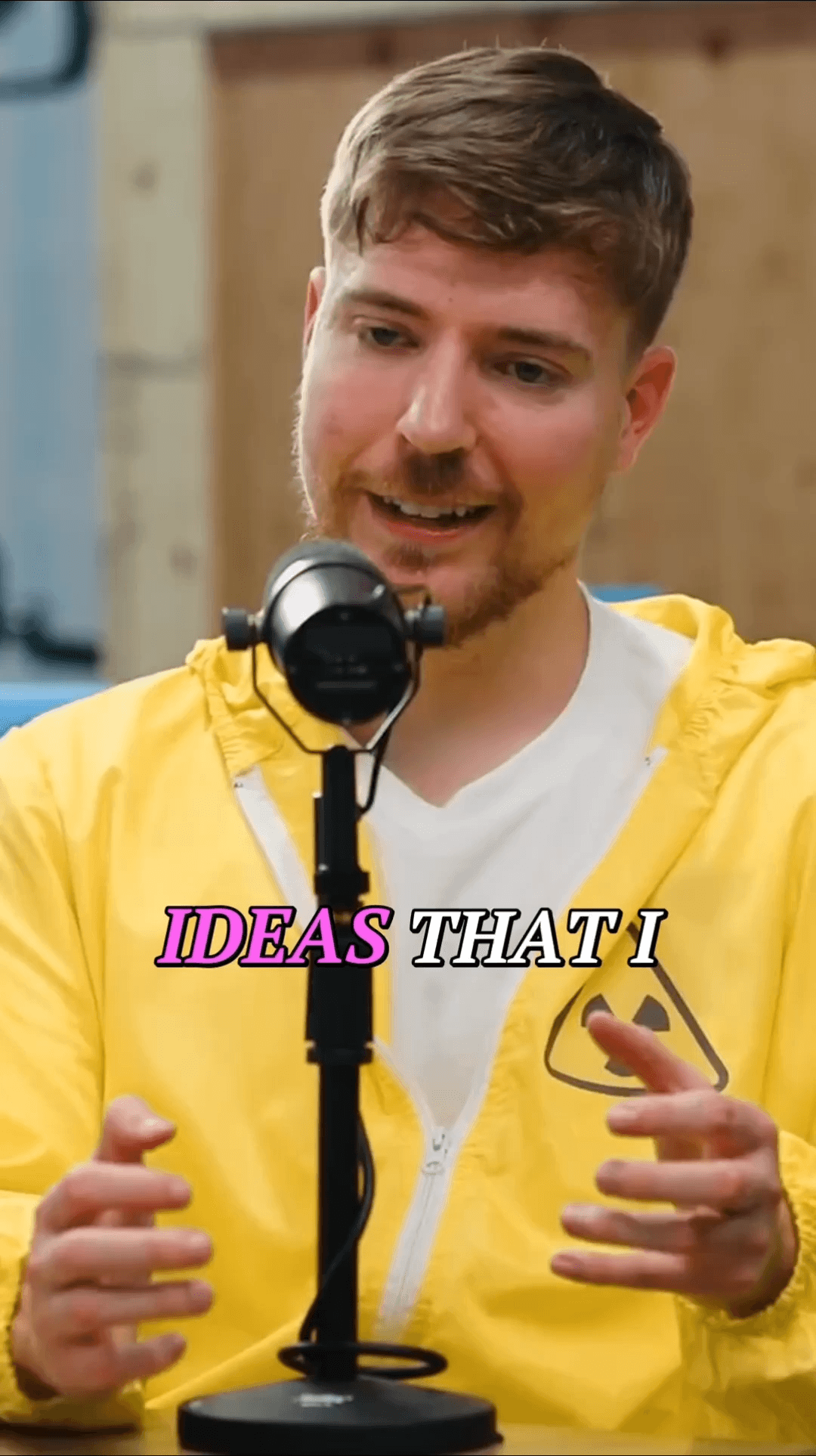
Creator clip 2
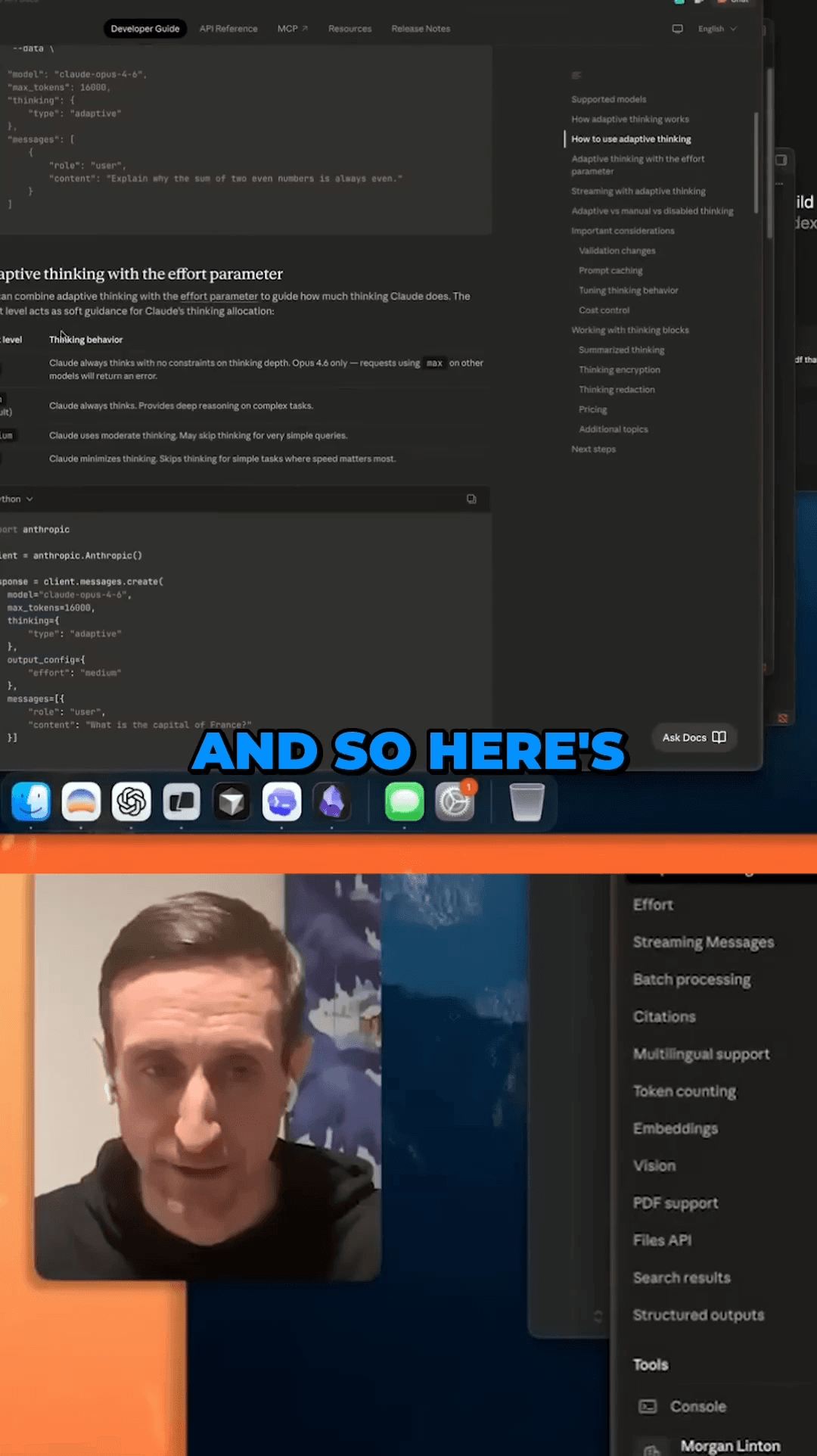
Creator clip 3
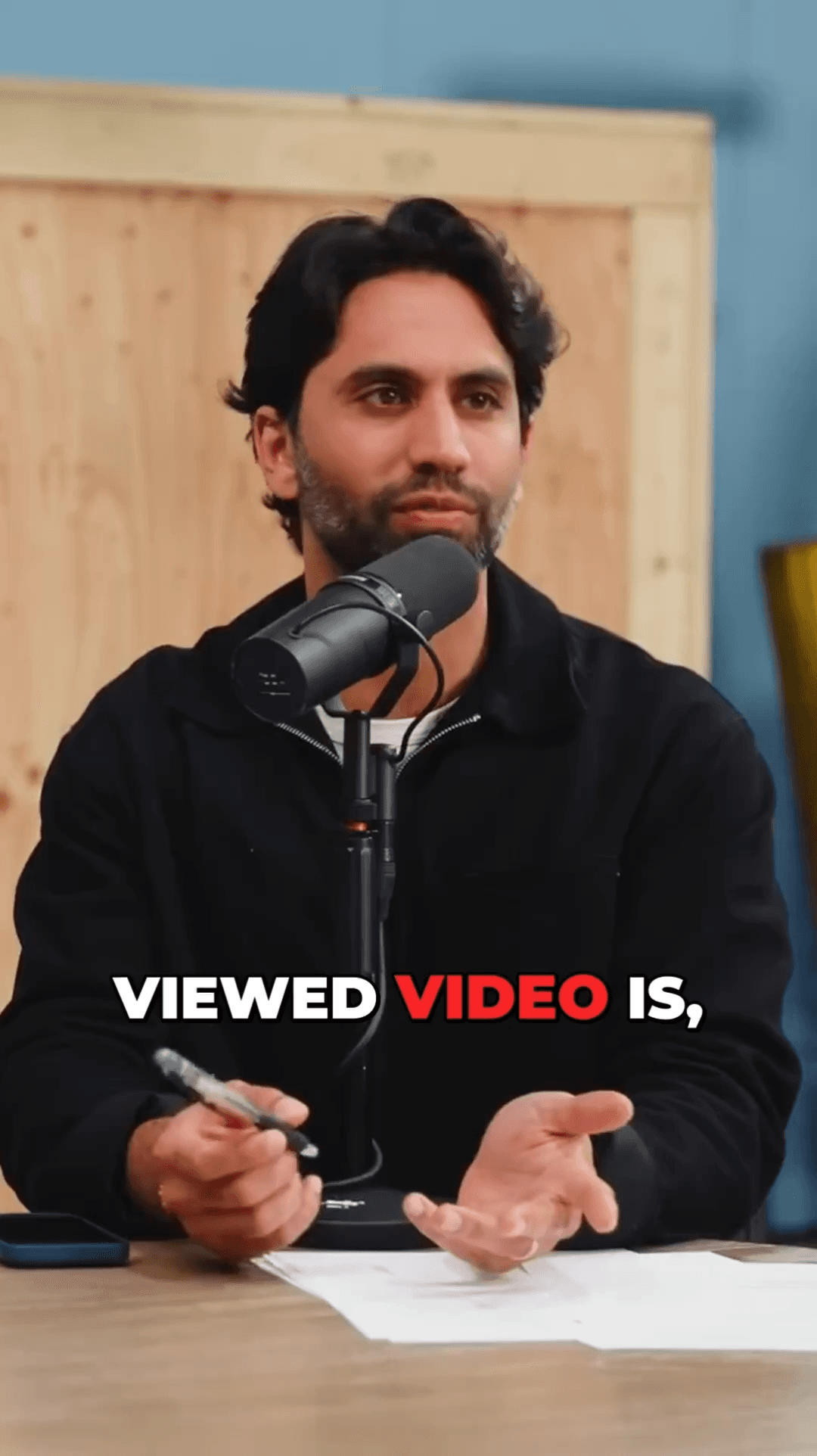
Creator clip 4
Creator clip 5
Creator clip 6
Creator clip 7
Creator clip 8
Creator clip 1
Creator clip 2
Creator clip 3
Creator clip 4
Creator clip 5
Creator clip 6
Creator clip 7
Creator clip 8
Creator clip 1
Creator clip 2
Creator clip 3
Creator clip 4
Creator clip 5
Creator clip 6
Creator clip 7
Creator clip 8
Creator clip 1
Creator clip 2
Creator clip 3
Creator clip 4
Creator clip 5
Creator clip 6
Creator clip 7
Creator clip 1
Creator clip 2
Creator clip 3
Creator clip 4
Creator clip 5
Creator clip 6
Creator clip 7
Creator clip 1
Creator clip 2
Creator clip 3
Creator clip 4
Creator clip 5
Creator clip 6
Creator clip 7

02 / Choose AutoShorts

Why Creators

Powerful features that set us apart from Submagic

Face-Tracked Framing

Face detection runs on every frame and the crop holds one subject, so the framing stays steady instead of cutting between faces.

Animated Subtitles

Precise word-by-word animated captions with higher accuracy than Submagic's subtitle engine.

Smart Viral Detection

Multi-model AI identifies the most shareable moments from your transcript automatically.

Lightning Fast Processing

GPU-accelerated cloud processing returns your clips in minutes, not hours.

Pay Only for What You Use

No monthly fees — buy credits when you need them. Credits never expire, unlike Submagic's subscription plans.

Multi-Platform Ready

Export perfectly formatted videos for TikTok, Instagram Reels, YouTube Shorts, and more.

Competitor
~45 min
AutoShorts
~5 min

Up to 9× faster processing

Frequently Asked Questions

Everything you need to know about switching from Submagic to AutoShorts

AutoShorts uses face tracking that keeps the speaker centred, offers more accurate word-level subtitles, and a flexible pay-per-use model instead of monthly subscriptions.
Yes. AutoShorts uses faster-whisper for word-level timestamp alignment, producing more accurately timed animated captions than Submagic's subtitle system.
AutoShorts uses pay-per-use credits starting at $6.99 for 10 credits with no expiration. Submagic requires a monthly subscription starting at $14/month.
Yes! Every new account gets 3 free clips to test the platform. No credit card required to sign up.
Absolutely. Paste any YouTube URL and AutoShorts will download, transcribe, and generate optimized short clips automatically.

Ready to Make Better Shorts?

Join creators who switched from Submagic to AutoShorts for superior face tracking, better subtitles, and flexible pricing.

No credit card required — 3 free clips included

Compare More Alternatives

See how AutoShorts stacks up against other video clipping tools