Compare 7 active speaker detection tools for podcast clips. Find the best auto-framing solution for your show with our detailed 2026 guide.
Two people on a podcast, one camera, and a crop that has to decide, sixty times a second, who's talking. Get that decision wrong and the clip looks amateur before anyone hears a word — the frame lingers on the listener while the host delivers the punchline.
That's the actual job of active speaker detection: not just finding faces, but tracking who has the floor and moving the frame with enough restraint that viewers never notice it's working. Some tools nail the handoff between speakers. Others jitter, or worse, guess wrong and stay wrong for three seconds — an eternity in a nine-second clip.
We looked at seven tools, weighing them against a few plain questions. Does the detection hold up in a two-person interview versus a four-person roundtable? Does the crop stay smooth when a guest leans in to interrupt? Is the output usable straight out of the tool, or does it need a manual pass in an editor afterward? We considered commercial platforms and open-source options both, since budget and technical comfort vary a lot across podcast creators.
What follows isn't a ranked "best overall" — it's a set of tools with different strengths, priced and built differently, suited to different shows. First up: Punchline.
1. Punchline
Speaker detection is table stakes. What makes Punchline worth a look is what it does after it knows who's talking.
According to Punchline, autospeaker detection is a core feature, not an add-on bolted onto a general clipper. That matters for podcast video, where two or three people share a frame and a tool that can't tell them apart will crop the wrong face at the wrong time.
From there, Punchline.gg reports that it scans for seven types of moments: surprising facts, hot takes, emotional beats, humour, compelling arguments, story climaxes, and actionable insights. That's a wider net than "find the loud part."
It also scores clips per platform — TikTok, X, YouTube Shorts, LinkedIn, Instagram — and hands back hooks and captions ready to post.
Fair consideration: platform-specific scoring is only useful if you actually post to all five. If you're a single-platform shop, that breadth may be more than you need.
2. Cliphi
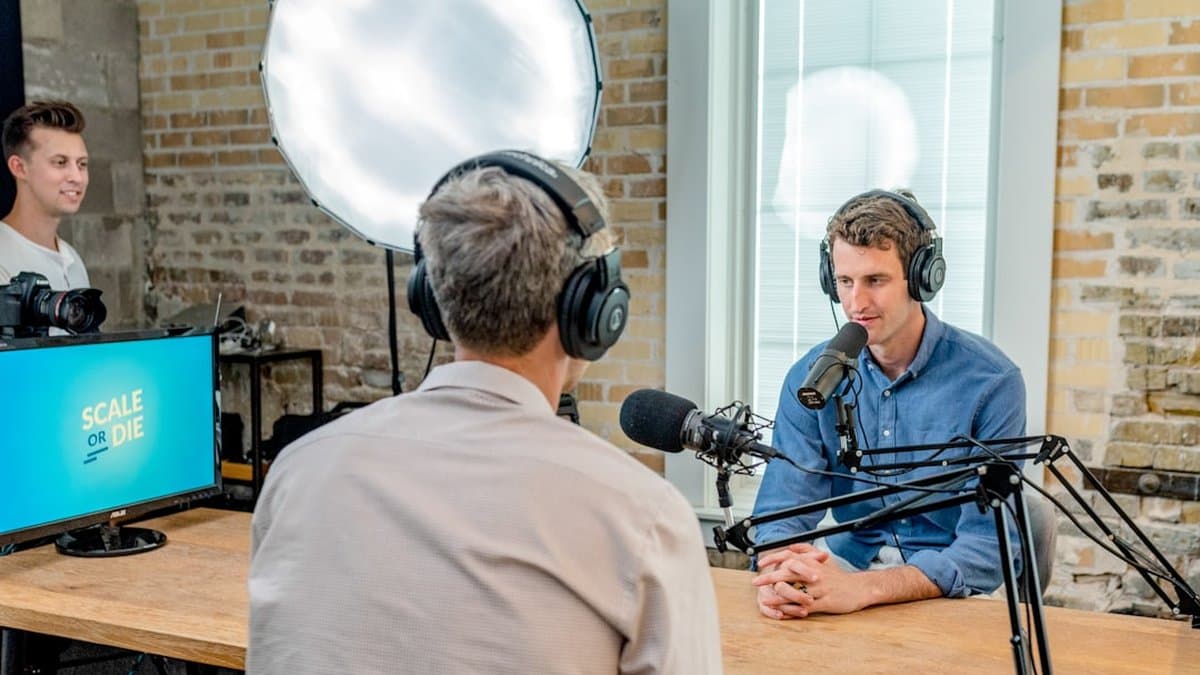
Two-person podcasts are the hard case for auto-framing. Cliphi is built around that problem specifically.
According to Cliphi, the tool uses active speaker detection to track faces frame by frame, automatically framing whoever is talking rather than centering the whole table and hoping for the best. That matters once a third or fourth guest joins the call.
Cliphi reports that it handles multi-person content with grid layouts and smooth cuts between speakers, so a four-person panel doesn't get squeezed into one cramped vertical frame. Instead it can split the screen, or cut cleanly to whoever has the floor.
As noted by Cliphi, captions come word-by-word and animated, synced to speech rather than dropped in as static blocks.
Worth using for panel-format shows and interviews with real cross-talk. A single-speaker vlog doesn't need any of this — the grid logic exists for the moments a static crop can't handle.
3. PremiereCopilot
If you already live in Premiere Pro, leaving it for autocut is friction you shouldn't have to accept. PremiereCopilot skips that problem entirely by working inside the app.
It's a native plugin, not a bolt-on web tool, and its active speaker detection drives multicam autocut directly on your timeline. According to PremiereCopilot, it supports up to 10 cameras with frame-perfect cuts — relevant if you're running a panel show or a multi-guest podcast with a camera per person, not just a two-shot interview.
Pricing is straightforward: $59 lifetime, or free with a daily quota, so you can test it on a real episode before paying anything. PremiereCopilot also reports performance 10x faster than AutoPod, a meaningful claim if you're cutting long-form episodes weekly and autocut speed is a bottleneck.
The tradeoff: it's Premiere-only. If your workflow doesn't touch Adobe's timeline, this tool has nothing to offer you.
4. PodSplit
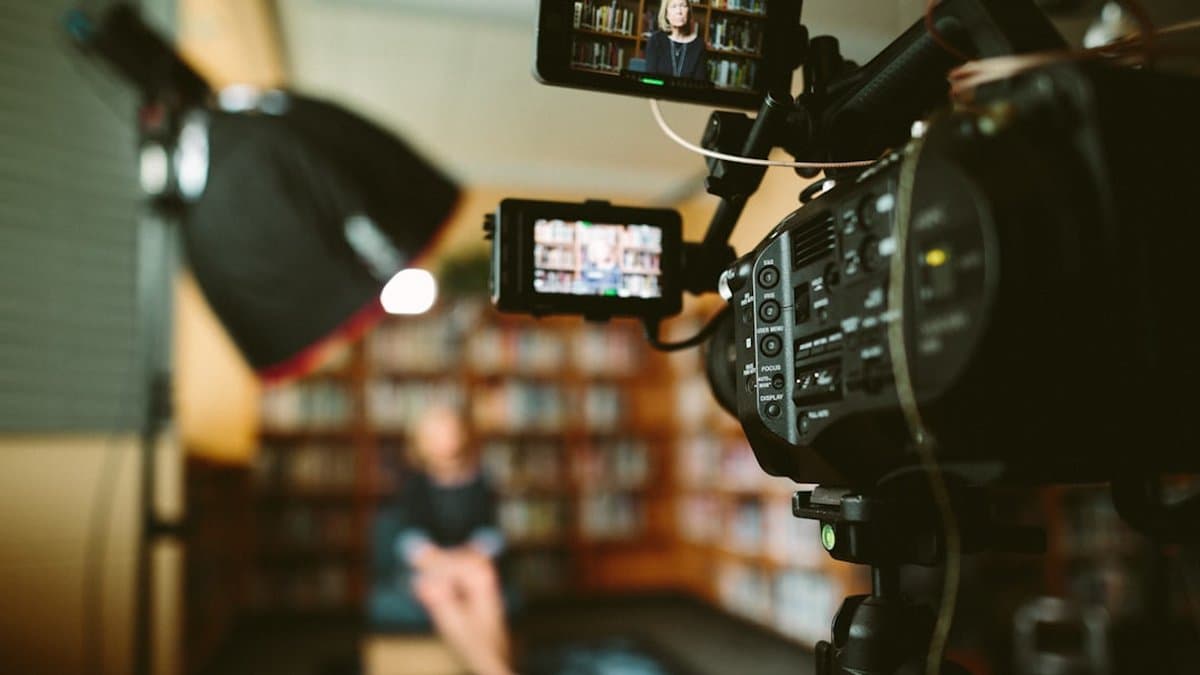
PodSplit leans hard into the engineering side of the problem, and it shows.
According to Overdigital's writeup on how PodSplit was built, the tool combines audio-visual active speaker detection with speaker diarization and word-level transcription. That's three separate signal sources agreeing on who's talking before the crop moves. Most tools lean on one.
The payoff is in the reframe. Overdigital reports that horizontal video gets converted to 9:16 automatically, with the crop staying locked on whoever's actively speaking rather than drifting or guessing from lip movement alone. For a two-person interview with crosstalk, that matters — diarization catches the handoff even when both mics are hot for a second.
Underneath it all sits a real ML pipeline doing frame-by-frame speaker tracking, not a heuristic bolted onto a transcript. That's a meaningfully different architecture than tools that just track the loudest face.
Worth knowing: this kind of pipeline is compute-heavy by nature, so expect processing time to scale with how much cross-referencing it's doing per frame.
5. AI Podcast Clipper (ApcH)
ApcH is an open-source project worth knowing about if you want to see how speaker detection gets built rather than just use it. It is a repo, not a polished product, and that distinction matters for who should bother with it.
According to the ApcH GitHub repository, the tool features AI-powered speaker detection alongside multilingual subtitles, currently English and Korean. That language pairing suggests a build aimed at a specific creator base, not a general-purpose global tool.
ApcH reports that it automatically transforms long podcast videos into short-form vertical clips, and analyzes content to identify engaging Q&A segments specifically. That Q&A focus is a real strength for interview-style podcasts, where the back-and-forth is the content — less useful for solo commentary or monologue formats with no exchange to detect.
Expect to read code, not documentation written for end users. Fine for a developer evaluating the approach behind detection. Not a fit if you just want clips out the other end without touching a terminal.
6. publikclip
publikclip is the one for tinkerers who'd rather own the tool than rent it.
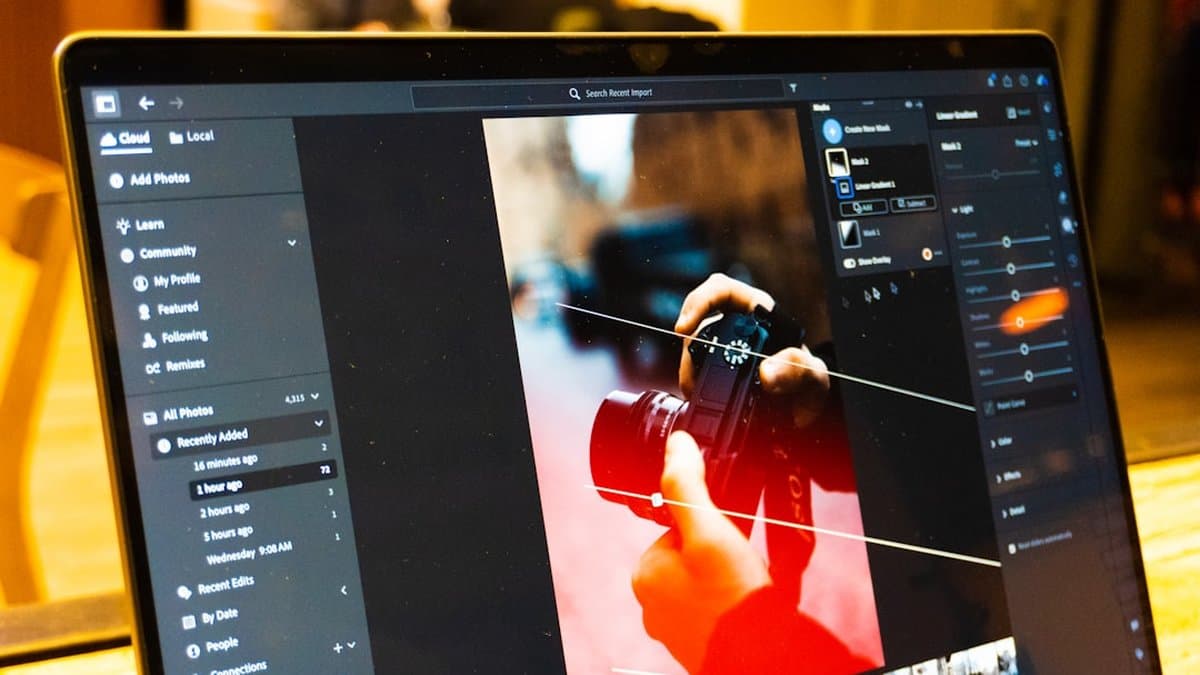
According to the publikclip GitHub repository, it's an open-source desktop app that runs locally on your machine. No upload, no account, no rendering queue on someone else's server. That alone makes it worth a look if you're wary of sending raw podcast footage to a third-party cloud.
On the tracking side, publikclip implements active-speaker-tracked crop paths with smoothed motion and hard cuts on speaker change — so instead of a slow pan between hosts, it jumps cleanly when someone new starts talking. It also includes punch-ins triggered by actual laughter and vocal energy detection, which means it can push in on a reaction without you marking the timestamp yourself.
The tradeoff is setup. Local, open-source tools mean dependencies, terminal commands, and no support line. Fine for a solo editor comfortable with that. Less fine if you just want clips out the door — that's more where something like AutoShorts fits.
7. Clippy
Clippy closes the list as the open-source entry: a pipeline you can read, run, and modify yourself.
According to the Clippy GitHub repository, the tool combines transcription, LLM-based highlight detection, and active-speaker framing into one workflow. That's the same three-stage shape you'll see across most tools on this list, just exposed as code instead of a hosted product. Clippy reports that it transforms long-form podcasts into short-form clips for TikTok, Shorts, and Reels, with GPU rendering to handle the encoding load.
Active-speaker framing sits at the core of the pipeline, not bolted on after the fact — which matters if you're editing a two-host podcast and want the crop to follow whoever's talking rather than staying locked on one face.
The tradeoff is obvious: no polished dashboard, no support line. You're running scripts, managing your own GPU, debugging your own edge cases. Fine for a developer who wants control. Not for someone who wants clips in ten minutes without touching a terminal — that's what tools like AutoShorts exist for instead.
Which Tool Actually Fits Your Workflow
No single tool wins outright, because "best" depends on what you're optimizing for. Punchline and Cliphi lead on tracking accuracy for multi-camera setups — worth it if your podcast has three or more people talking over each other. PremiereCopilot makes sense if you're already living inside Premiere and don't want another app in the stack. PodSplit is the pick for volume: teams pushing out dozens of clips a week will feel the difference in throughput. AI Podcast Clipper (ApcH) is the leanest option, built for solo hosts who record alone and just need clean, static framing without paying for tracking they don't need.
Choose Punchline or Cliphi if you need frame-accurate speaker switching. Choose PodSplit if you need speed at scale. Choose ApcH if you need something simple and cheap.
The harder truth: active speaker detection only solves framing. It doesn't find the fifteen seconds worth clipping in a ninety-minute conversation, and it won't write captions that hold attention on mute. That's a separate problem, and it's the one AutoShorts is built around — transcription, moment selection, reframing, and burned-in captions in one pass.
Pick your framing tool. Then decide if you still want to do the rest by hand.
Frequently asked questions
Active speaker detection is technology that identifies who's speaking in real-time and automatically frames that person in your video. For podcast clips, it's critical because incorrect detection creates amateur-looking videos — the camera lingers on the listener while the host delivers the punchline, ruining the moment before anyone hears a word.
Top tools like Cliphi use frame-by-frame face tracking to intelligently switch between speakers, while others support grid layouts and smooth cuts for four-person panels. This prevents awkward cramping of multiple speakers into one vertical frame and ensures the crop follows the conversation naturally.
Yes — active speaker detection can reduce manual editing time by up to 10x compared to traditional methods, allowing you to generate usable clips straight from the tool without needing a pass in an editor. However, some tools require more cleanup than others depending on accuracy and your specific podcast setup.
Free and open-source alternatives like Publikclip and ApcH offer cost-effective options with solid speaker detection, while paid tools like Punchline and Cliphi typically include additional features like multi-platform scoring, caption generation, and more refined handling of edge cases like interruptions. Your choice depends on your budget and whether you need features beyond basic speaker detection.
Quality varies significantly — some tools handle interruptions and close proximity smoothly without jitter, while others may stay locked on the wrong speaker for several seconds, which is noticeable in short clips. Testing with your specific podcast setup is essential since accuracy depends on factors like camera angle, lighting, and how closely speakers sit together.
It depends on your distribution strategy — tools like Punchline score clips for five platforms (TikTok, X, YouTube Shorts, LinkedIn, Instagram), which only adds value if you actually post to all of them. Single-platform creators might benefit more from tools optimized specifically for their format rather than those offering broad platform support.