Discover top free AI video editors for TikTok, Reels & YouTube Shorts. Create professional short-form videos without watermarks or expensive software.
Introduction
Ever scrolled through TikTok or Instagram Reels and wondered how creators pump out polished videos in minutes without breaking the bank? You're not alone. Short-form video content has exploded into 2026's biggest creator playground, and the game-changer? AI-powered video editors that do the heavy lifting for you.
Here's the thing: creating scroll-stopping content used to require expensive software and serious editing skills. Not anymore. We've spent weeks diving deep into the 2026 landscape, testing platforms that combine powerful AI capabilities with genuine ease of use. We zeroed in on editors specifically built for YouTube Shorts, TikTok, and Instagram Reels—tools that deliver professional results without those pesky watermarks.
What makes our picks special? Each one brings something unique to the table: intelligent automation that saves you hours, text-to-video features that turn scripts into videos, avatar-based content creation, and interfaces so intuitive that beginners feel like pros. Whether you're a seasoned creator looking to level up or someone just starting their content journey, these editors punch way above their free-tier weight.
Ready to discover which tools are revolutionizing short-form content creation? Let's jump in and explore our top pick first.
1. CapCut
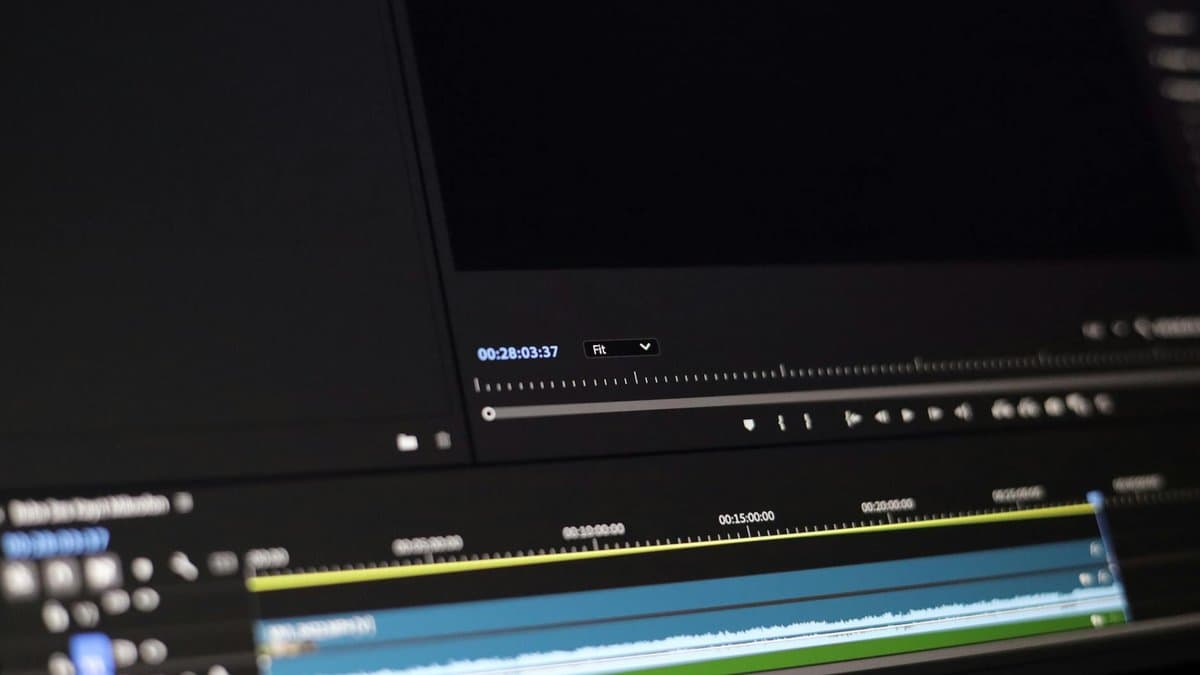
CapCut stands out as a game-changer for creators looking to produce professional short-form videos without breaking the bank. This free AI video editor combines powerful editing capabilities with cutting-edge AI features that make content creation accessible to everyone.
One of CapCut's most impressive offerings is its AI avatar technology. According to CapCut's AI Video Maker tool, the platform provides over 100 digital avatars available for video generation, allowing you to create engaging videos without appearing on camera yourself.
What really sets CapCut apart is its avatar cloning feature, which takes personalization to the next level. You can upload a short video to create customized voiceover content, giving your videos a unique, branded voice that feels authentically yours.
As noted by CapCut's resource guide, it's listed as one of the 7 most powerful free online AI video editor tools in 2026. Whether you're creating TikToks, Instagram Reels, or YouTube Shorts, CapCut's combination of intuitive editing tools and AI features makes it an essential choice for short-form content creators.
2. Invideo AI
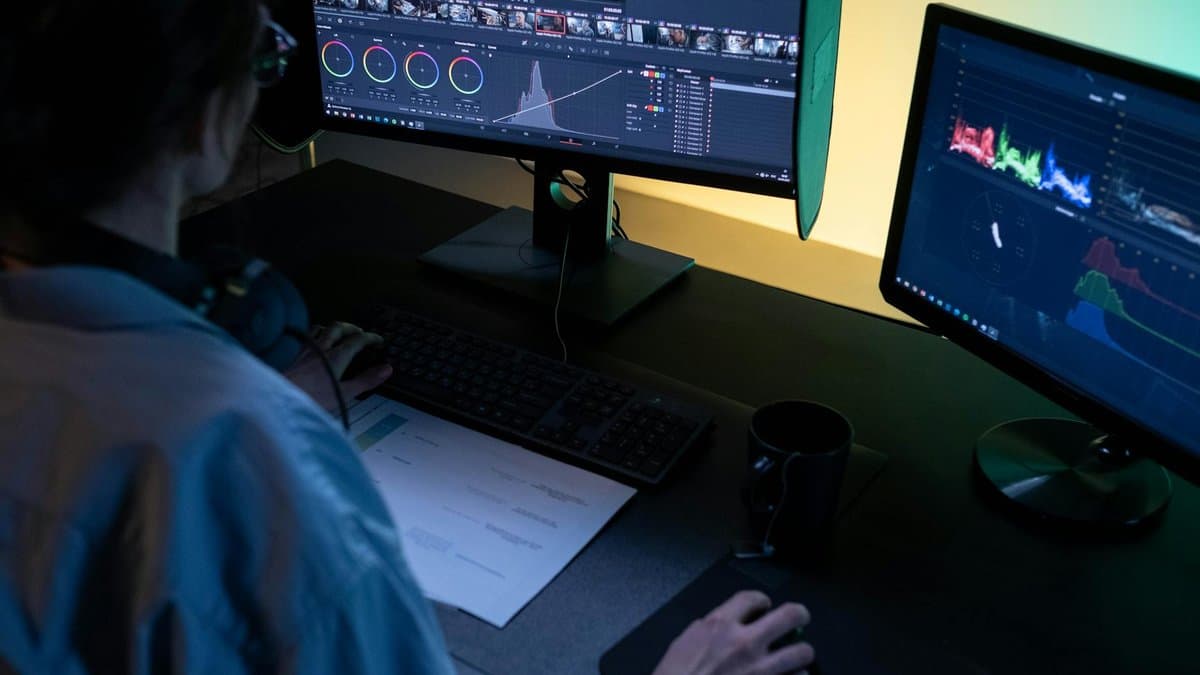
Invideo AI stands out as a powerhouse for creators who want to edit videos without wrestling with complex timelines and menus. According to Invideo AI, the platform is trusted by 25 million+ users across 190 countries, making it one of the most widely adopted AI video editors globally.
What makes Invideo AI exceptional is its Magic Box tool, which allows video editing through simple text commands. Instead of manually cutting clips or adjusting effects, you can literally describe what you want—"remove the pause at 15 seconds" or "add a fade transition"—and the AI handles it. The platform supports 50+ video creation styles using workflow templates, giving you professional-looking results whether you're creating TikToks, Instagram Reels, or YouTube Shorts.
This makes Invideo AI ideal for social media creators, marketers, and content teams who need to produce polished short-form videos quickly without technical expertise.
3. Kapwing
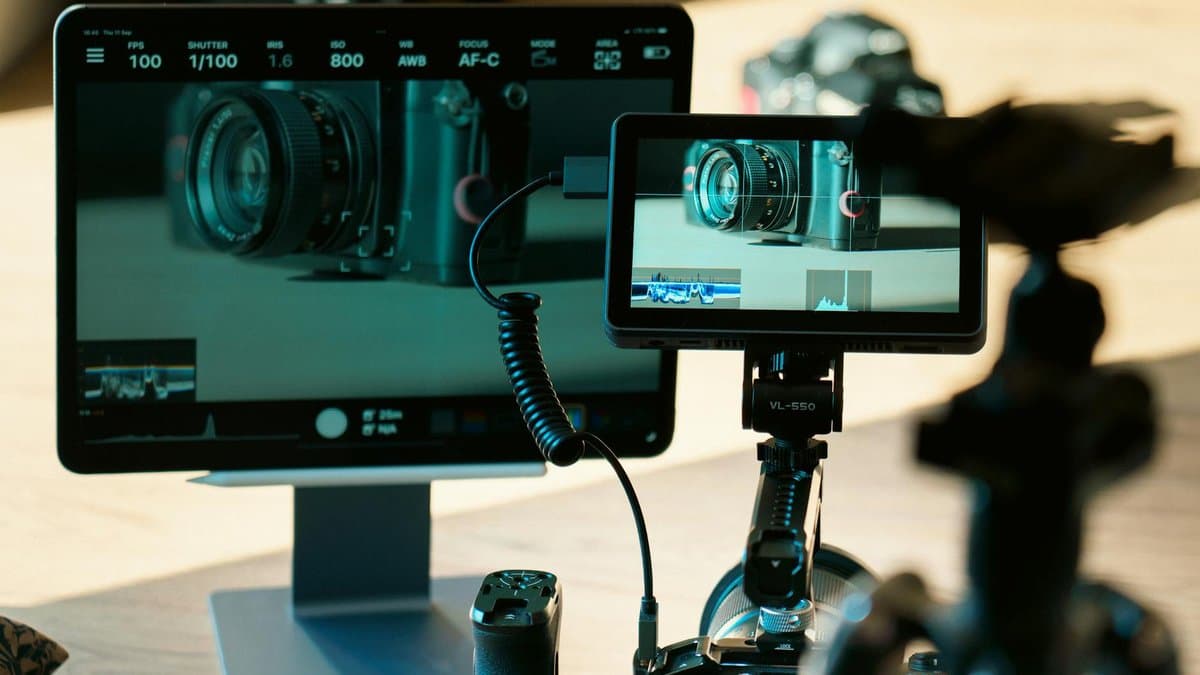
Kapwing stands out as a game-changer for creators who want to transform their ideas into polished videos without starting from scratch. According to Kapwing, the platform transforms prompts, scripts, or articles instantly into multimedia-rich videos with optimized aspect ratios for any platform—whether you're posting to TikTok, Instagram Reels, or YouTube Shorts.
What makes Kapwing particularly powerful is its all-in-one approach. Kapwing includes B-roll, voiceover, music, and subtitles in each output, meaning your video is ready to publish or refine right away. No need to hunt for background footage or record audio separately.
A thoughtful feature is the complete storyboard preview before generation, which gives you control over credit usage and lets you catch any issues before finalizing. This means you can plan your video's flow and understand exactly what resources you're using—perfect for creators managing multiple projects or working within specific branding guidelines.
4. Aleph AI

Aleph AI is a powerhouse platform that brings together multiple cutting-edge AI video models in one intuitive interface. If you're looking for flexibility and advanced creative control, this is a game-changer for short-form content creators.
According to Aleph AI, the platform supports multiple AI video models including Kling, Seedance, Wan, Veo, and Aleph, giving you access to diverse generation capabilities. This means you can experiment with different models to find which produces the best results for your specific content style.
What really sets Aleph AI apart is its AI Video Style Transfer feature. Aleph AI offers AI Video Style Transfer for applying visual styles and artistic looks to videos—perfect for maintaining consistent branding across your content or creating striking cinematic effects without manual editing.
The platform also features AI video generation from text, images, or templates with scene editing capabilities, allowing you to build complete videos from scratch or transform existing assets. Whether you're starting from a written prompt, static image, or template, Aleph AI streamlines the entire creative process for rapid content production.
5. Scene Detection and Auto-Captioning Features
Automation is the game-changer for creators working at speed. Modern free AI video editors now include automation features such as scene detection, auto-captioning, silence trimming, and background removal—transforming hours of manual editing into minutes of intelligent processing.
According to Fish Audio, these smart automation tools handle the tedious grunt work so you can focus on creativity. Scene detection automatically identifies transitions and cuts, while auto-captioning generates synchronized text overlays—essential for accessibility and boosting engagement on silent-scroll platforms like TikTok and Instagram Reels.
What makes this even better? Fish Audio notes that some platforms provide true AI video editor no watermark exports on free plans, meaning you get professional-quality output without hidden paywalls. Beyond captions, smart reframing functionality is available in current generation free tools, automatically adjusting compositions for different aspect ratios.
For creators juggling multiple projects daily, these features eliminate repetitive tasks while maintaining consistent, polished results—perfect for scaling short-form content production.
Conclusion
You now have five fantastic free AI video editors at your fingertips, each designed to make short-form content creation faster and easier. CapCut is your go-to for intuitive, all-in-one editing, while Invideo AI shines if you need script-to-video automation. Kapwing is perfect for quick social media edits, and Aleph AI delivers professional results without breaking the bank. Don't overlook scene detection and auto-captioning features—they're absolute time-savers that keep your content accessible and engaging.
Here's how to choose: Pick CapCut if you want flexibility and control, Invideo AI if you're starting from scratch with ideas, and Kapwing if speed is your priority. To put these recommendations into practice faster, platforms like AutoShorts can automate the video clipping and captioning workflow, transforming long-form content into viral short-form clips optimized for TikTok, Instagram Reels, and YouTube Shorts.
The bottom line? Great short-form content shouldn't require expensive software or endless hours of editing. With these free tools in your arsenal, you're ready to create, captivate, and conquer social media. Start experimenting today—your next viral video is just a few clicks away.
Frequently asked questions
The best free AI video editors for short-form content in 2026 include CapCut and Invideo AI, which both offer powerful AI-powered features without watermarks. CapCut stands out with over 100 digital avatars and avatar cloning technology, while Invideo AI is trusted by 25 million+ users globally with its Magic Box tool for advanced editing. Both platforms are specifically optimized for creating content on TikTok, Instagram Reels, and YouTube Shorts.
Yes, many free AI video editors like CapCut offer AI avatar technology that lets you create engaging videos without appearing on camera yourself. You can choose from over 100 digital avatars or even clone your own avatar by uploading a short video to create customized voiceover content. This makes it perfect for creators who prefer to maintain privacy or want a unique branded presence.
Free AI video editors use intelligent automation features like auto-captions, scene detection, and content repurposing to convert long-form videos into multiple short-form clips optimized for different platforms. These tools automatically detect key moments and segments your content into platform-specific formats for TikTok, Instagram Reels, and YouTube Shorts. This saves creators hours of manual editing while maintaining professional quality.
Many of the best free AI video editors, including CapCut and Invideo AI, offer genuine watermark-free options on their free tiers, which is rare in the industry. This means you can create and publish professional short-form content directly to social media platforms without any editor branding. However, you should always verify the current watermark policy for your chosen platform, as these policies can change.
The most time-saving AI features include auto-captions that automatically generate subtitles, scene detection that identifies key moments, and magic editing tools like Invideo AI's Magic Box that handles complex edits automatically. These features eliminate hours of manual captioning, cutting, and formatting work. Combined with one-click platform optimization, these tools transform hours of editing into minutes.
You should consider upgrading when you need features like advanced avatar customization, higher export quality, priority customer support, or removal of usage limitations that free tiers impose. Most free tiers handle basic short-form content creation excellently, but creators producing multiple videos daily or requiring brand-specific customizations benefit from premium features. Evaluate your specific workflow needs and content volume before deciding to upgrade.