Master sound design for short-form video. Learn audio pacing, frequency layering, and silence techniques that boost retention without plugins.
You've nailed the visuals. The hook is sharp. The cuts are smooth. Then viewers swipe away in three seconds anyway.
Nine times out of ten, the culprit isn't the footage. It's the audio you didn't prioritize.
Here's the part most creators get backwards: they treat sound as a finishing touch, something you drop in after the edit is locked. Wrong order. On a phone speaker with no bass response and a viewer who hasn't even decided to watch yet, sound is doing more emotional work in the first second than your color grade ever will. A whoosh on the cut, a low hum under the hook, silence right before the punchline — these aren't decoration. They're the mechanism.
This guide treats sound design as the primary creative driver of short-form engagement, not a supporting element. You'll get the pacing rules that actually hold up on mobile, the frequency-layering tricks that keep a mix from turning to mud on tiny speakers, and templates you can apply to footage you've already shot. No studio. No plugins you have to buy.
The tradeoff: this takes more attention up front than slapping on a trending sound. It's worth it.
Why Audio Pacing Matters More Than You Think
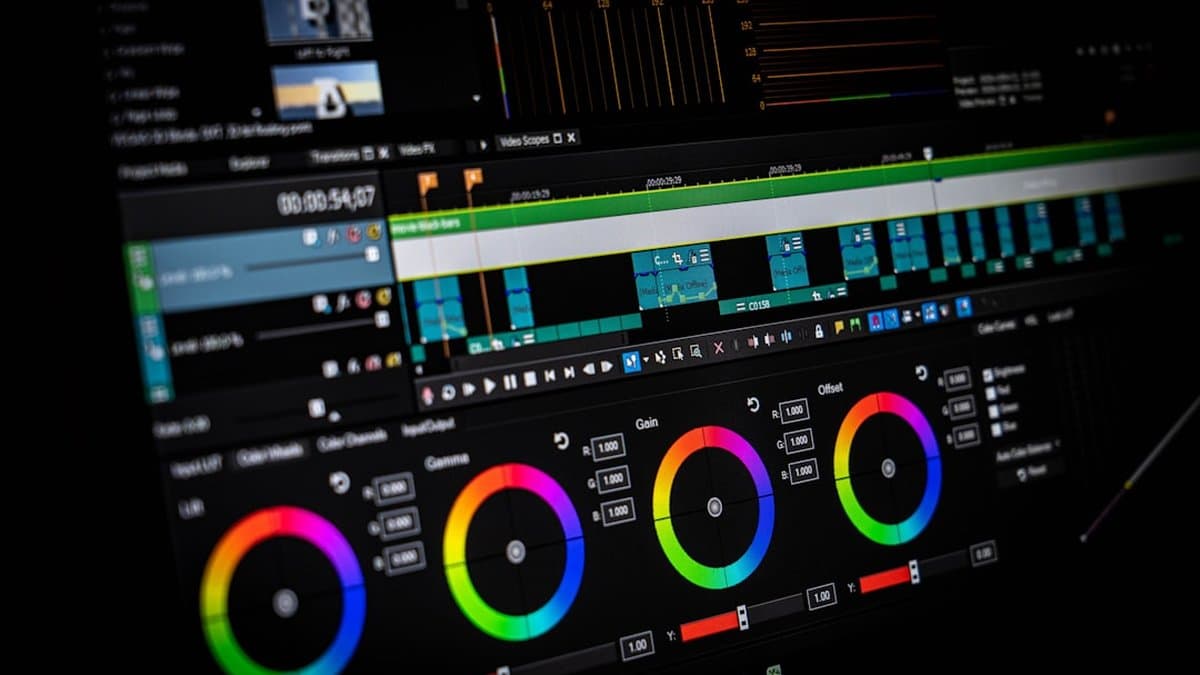
Most creators spend hours color-grading a clip and zero seconds thinking about the silence between words. That's backwards. The gaps in your audio are doing more to determine watch time than your lighting ever will.
The silence gap principle
Here's the rule: keep silence between audio elements — speech, effects, beats — at or below 200 milliseconds during the moments that matter. According to AudioForge Pro, this is the basis of what's known as the 0.2-Second Rule for Shorts pacing. Cross that threshold and something in the viewer's brain quietly decides the video has stalled.
The tradeoff is real. Tight pacing means less room for a dramatic pause, less breathing space for a joke to land. You're trading theatrical timing for retention. Most Shorts creators should make that trade every time — you can be artful later, once someone's actually watching past second three.
How brains process auditory momentum
Nobody consciously counts milliseconds. Viewers don't clock a 0.3-second gap and think "that felt slow." They just feel it, and they swipe.
That's the tricky part. The exit happens before the reason registers. As AudioForge Pro puts it, a video can look flawless — sharp framing, warm light, clean cuts — and still lose people because the sound underneath never gave them a reason to stay.
Key Point: The loss of momentum is felt, not noticed. Viewers act on it before they can explain it.
The first three seconds decide everything
Everyone obsesses over the opening frame. Wrong obsession. According to Wouldliker, reducing friction is the real goal of good audio — a strong opening sound makes the video feel alive before the visuals even catch up.
A punchy stinger, a snappy voice hit, a beat drop timed right on the cut — that's what buys you the next ten seconds. Tight pacing throughout removes cognitive friction. It tells the viewer's brain, without a single word, that this clip is going somewhere.
Layering Sound Across Frequencies for Impact
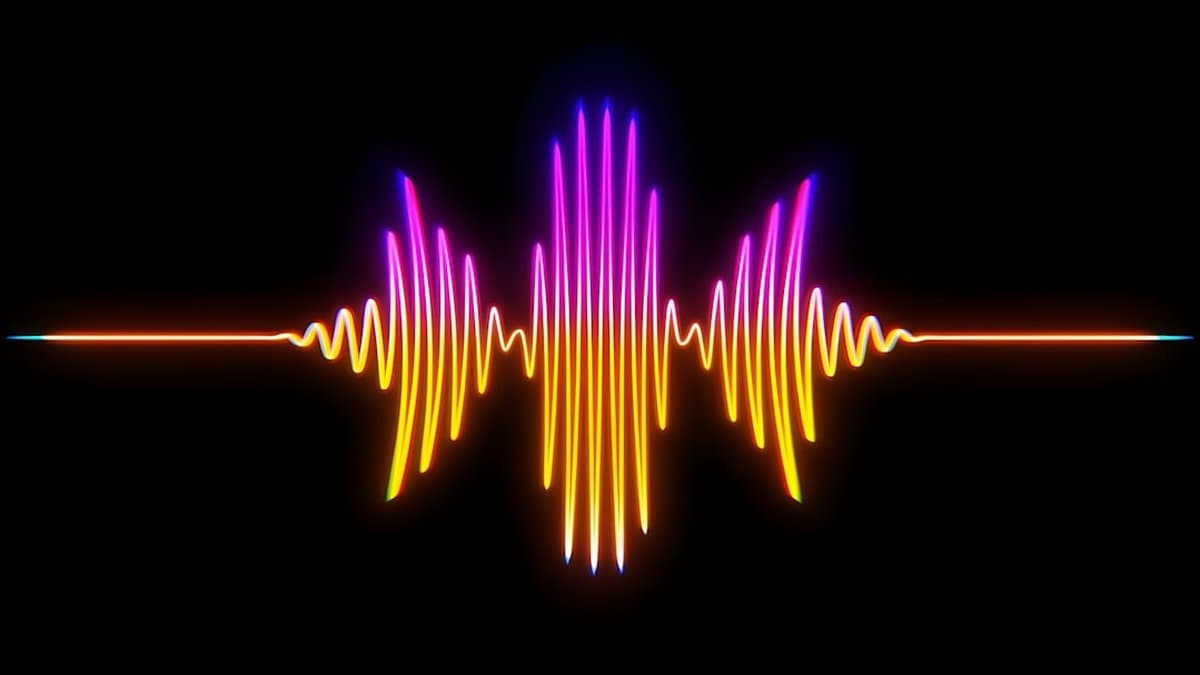
One sound effect, however good, cannot carry a scene. That's the core mistake in most amateur Shorts audio: a single whoosh or thud gets dropped in and the creator moves on, assuming the job is done. It isn't. Real impact comes from layering, and skipping it is why so many Shorts sound thin even when the visuals are sharp.
Why single sounds fail
A whoosh alone has no weight. A punch alone has no space around it. Sound designers stack frequency ranges because each one does a different emotional job — lows for weight, mids for clarity, highs for sparkle — and a single layer only ever covers one of those jobs.
This matters more on phones than anywhere else. Phone speakers and cheap earbuds cut off bass and compress dynamic range, which means most viewers only really hear the midrange "speech band." According to Cursa, designing for small speakers means accepting that this narrow band is where dialogue and your most important cues have to live, because that's what actually survives playback.
The three-layer system
Think of your mix in three bands, each with a job:
Lows
Mids (500 Hz–2 kHz)
Highs
Dialogue owns the mids. Everything else has to work around it, not compete with it.
Balancing competing elements without mud
Stack these bands carelessly and you get mud — a wall of noise where nothing reads clearly, rather than a punchy, layered soundscape. Tech Distill Hub frames this as part of a clean-authenticate-texture workflow: get the base track clean before you add anything, or the layers just compound the noise.
Warning: Adding a bass layer under dialogue without carving out space in the low-mids is the single fastest way to bury your speech band.
Test on the actual devices your audience uses — phone speaker, laptop trackpad speakers, one AirPod in a loud room. If the cue disappears there, it disappears for most viewers.
The Three-Stage Audio Workflow: From Raw to Cinematic
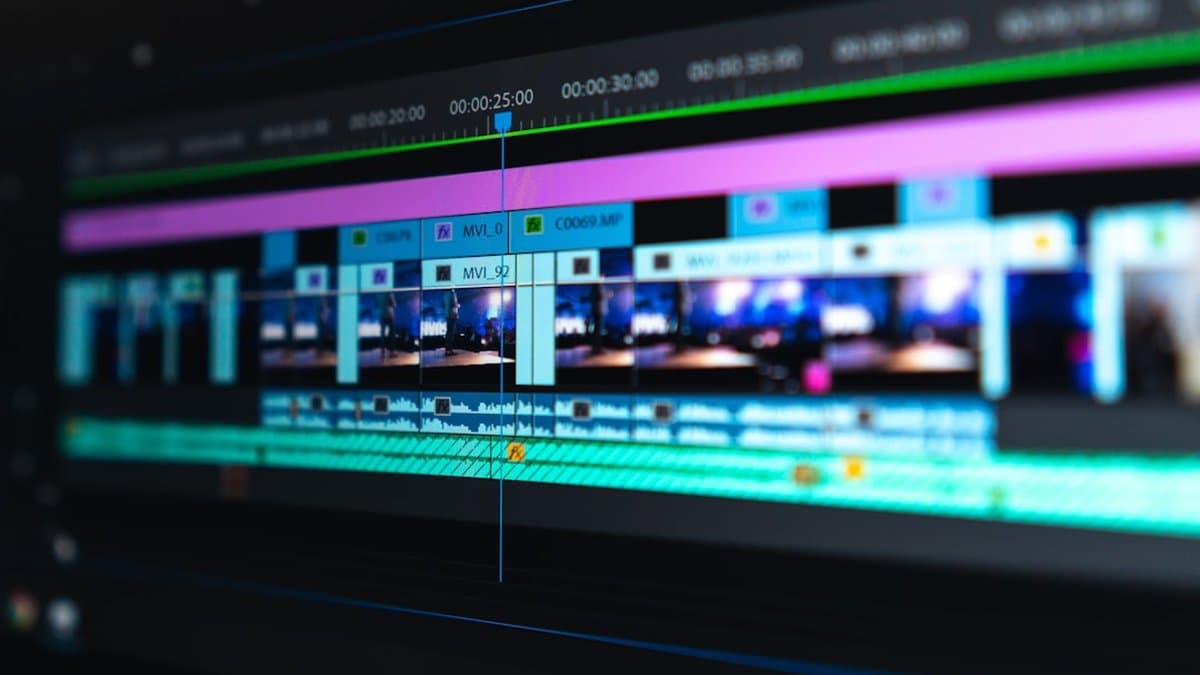
Sound design sounds like an art. Mostly it's a sequence. Skip a stage and viewers feel it even if they can't name it — the clip reads as "off" without them knowing why. According to Tech Distill Hub, the fix is a three-stage workflow: clean, authenticate, texture. Each stage does one job. Do them out of order and you're mixing mud.
Stage one: Clean your baseline
Before anything creative happens, strip the garbage out. Hum, hiss, room echo, the fridge you forgot was running — gone. This isn't the fun part, and that's exactly why people skip it.
But every layer you add later inherits whatever noise floor you started with. Build texture on top of a dirty track and you've just made louder mud. Clean first. Always.
Stage two: Authenticate with realistic cues
This is where a clip stops feeling like stock footage and starts feeling like a place. Footsteps that land when the foot lands. A door close that matches the swing. A fabric rustle under a hand gesture.
None of these cues are loud. That's the point — they're felt more than heard, and they're what tells a viewer's brain "this is real" before conscious attention gets involved.
Worth knowing: Authenticity cues fail fastest when they're early or late by even a frame or two — sync matters more than sound quality here.
Stage three: Texture with emotion
Texture is the layer people notice and misattribute to "good footage." Atmospheric beds, a music swell timed to a cut, subtle design that pushes under dialogue without stepping on it. Done right, texture amplifies what's already on screen. It doesn't compete for attention — it disappears into the feeling.
This is also the stage most amateurs rush to first, skipping clean and authenticate entirely. That's backwards, and it's why their texture sounds pasted-on rather than earned.
The workflow scales. One short or ten, the sequence doesn't change — only the batch size does. AI tools can speed the grind: surfacing highlight moments, flagging where a cue is missing, batching repetitive cleanup across a dozen timelines. What they shouldn't do is decide your timing for you. We've found the tools worth keeping are the ones that hand you options and get out of the way, not ones that lock you into a template because it's faster to render.
Designing Sound for Mobile: The Small-Speaker Reality
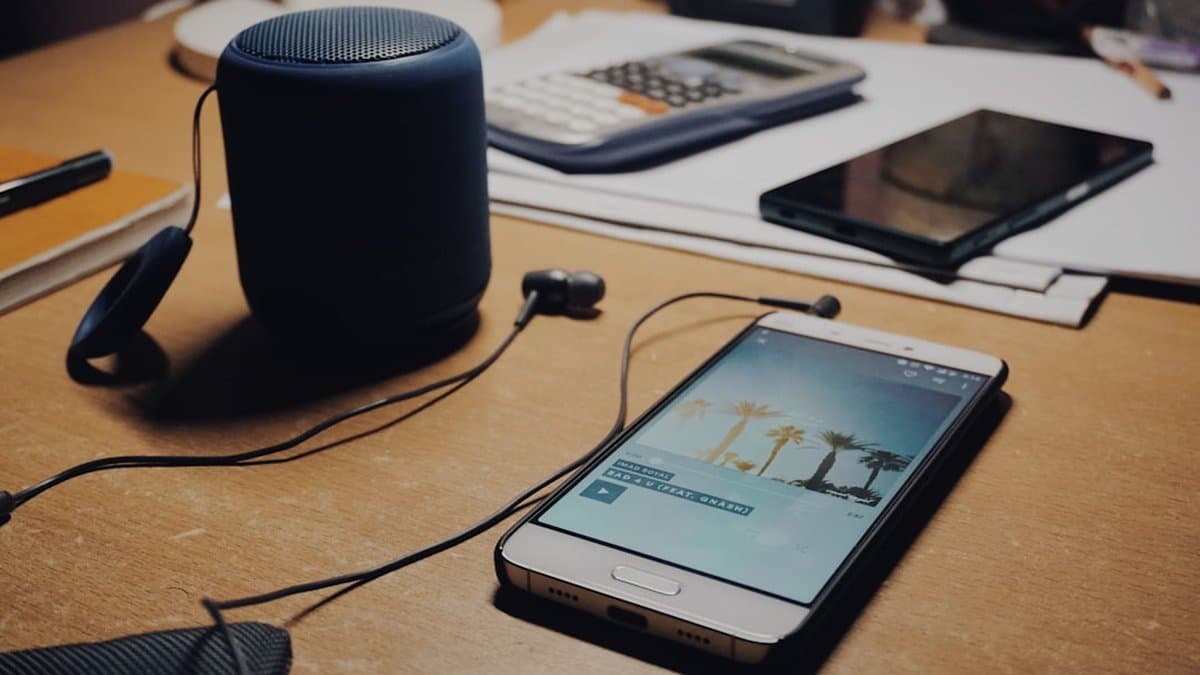
Here's the uncomfortable truth: the mix you obsessed over on studio monitors is not the mix your audience hears. Your viewer is on a bus, phone speaker up, earbuds half-in, or scrolling in a quiet office with the volume at 30%. Design for that reality, not the one in your headphones.
What mobile playback actually removes
A phone speaker is a tiny driver in a thin chassis. It cannot reproduce sub-bass, and it has almost no headroom before distortion kicks in. So the low end you spent an hour tuning — gone. The wide stereo ambience you panned so carefully — collapsed to mono, effectively. According to Cursa, sound design for vertical video needs to account for exactly this kind of small-speaker playback, because it's the dominant environment for the format, not an edge case.
Why your great mix sounds terrible on phones
The gap between a mix that impresses on monitors and one that survives a phone speaker is huge. Deep bass hits that felt cinematic in your headphones turn into silence. Wide stereo widening that made your soundscape feel expansive turns into nothing, because there's no second speaker to create the width in the first place.
Warning: If a sound effect's impact depends on sub-bass you can feel but not hear, it will not register on mobile. Budget for that loss before export, not after.
The midrange is your best friend
Speech, most sound effects, and your pacing cues all live in the midrange — and that's exactly the band small speakers reproduce best. Lean into it. Every critical cue — dialogue, a hit, a transition — needs to read clearly in that band and without competing for space.
Test ruthlessly, on the actual devices your audience uses. Skip this step and you're mixing for an audience that doesn't exist.
Where to Put Your Effort First
Skip the color grade this week. Open your last short instead and find the exact second viewers swipe. Check the silence around it. If any gap runs past 200 milliseconds, that's your problem before it's a lighting problem or a hook problem.
Fixing that one gap and adding a single extra frequency layer — dialogue plus ambient texture, or an effect under a music swell — will do more for retention than another round of visual polish. That's the trade most creators get wrong: they assume the fix is always visual, so they spend hours reshooting a scene that was never the issue.
One thing not worth your time: chasing a "perfect" studio mix before you've heard the clip on a phone speaker. Sub-bass and wide stereo separation you agonized over on monitors often just vanish. Test on the actual device first, then mix.
If you're working through a batch of clips, let automation handle moment-finding and caption burn-in — AutoShorts does both — so your time goes into the three-stage audio pass instead. Run it on one video this week. Watch what changes.
Frequently asked questions
The 0.2-second rule states that silence gaps between audio elements should stay at or below 200 milliseconds during critical moments to maintain viewer engagement. When gaps exceed this threshold, viewers' brains register the video as stalled, even if they can't consciously articulate why. This is the foundational pacing principle for sound design for shorts that separates videos that hold attention from those that get swiped away.
Most shorts are consumed on mobile devices with limited bass response and compressed audio, so you need to layer your sound across multiple frequencies to create depth and impact. Focus on the mid to high-frequency ranges where phone speakers shine, and test your mix on actual phone speakers rather than studio monitors. Avoid relying on low-end bass alone, as it won't translate to cheap earbuds or laptop speakers.
Audio pacing determines whether viewers stay past the critical three-second mark before visual elements even register emotionally. Your color grade and lighting can be flawless, but if the sound underneath never gives viewers a reason to stay, they'll swipe anyway. Treating sound design as your primary creative driver rather than a finishing touch is what separates shorts that stop the scroll from those that get missed.
Frequency layering involves combining multiple audio elements across different frequency ranges to create fuller, more impactful sound without muddying your mix. A single sound effect rarely delivers complete emotional or functional impact on mobile devices, so layering complementary frequencies ensures your audio translates clearly across all playback environments. This technique is essential for making sound design for shorts work on tiny speakers without losing clarity or punch.
If your silence gaps between audio elements exceed 200 milliseconds during key moments, your pacing is likely too slow for mobile viewers. The tradeoff is real—tight pacing leaves less room for dramatic pauses and theatrical timing—but retention on shorts platforms consistently outweighs artistic breathing room. You can always experiment with longer pauses once you've hooked viewers past the crucial three-second window.
Use sound effects strategically during moments that need to hold attention, especially during visual transitions and at the beginning when you're fighting for the viewer's attention. A whoosh on the cut or a low hum under your hook creates auditory momentum that keeps brains engaged before dialogue or visuals have time to convince them to stay. The key is layering audio intentionally rather than treating it as decoration—every element should serve the goal of stopping the scroll.
No. Effective sound design for shorts is about strategy and attention to detail rather than expensive tools or professional equipment. You can apply frequency-layering techniques and follow the 0.2-second rule with basic editing software and free or bundled audio tools. The real work is prioritizing audio in your creative process and understanding the principles that make sound stick on mobile devices.
These three stages form the complete audio workflow: cleaning removes background noise and inconsistencies, authenticating establishes the emotional truth of the sound, and texturing adds layers and effects that amplify impact on mobile speakers. By working through these stages intentionally, you transform raw audio into cinematic sound that supports your visual story and keeps viewers engaged from frame one.