Smart Crop, Not Dumb Crop
Unlike basic center-crop tools, AutoShorts analyzes each frame to keep the most important content visible in the vertical frame.
AutoShorts intelligently converts your landscape videos to 9:16 vertical format. AI-powered cropping follows the face it is tracking — no manual editing needed.
No credit card required — 3 free clips included
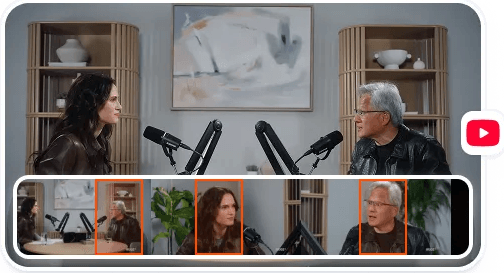
AutoShorts.APP analyzes your video, detects the best moments, tracks faces for the vertical crop, and generates platform-ready clips — automatically.
See the clips our users are creating with AutoShorts every day





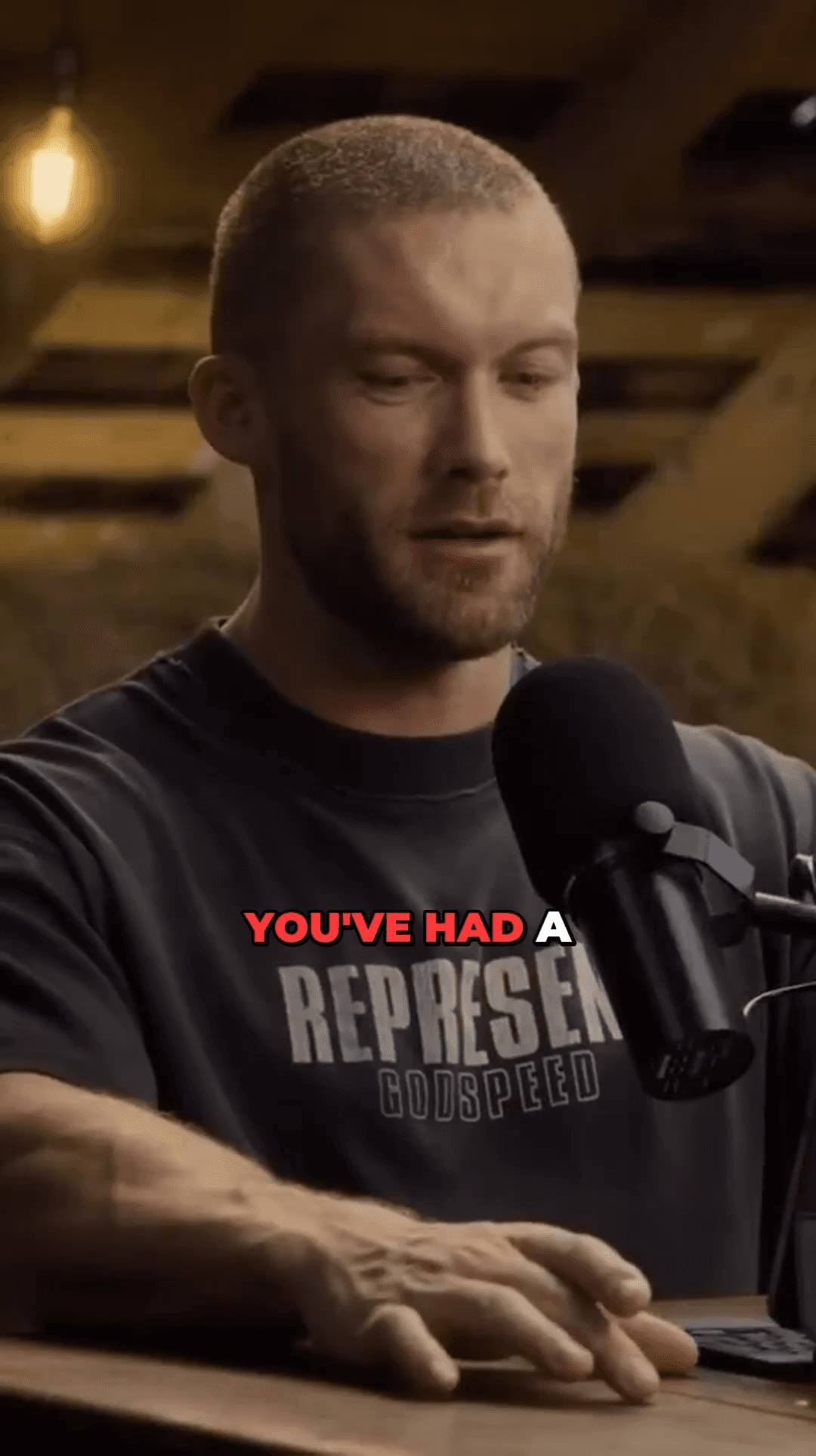
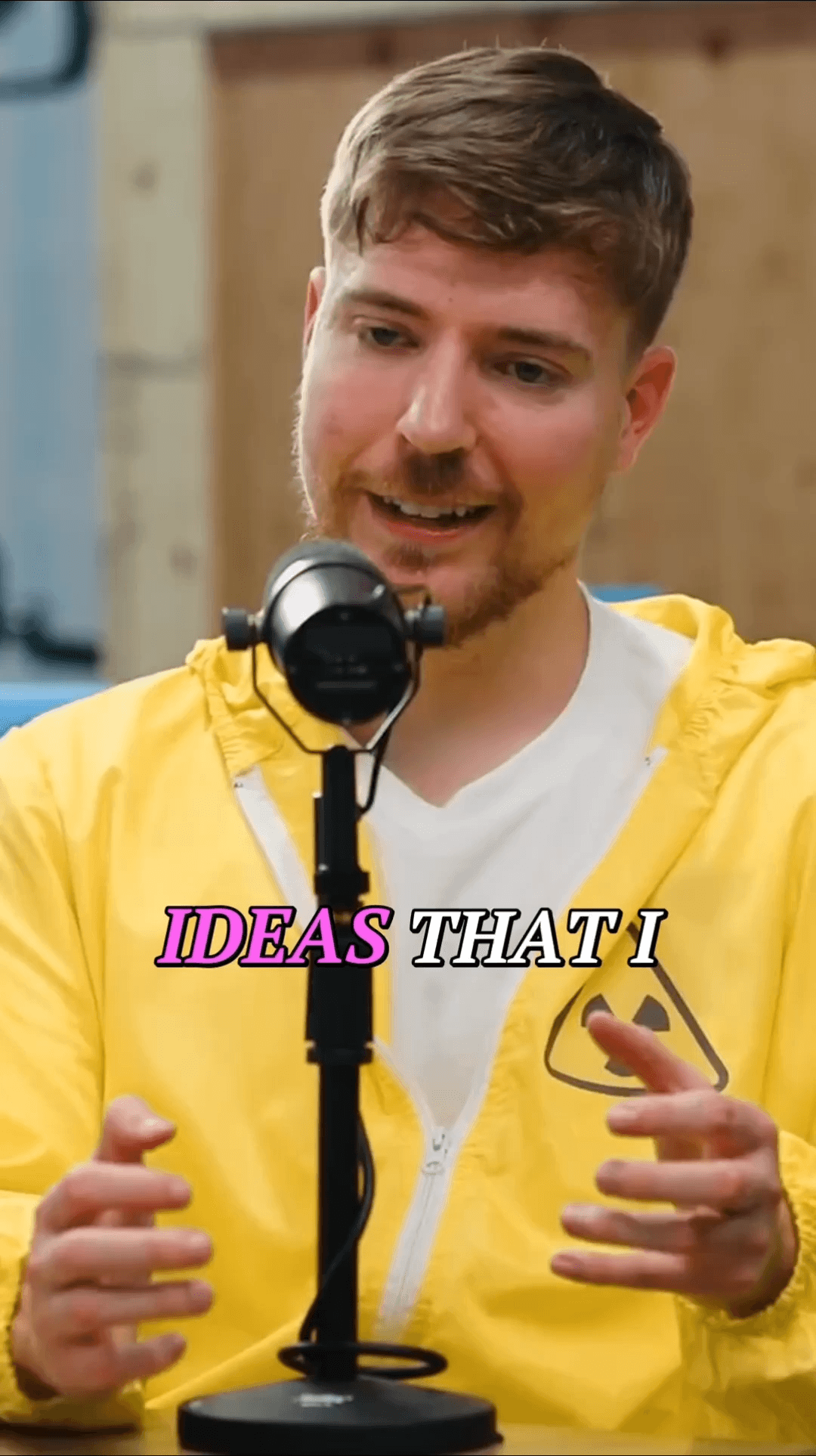

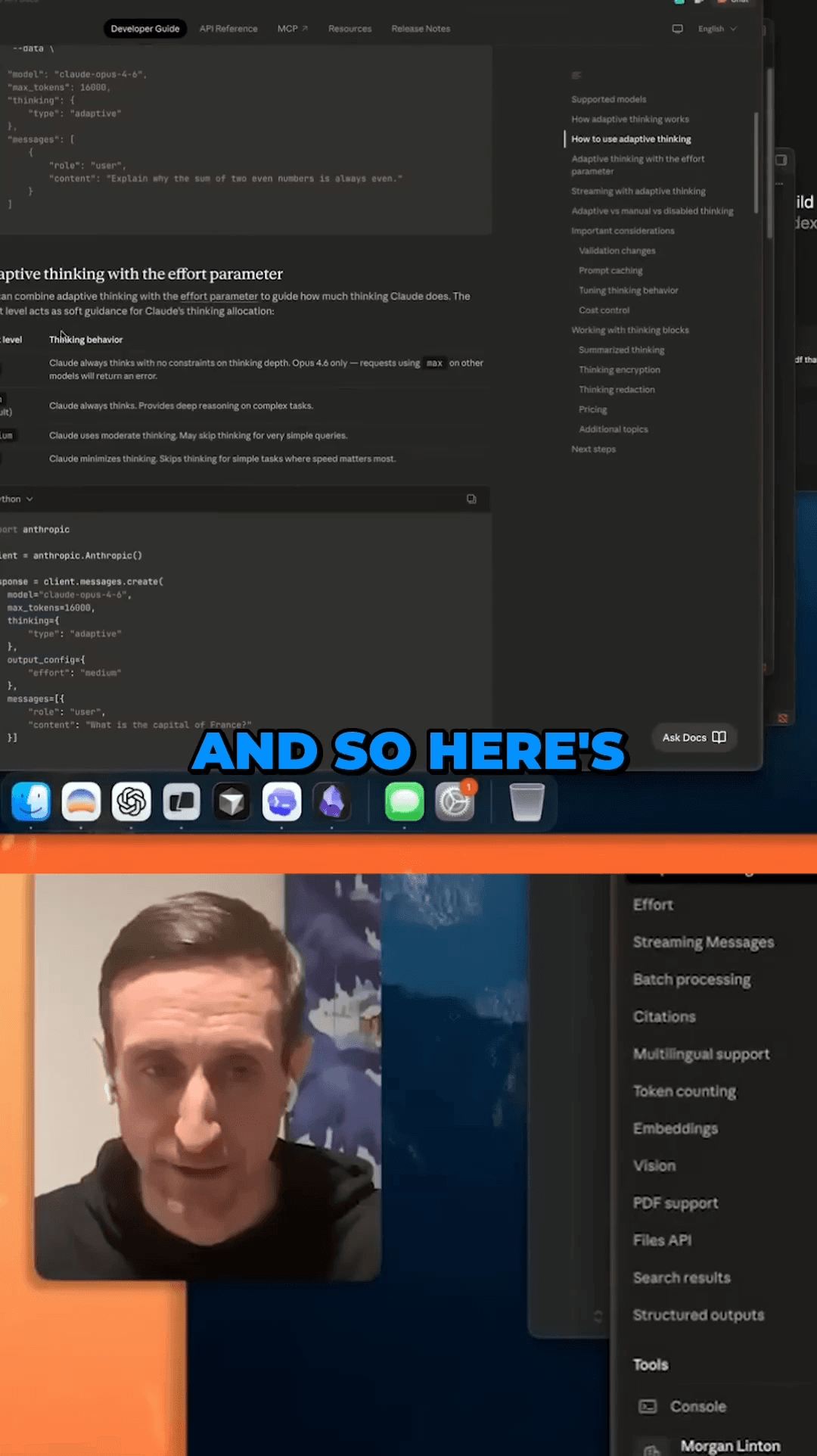
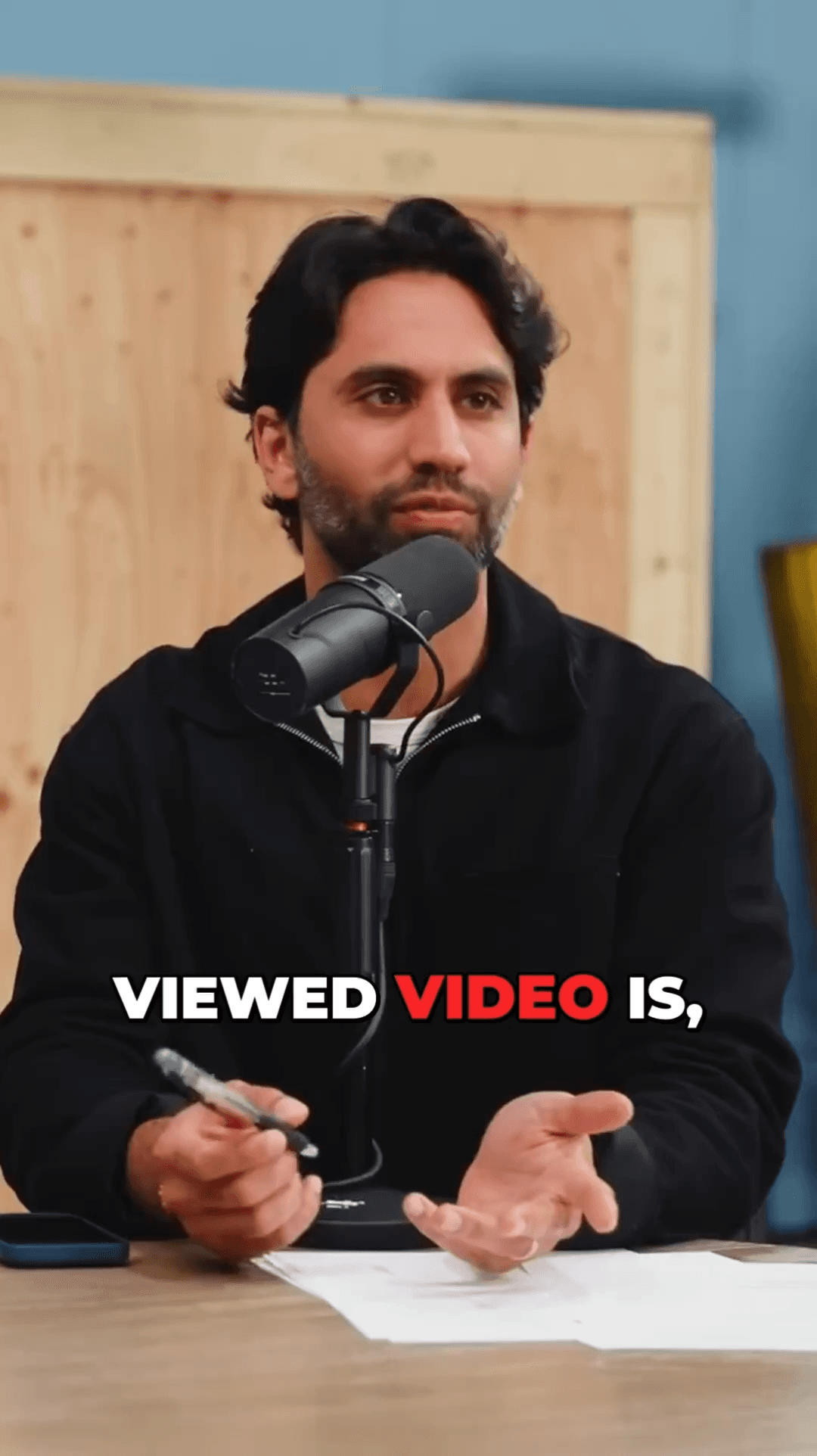


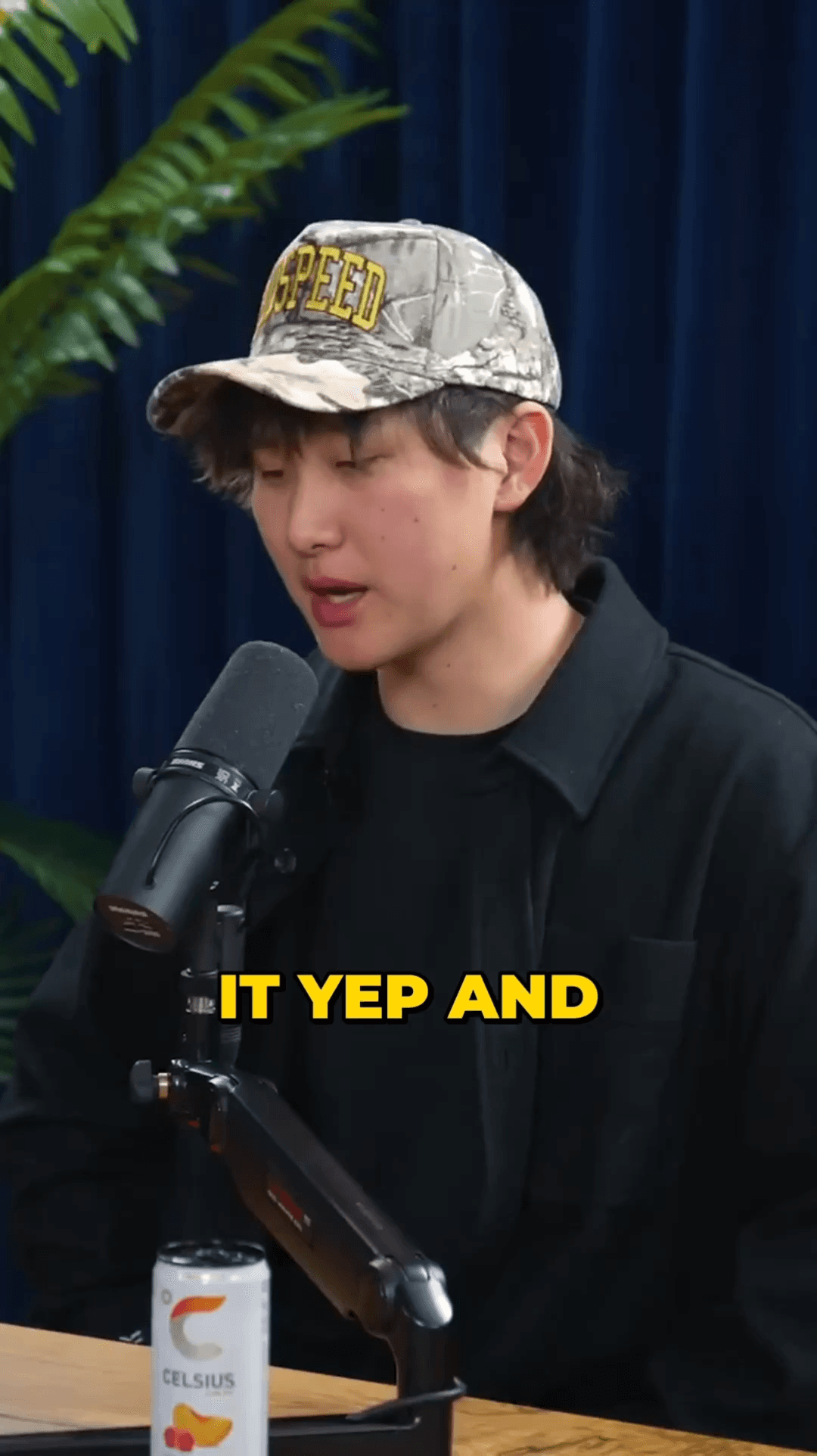
02 / Changes Everything
Intelligent landscape-to-vertical conversion powered by AI
Unlike basic center-crop tools, AutoShorts analyzes each frame to keep the most important content visible in the vertical frame.
The tracker holds one subject through a shot, so the frame stays put instead of hunting between people in wide-angle scenes.
Frame positions are smoothed over a 60-frame window to eliminate jitter. The result is buttery-smooth camera movement.
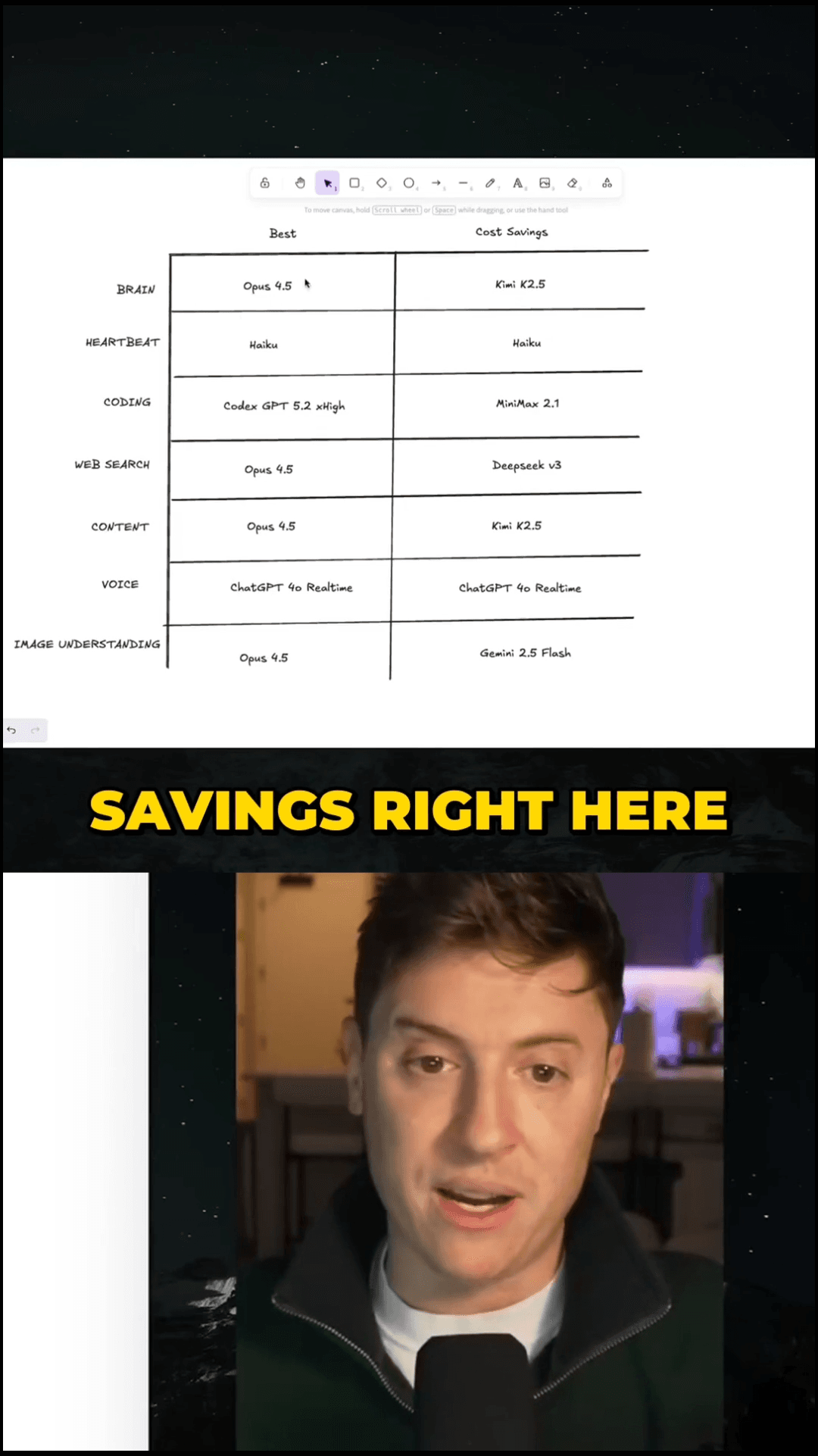
When no face is detected, the video is fit to width with an artistic blur background fill — no black bars.
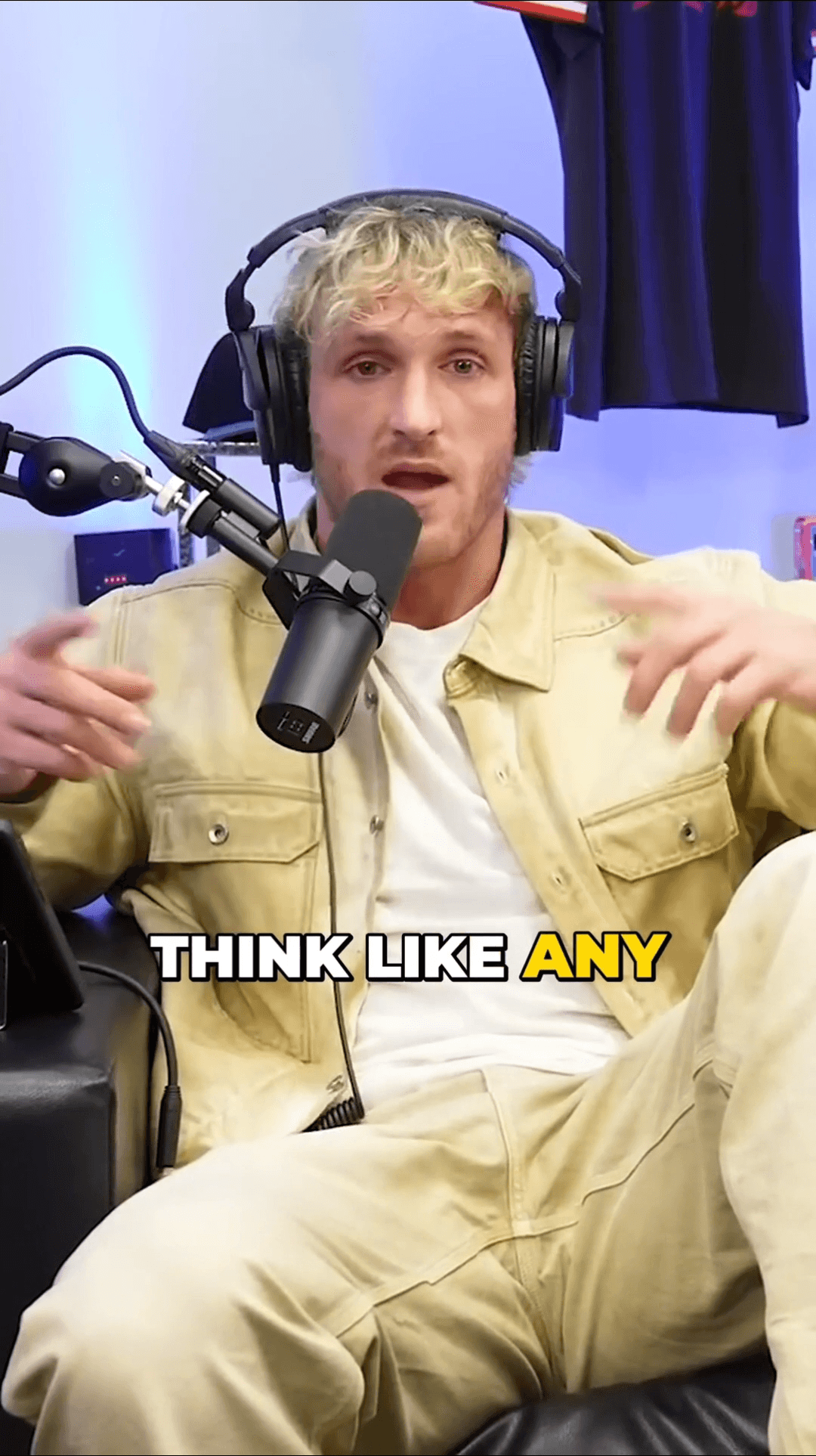
Every clip is output as 9:16 vertical at your source resolution, ready for TikTok, Reels, and Shorts.
No manual keyframing or cropping. Upload your video, and the AI handles all reframing decisions automatically.
AI detects faces frame by frame and keeps the subject centered in every clip.
Three steps from landscape to vertical
Upload any landscape or widescreen video file, or paste a YouTube URL.
Face and person detection determine the optimal crop position for every frame.
Get perfectly reframed 9:16 vertical clips ready for TikTok, Instagram Reels, and YouTube Shorts.
9×
Faster than manual editing
40%
More watch time with subtitles
9:16
Platform-ready vertical format
Common questions about auto reframing
Stop manually cropping videos for social media. Let AI reframe your content intelligently in minutes.
No credit card required — 3 free clips included
Discover all the AI-powered tools that make AutoShorts unique
08 / Blog
Deeper reading on this topic