Learn how to turn 6-hour streams into 20+ viral vertical shorts. Step-by-step clipping guide for TikTok, Reels & YouTube Shorts.
Six hours of stream. One clean 45-second exchange where you actually said something funny, or got genuinely tilted, or made a call that turned out right. Maybe three or four moments like that, buried in VOD timestamps nobody's going to scrub through by hand.
That's the real math of clipping. Most streamers treat it as an afterthought — export a VOD, maybe cut one highlight for a video editor friend, move on. That's leaving most of the value on the table. A single stream, cut right, is a week of short-form content across three platforms.
But finding the moment is only half the job, and it's the half people underrate. The other half is format: vertical crop, captions burned in, posted where the algorithm actually rewards native 9:16 over reuploaded landscape footage with black bars.
Twitch has clip tools. Kick barely has any, which means creators there are mostly doing this manually or not at all. Either way, the workflow — from raw VOD to something TikTok wants to push — is the same shape, and it's worth doing properly.
Why Stream Clipping Matters More Than You Think
Clipping isn't a nice-to-have you get to eventually. If you're not doing it, you're capping your own reach at whoever happened to be online during those six hours. Everyone else gets nothing.
The VOD discovery problem
Twitch VODs die fast. Within 48 hours, they're buried under the next stream, the next VOD, the next hundred creators uploading into the same feed. There's no algorithm surfacing your three-week-old VOD to a stranger scrolling Twitch. It just sits there, unwatched, timestamped, waiting for nobody.
Compare that to TikTok or YouTube Shorts, where a single 45-second clip can land in front of people who've never heard of you. That's the whole game: short-form platforms actively push content to new audiences. Twitch VODs actively don't.
Key Point: Your VOD archive isn't dead content — it's unconverted content. The value is still there. It's just locked behind a format nobody's browsing.
Why vertical format wins on mobile
Shoot your clip in 16:9 and post it to TikTok, and you're fighting the platform instead of using it. Vertical isn't an aesthetic choice — it's the format the majority of viewers are actually holding their phone in when they watch.
According to ViralMint, streamers are sitting on a genuine goldmine of short-form content buried in every VOD and clip they've already recorded. The problem was never having enough material. It's converting it.
That conversion has real yield. According to Conbersa, a 2 to 4 hour stream archive can become 20 to 40 short-form clips distributed across TikTok, Reels, and YouTube Shorts — reaching audiences the streamer can't reach on Twitch alone. Similarly, RepurposeYourContent puts a 4-hour VOD at 30+ usable assets.
That's not a rounding error. That's the difference between one stream reaching your regulars and one stream feeding a month of daily posts. The cost is time — someone has to find those moments, cut them, and reframe them to 9:16, which is exactly the manual work tools like AutoShorts exist to shortcut.
Finding Clippable Moments in Long VODs
Here's the uncomfortable truth: most of a stream is filler, and that's fine. Filler is where the streamer warms up, chats get quiet, nothing happens. The job isn't watching all six hours. It's finding the eight to fifteen minutes that were never filler to begin with.
Read the stream for signals
Streams tell you where the good stuff is, if you know what to look for. Chat erupts in caps and spam-emotes. The streamer's voice jumps an octave. The game state flips — a clutch, a death, a plot twist in whatever they're playing. These are loud, obvious signals, and they cluster.
According to AutoClip, a Twitch VOD is the best and worst source material in short-form — best because it's raw and emotionally live, worst because there's just so much of it. A mid-size streamer generates more footage in a week than most editors want to look at.
The moments worth pulling combine three things: emotional spike, a hook someone would repeat to a friend, and something visually clear enough to make sense with no context. Miss one of those three and the clip falls flat, even if chat loved it live.
Manual vs. AI detection
Scrubbing a VOD by hand for these moments costs you roughly two hours before you've cut a single clip. That's not an exaggeration — it's the actual math of watching six hours at anything faster than 3x while still catching the subtle stuff, like a slow build in tone that chat picked up on before the streamer even reacted.
Key Point: A typical six-hour stream holds somewhere between 8 and 15 moments genuinely worth clipping. Everything else is context, not content.
AI detection changes the economics entirely. Tools built for this — StreamLadder is one, and it's the category AutoShorts sits in too — scan an entire VOD in seconds and surface candidates ranked by likely virality, instead of asking you to babysit a timeline.
The tradeoff is real, though. Automated detection is fast but not infallible — it'll flag audio spikes that are just a mic bump, or game-state changes that read as dramatic to an algorithm and boring to a human. You still need to watch the shortlist. What you skip is the two hours of scrubbing through the parts that were never going anywhere.
Converting Landscape Footage to Vertical Gold

A Twitch stream is shot in 16:9. Every phone that scrolls TikTok or YouTube Shorts holds itself in 9:16. That mismatch is the whole problem, and most streamers underestimate it — they treat the reframe as a resize, when it's actually a decision about what to keep and what to throw away.
Understanding the 16:9 to 9:16 reframe
Widescreen gives you a full desk: webcam, game, chat overlay, maybe a second monitor peeking in. Vertical gives you a sliver. You cannot fit all of that and have any of it be legible on a 6-inch screen. Something gets cut.
Twitch knows this is a problem, which is why it auto-generates portrait versions of clips. Convenient, but convenient is not the same as good. According to RepurposeYourContent, the professional workflow for turning a VOD into assets that actually grow a channel goes well beyond just exporting a default crop — it treats reframing as its own editorial step, not an afterthought bolted onto clipping.
Why auto-crop often falls short
Default auto-crop tools tend to optimize for one thing: keep a face in frame, somehow. They don't know your game has a kill feed in the corner that matters, or that the funny part of the clip is a chat message scrolling by, not your face at all.
Here's the uncomfortable tradeoff: a bad crop is worse than no crop.
A static frame that misses some motion is watchable. A frame that whips around trying to catch everything is nauseating, and viewers bail within seconds. Given the choice between "technically complete" and "smooth," pick smooth every time.
Face tracking and smooth motion
The fix isn't more aggressive cropping. It's steadier cropping.
Tools that track the speaker and keep them centered — smoothing the motion across frames instead of snapping to wherever a detection model thinks a face is — produce clips people actually finish watching. That smoothing is the unglamorous part nobody talks about, but it's the difference between a clip that feels edited and one that feels seasick.
Warning: Jarring, jump-cut-style face tracking will cost you more retention than a slightly imperfect static frame ever would.
One more detail that quietly matters: output resolution. If a tool crops your 1080p landscape footage down to a vertical slice and then upscales it back to fill the frame, you lose sharpness — and captions get blurry fast. Deriving the output from the source height instead, rather than stretching it, keeps text legible and the footage honest. AutoShorts works this way by design: track the speaker, smooth the motion, and never manufacture pixels you didn't start with.
Captions and Hooks: Making Clips Stop the Scroll
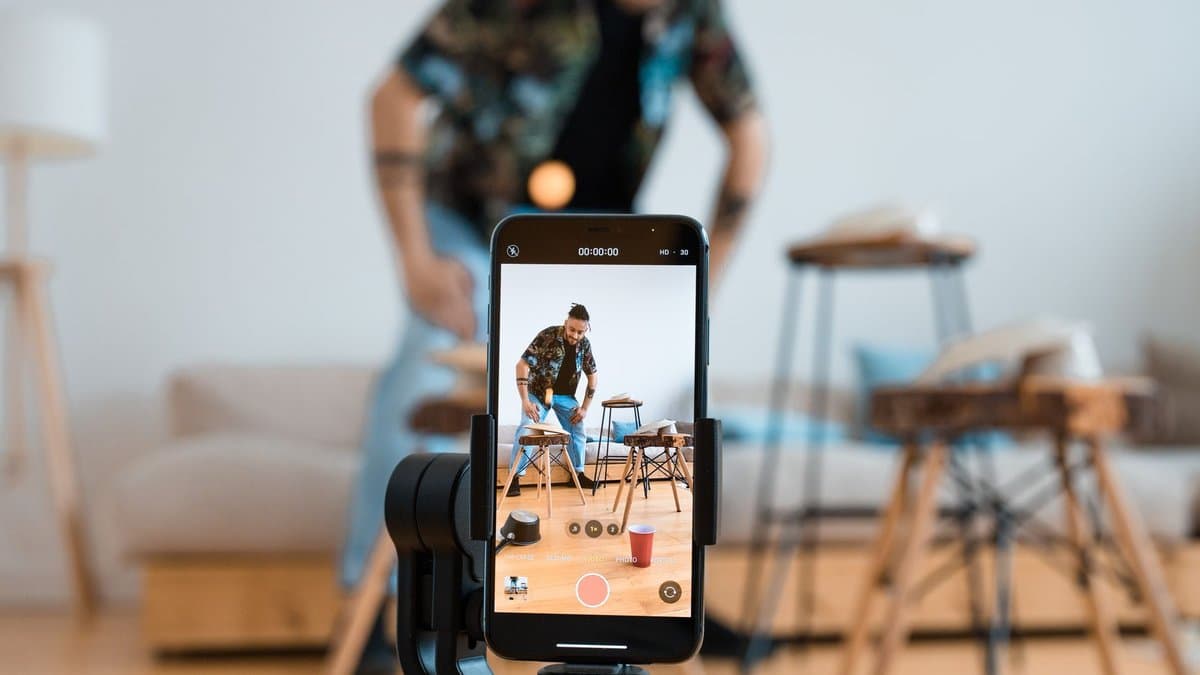
Captions aren't a subtitle for the hard of hearing anymore. They're the primary reading experience for most short-form viewers, and if you're treating them as optional polish, you're losing viewers before your best line even lands.
Silent viewing is the default
People scroll TikTok at work, in bed next to a sleeping partner, in waiting rooms. Sound off is the default state, not the exception. A clip that depends on audio to land its joke or its clip-worthy reaction is a clip that dies silently, no pun intended, the second it hits a muted feed.
This changes how you cut. A streamer's perfectly timed reaction is worthless if the punchline is a sound cue nobody hears. Captions carry the meaning now. Treat them as load-bearing.
Why word-level captions work
Platform auto-captions exist, and they're better than nothing. But they're also easy to miss, easy to switch off, and inconsistent across TikTok, Reels, and Shorts. Burning captions directly into the video — word by word, timed to speech — means the text is there no matter where the clip gets reposted or re-uploaded by someone else.
Word-level timing matters more than people think. Highlighting one word at a time as it's spoken keeps the eye locked to the screen; a caption that dumps a full sentence and holds it feels sluggish by comparison. This is part of why we built AutoShorts around transcription with word-level timestamps in the first place — the captions come from the same data used to find the clip, so the timing is exact rather than approximated.
Worth knowing: According to ViralMint, word-by-word captions are now treated as standard for turning Twitch clips into TikTok-ready shorts, not an optional add-on.
The first-frame hook
Three seconds. That's roughly what you get before a thumb decides to keep scrolling. Open on setup — "so earlier today I was playing ranked and..." — and you've already lost the viewer who needed a reason to stay.
Open on the moment instead. The scream, the clutch, the chat explosion already mid-swing. Action or tension, never wind-up.
Placement and pacing
Big text. Legible on a five-inch screen from arm's length, which is smaller than it sounds when you're staring at a timeline on a 27-inch monitor. Keep captions clear of faces and the action itself — a caption bar sitting across someone's eyes or blocking the kill-cam defeats the purpose of having captions at all.
Pacing compounds this. Clips edited tight, with captions doing constant work, hold attention better than longer clips with dead audio-only stretches where nothing's on screen to read. According to RepurposeYourContent, the professional clipping workflow treats a long VOD as raw material for many short, tightly cut assets rather than a handful of loosely trimmed ones — the same instinct applies inside each individual clip, not just across the batch.
Building a Repeatable Clipping Workflow

Clipping one moment, exporting it, then going back to hunt for the next one is how people burn out in a week. The fix isn't a better tool. It's treating clipping like a production line instead of a series of one-off decisions.
Batching clips saves time
Watch the whole VOD first. Mark every timestamp worth cutting, then do all your crops in one sitting, all your captions in the next, all your exports last. Switching tasks constantly is what actually kills an editing session, not the editing itself.
According to RepurposeYourContent, a single four-hour VOD can produce 30-plus usable assets. That number only makes sense as a batch. Nobody processes 30 clips as 30 separate projects and stays sane.
Setting up your distribution calendar
A folder of finished clips is worthless if you dump them all on one day. Spread them out. Two or three a day across TikTok, Reels and YouTube Shorts beats a single Tuesday flood followed by nine days of silence.
Worth knowing: Stagger by platform, not just by day. A clip that underperforms on TikTok can still land on Shorts a day later — different audience, different algorithm.
Build the calendar the same afternoon you finish batching. Otherwise it doesn't happen.
Knowing what to skip
Not every funny moment deserves a clip. Most creators clip too much, chasing anything that got a laugh, and end up diluting the handful of clips that actually had viral shape.
Credits force discipline here anyway — most clipping tools, AutoShorts included, run on a per-clip credit system, so spending one on a mid-tier laugh instead of a genuine reaction is a real cost, not a hypothetical one. Ask whether a moment fits your audience's actual interests or just amused you in the room.
After three or four streams, identify → crop → caption → export stops being a decision tree. It's just what you do.
Cross-Platform Distribution Without Duplication
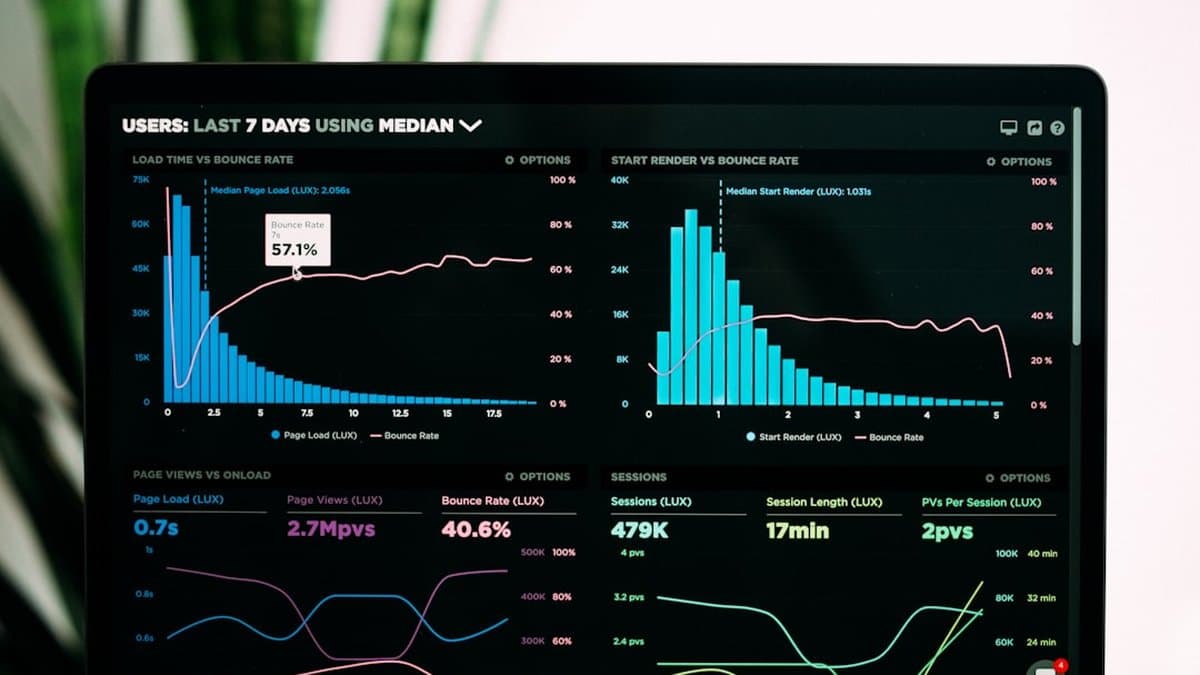
One clip, three platforms, same day. That's fine — the algorithms don't punish reposting the way people assume. What they punish is treating every platform like it's the same audience wearing a different hat.
Each platform has its own vibe
TikTok wants novelty. It'll push a stream clip from a channel with 40 viewers if the moment is strange enough and the niche community around that game or personality is active in the comments. YouTube Shorts leans the other way — it favors channels with existing subscribers and watch-time history, so a brand-new account has a slower climb. Instagram Reels sits in between: it rewards good hooks like TikTok but still cares about your follower graph more than TikTok does.
According to Conbersa, the point of turning a single VOD into a batch of short clips is to distribute across TikTok, Reels, and YouTube Shorts to reach audiences a streamer can't reach on Twitch alone — and that only works if you understand each platform pulls a different kind of viewer in.
Titles and hashtags matter
Same clip, different framing. A TikTok title can be punchy and vague — "he did NOT expect this" works. YouTube Shorts rewards a title with a keyword: game name, character name, something searchable. Instagram hashtags should skew toward the niche community, not broad tags.
Worth knowing: Swapping five words in a title takes thirty seconds and can change which discovery feed picks the clip up.
Timing and frequency
Post daily, even with rougher edits, and you'll beat someone posting a polished clip twice a month. Consistency trains the algorithm and your audience. Always link back to your Twitch or Kick channel in the bio or description — that's the whole point of the clip existing.
Track engagement per platform. If TikTok loves your fail clips and YouTube prefers your clutch plays, clip accordingly next time.
Start With Your Last Three Streams, Not a New System
Pick your three most clippable VODs from the last month and cut from those first. Not next week's stream, not some future broadcast you haven't recorded yet. Something already sitting in your library, because you'll learn more from finishing one clip than from reading another guide about finding them.
Skip building a content calendar before you've cut anything. That's the advice everyone gives, and it's backwards. A calendar for a workflow that doesn't exist yet is just procrastination with a spreadsheet. Cut first. Schedule later.
Do the first pass by hand, using Twitch's native clip tool or a basic timeline editor. Feel where the reframe costs you something, where a caption saves a joke that silence would've killed. That friction is the whole lesson.
Then automate it. A platform like AutoShorts handles moment detection, the vertical reframe, and word-level captions in one pass, so the hours you were spending on export settings go toward picking better VODs instead. That's the actual tradeoff worth making.
Frequently asked questions
The best approach is to identify 2-4 standout moments during a 6-hour stream where you said something funny, got genuinely tilted, or made a clutch call. These moments are often buried in VOD timestamps, so reviewing your stream with an eye for natural humor or high-energy reactions helps surface the content that actually resonates. Most creators underrate this discovery phase, but it's the foundation for everything that follows.
Twitch VODs die fast—they're buried within 48 hours and don't get pushed to new audiences by the algorithm. Vertical shorts on TikTok, YouTube Shorts, and Instagram Reels actively promote content to strangers who've never heard of you, multiplying your reach exponentially. A single 6-hour stream can yield 20-40 short-form clips across platforms, giving you a week's worth of content you're currently leaving on the table.
The conversion from 16:9 landscape to 9:16 vertical requires strategic reframing rather than just cropping—you need to keep your subject in frame while eliminating unnecessary background. Most editing tools allow you to create a vertical canvas and position your content within it, maintaining full resolution. Twitch auto-generates vertical versions, but manual optimization typically outperforms these automatic crops for platform algorithms.
Twitch has built-in clip tools and even auto-generates portrait versions alongside landscape ones, making it relatively straightforward for creators. Kick, the second-largest streaming platform, has a significantly less mature clip ecosystem, meaning most Kick creators handle clipping manually or skip it entirely—creating a competitive advantage for those who do clip their Kick streams properly. This gap means Kick streamers can claim more real estate in the short-form space with less competition.
According to best practices, a 2-4 hour stream archive can realistically become 20-40 short-form clips distributed across TikTok, Reels, and YouTube Shorts. Rather than posting one highlight and moving on, you should extract multiple moments and optimize each for different platforms. This multiplies your content reach far beyond whatever viewers caught live.
While paid solutions and AI-powered auto-clipping tools exist, you can start with free or freemium options depending on your needs. The core workflow—finding moments, converting to vertical format, adding captions, and distributing across platforms—can be executed with basic editing software, though specialized tools streamline the process significantly. What matters most is consistency and understanding which moments actually resonate, not the tool itself.