Direct YouTube Import
Paste any YouTube URL — no downloading needed. We fetch and process the video automatically.
Paste your YouTube URL and let AI create perfectly formatted TikTok clips. Face tracking, animated subtitles, and viral moment detection — all automatic.
No credit card required — 3 free clips included
02 / YouTube to TikTok
The fastest way to repurpose YouTube content for TikTok
Paste any YouTube URL — no downloading needed. We fetch and process the video automatically.
Outputs in 9:16 vertical format, perfectly sized for TikTok's feed.
Multi-model AI identifies the most TikTok-worthy moments from your YouTube video.
Face tracking keeps the subject in frame when converting horizontal video to vertical.
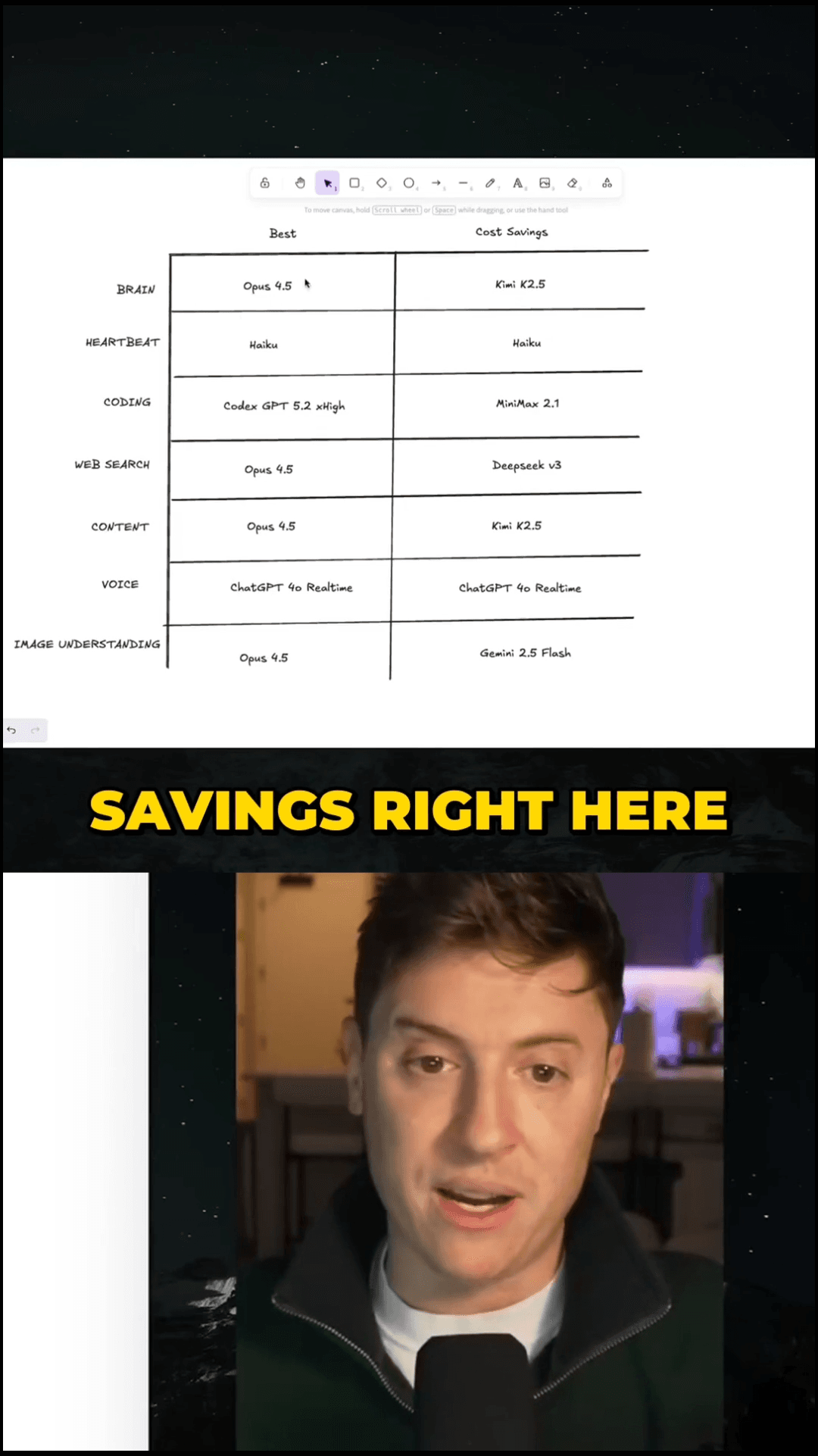
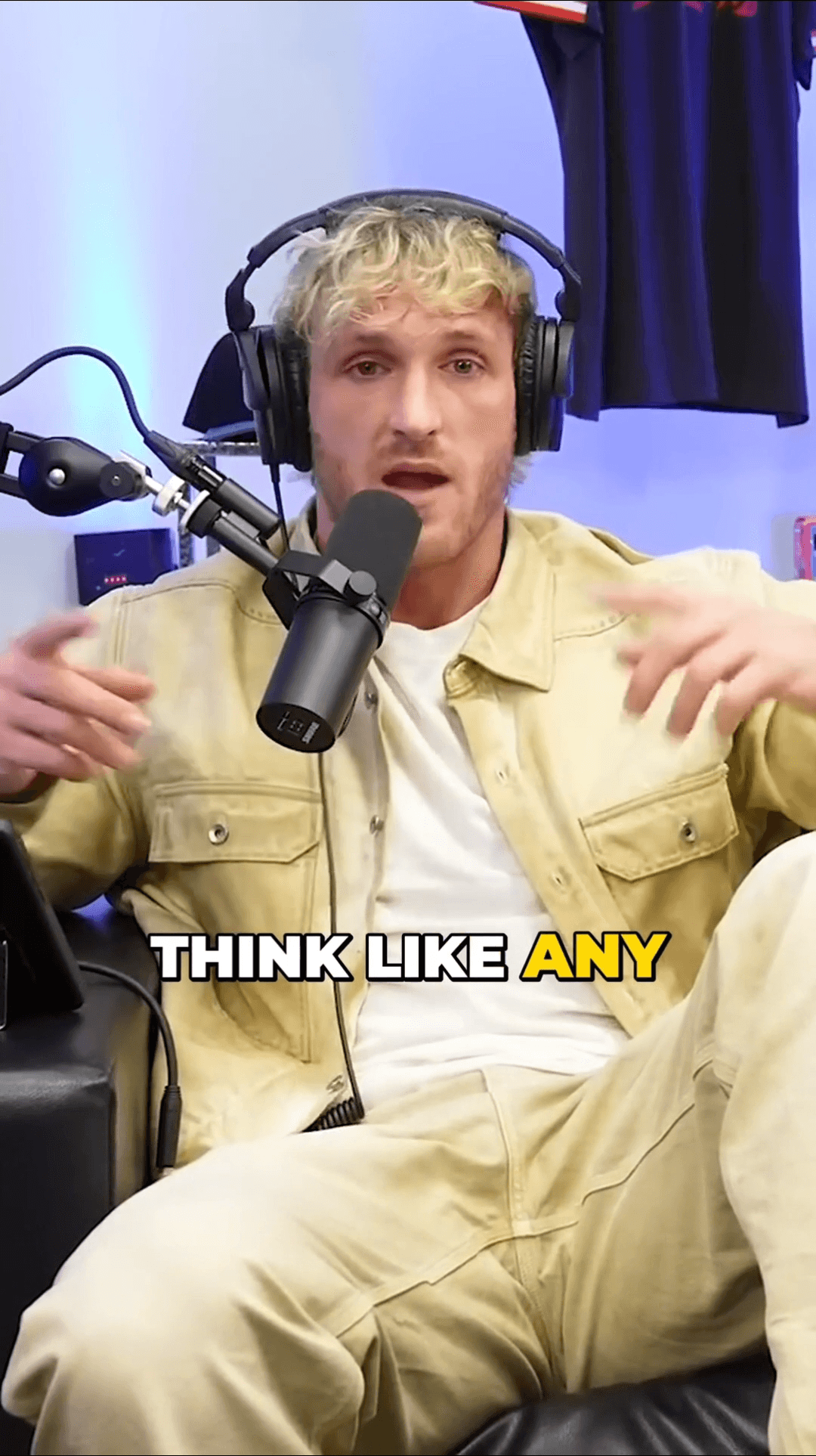
Word-by-word animated subtitles in the style that performs best on TikTok.
Publish clips directly to your TikTok account through our built-in integration.
See the clips our users are creating with AutoShorts every day
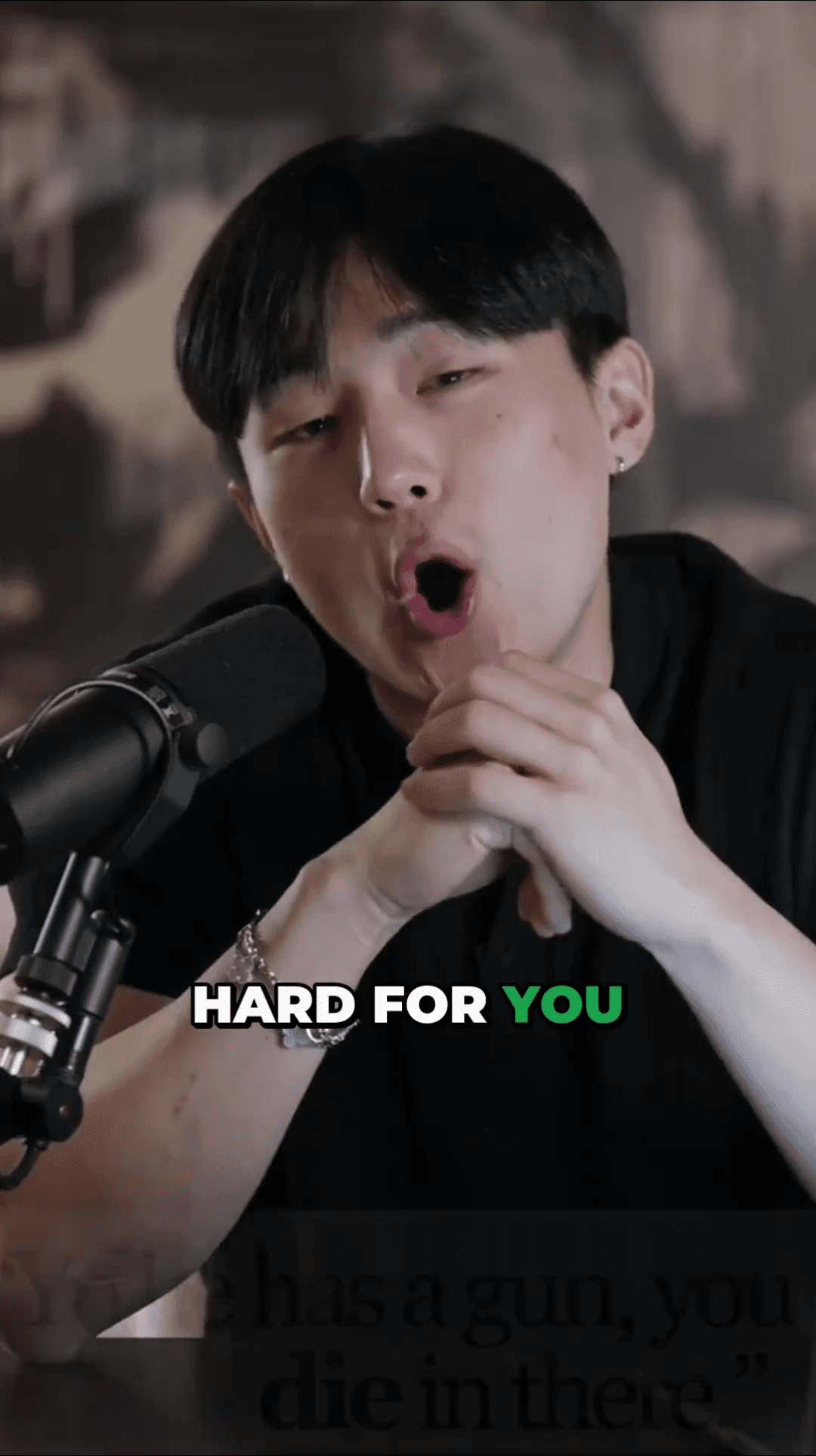
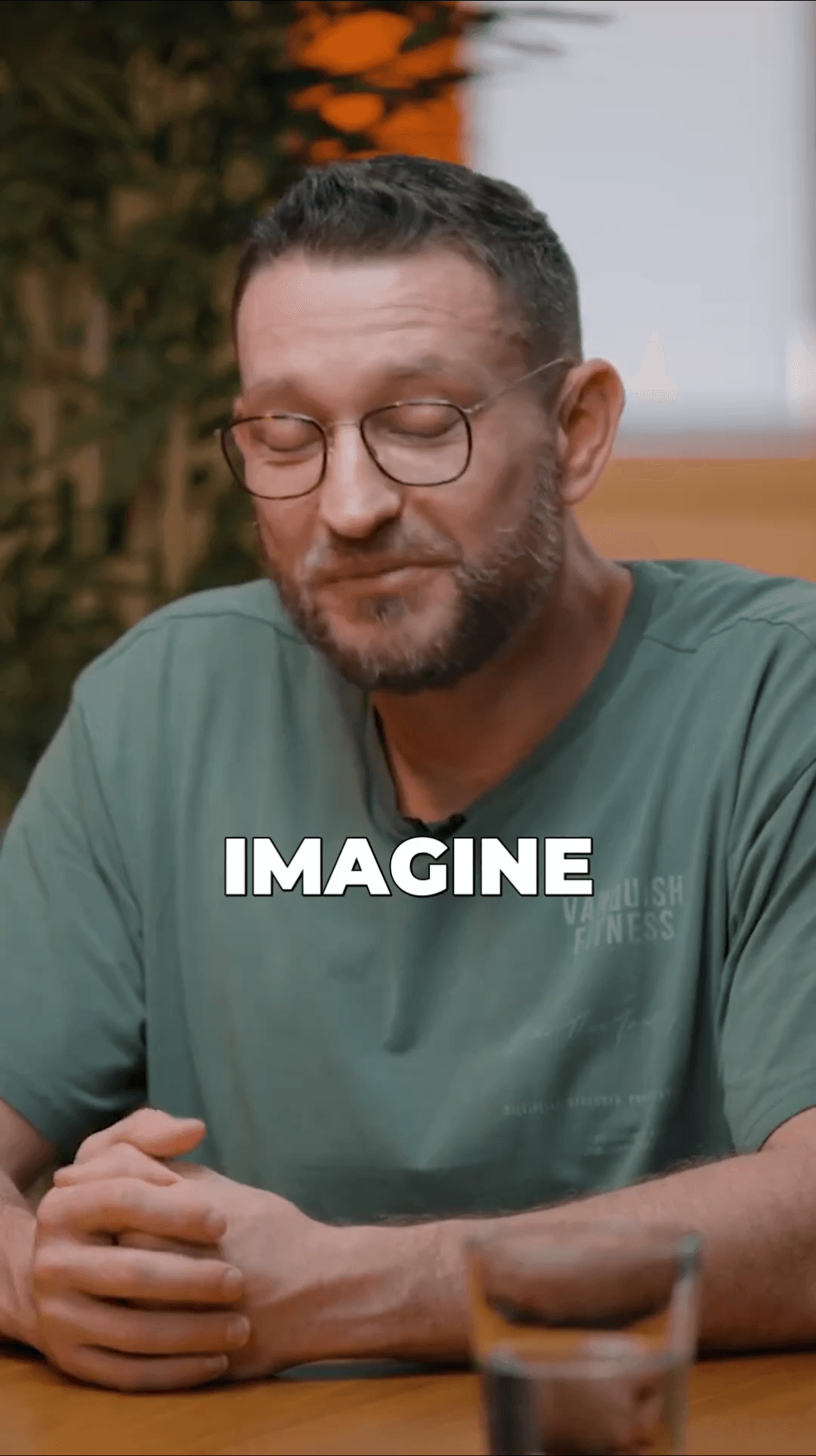
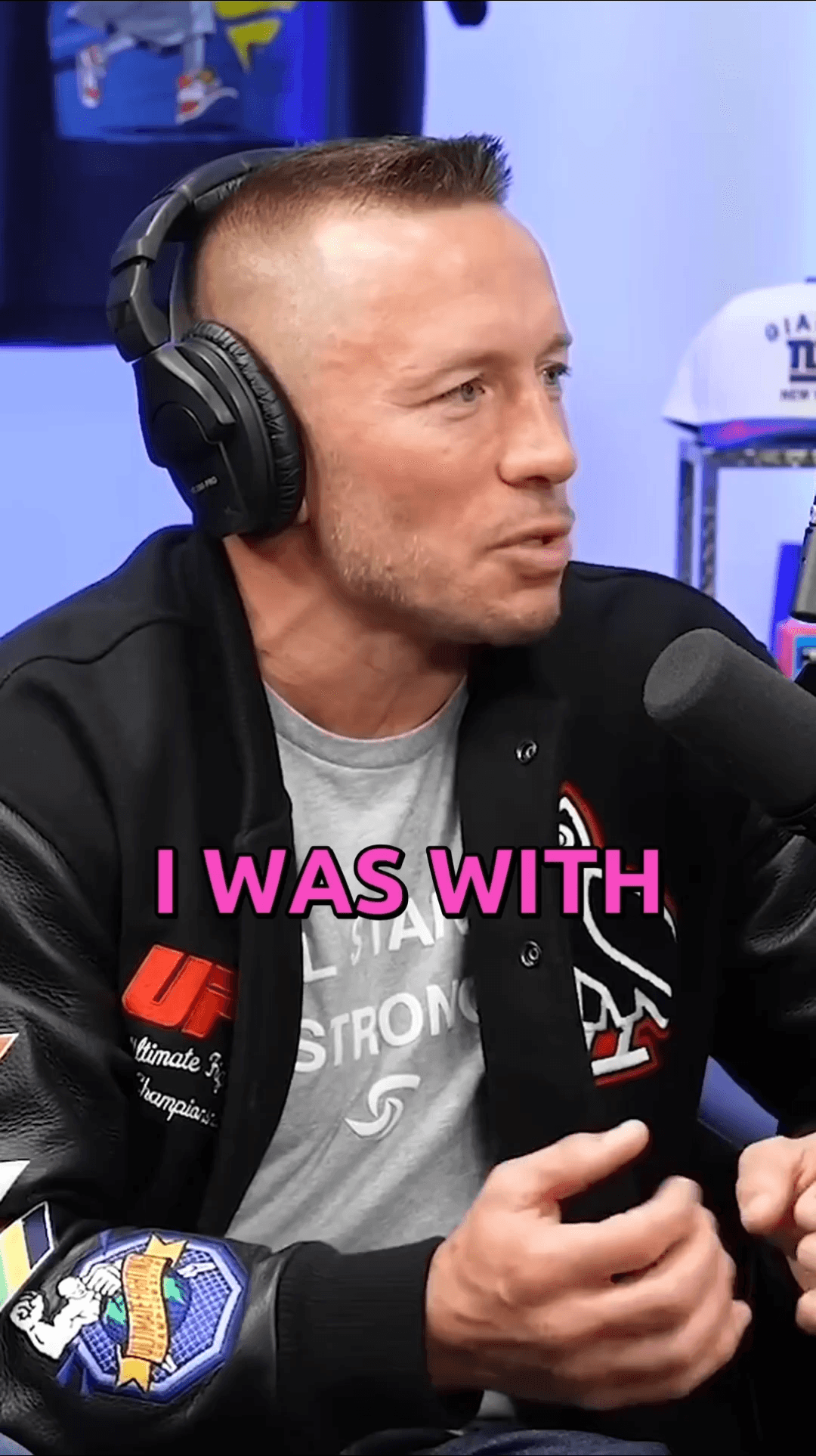
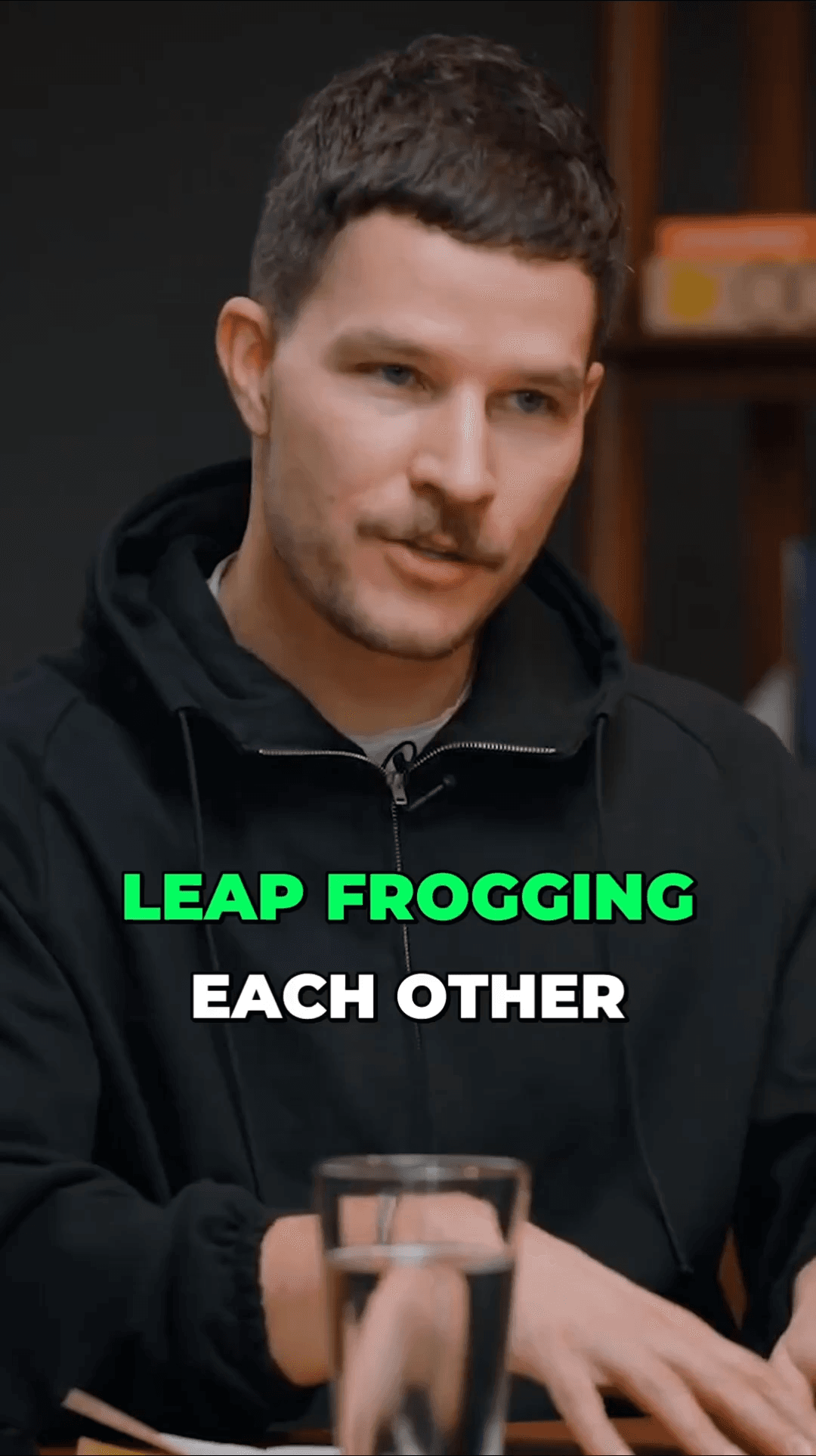
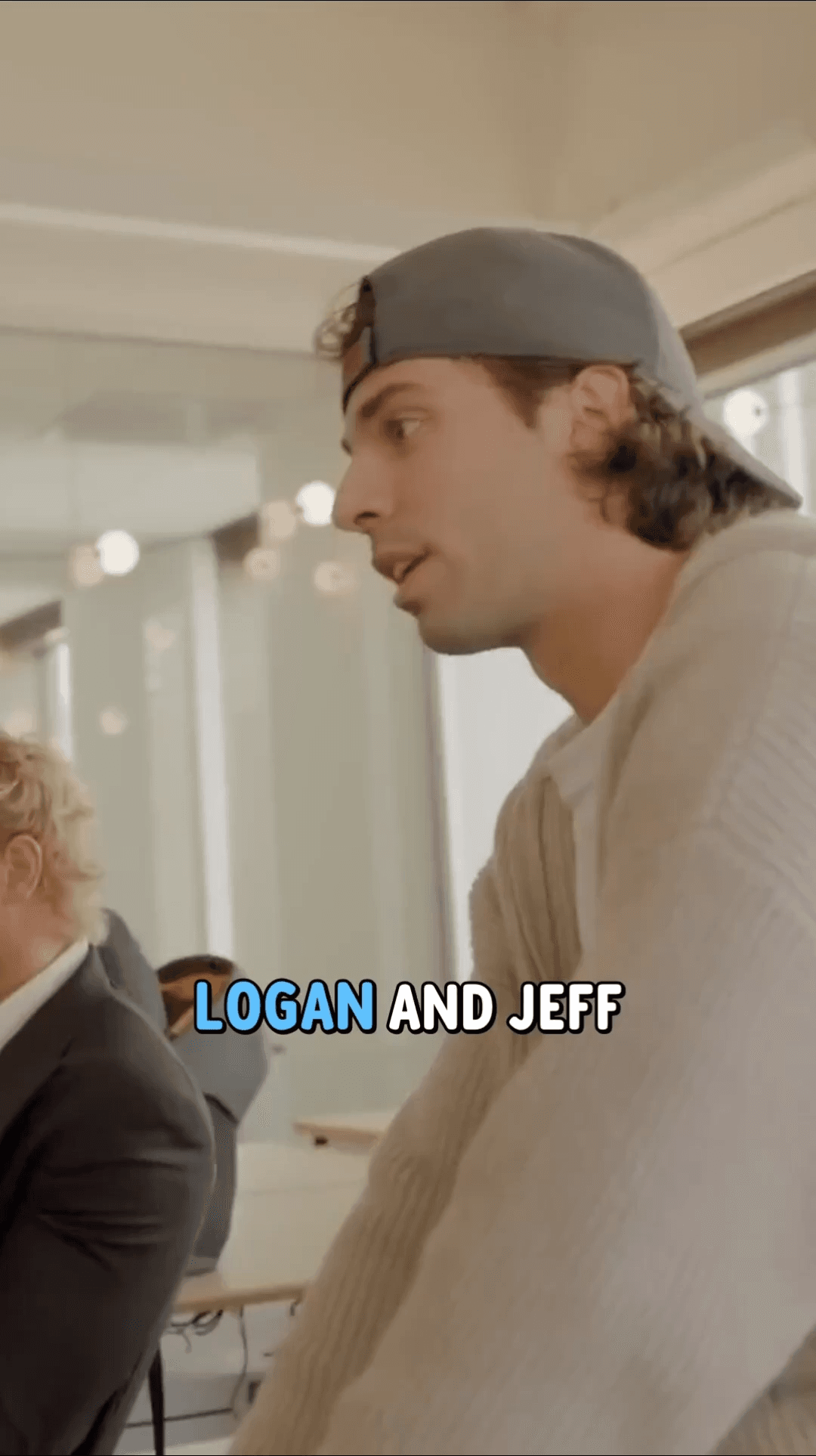
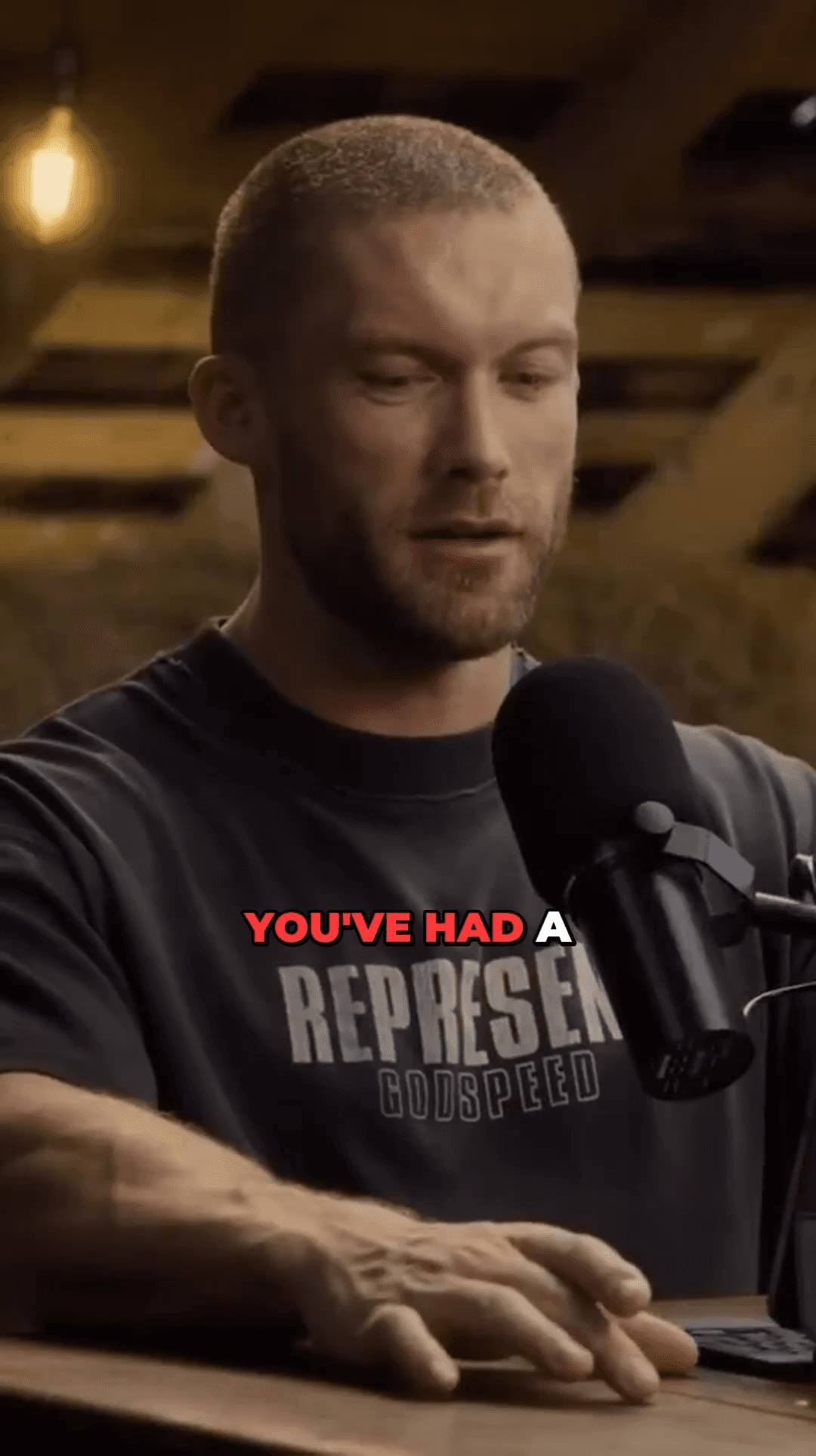
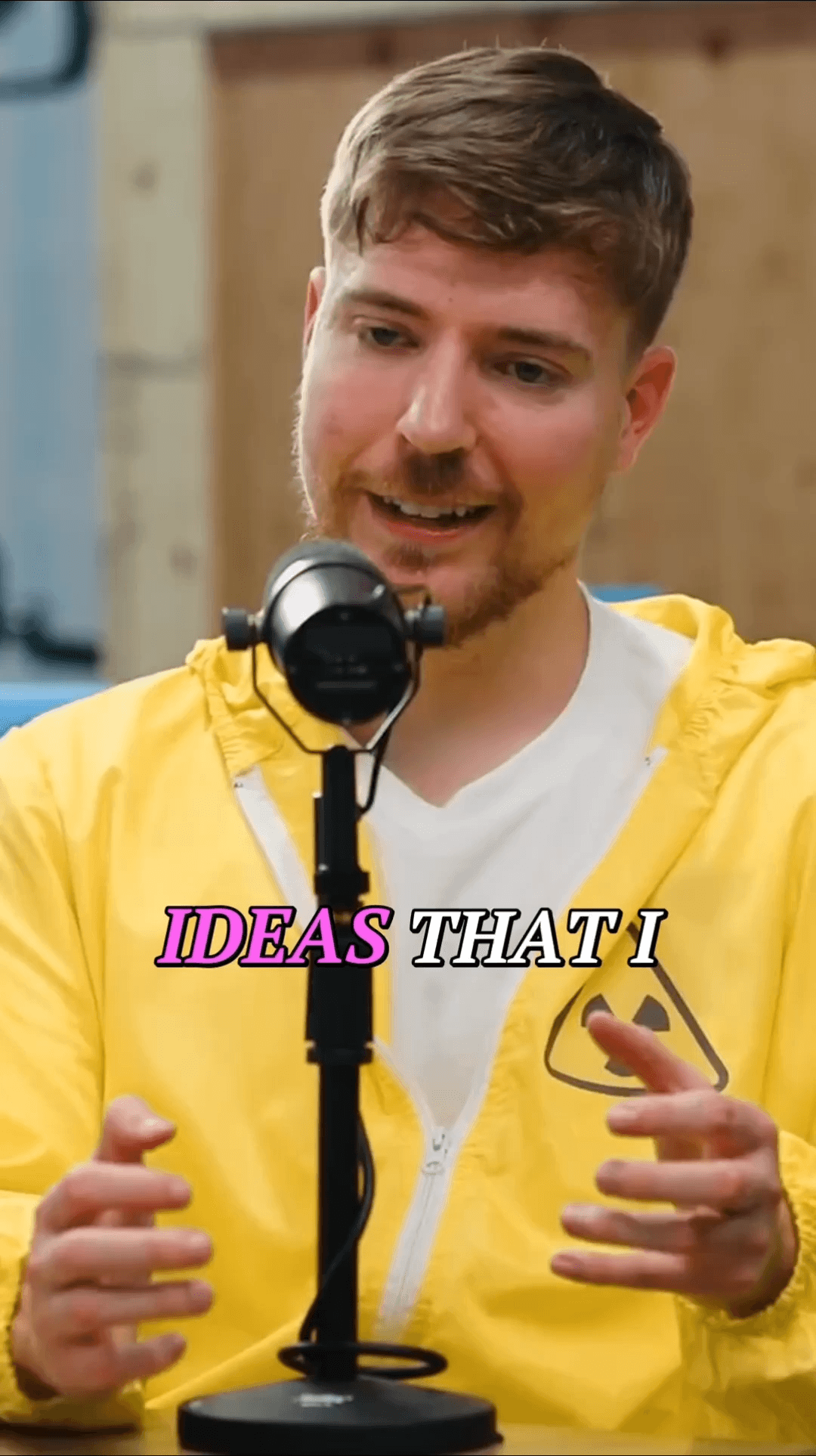
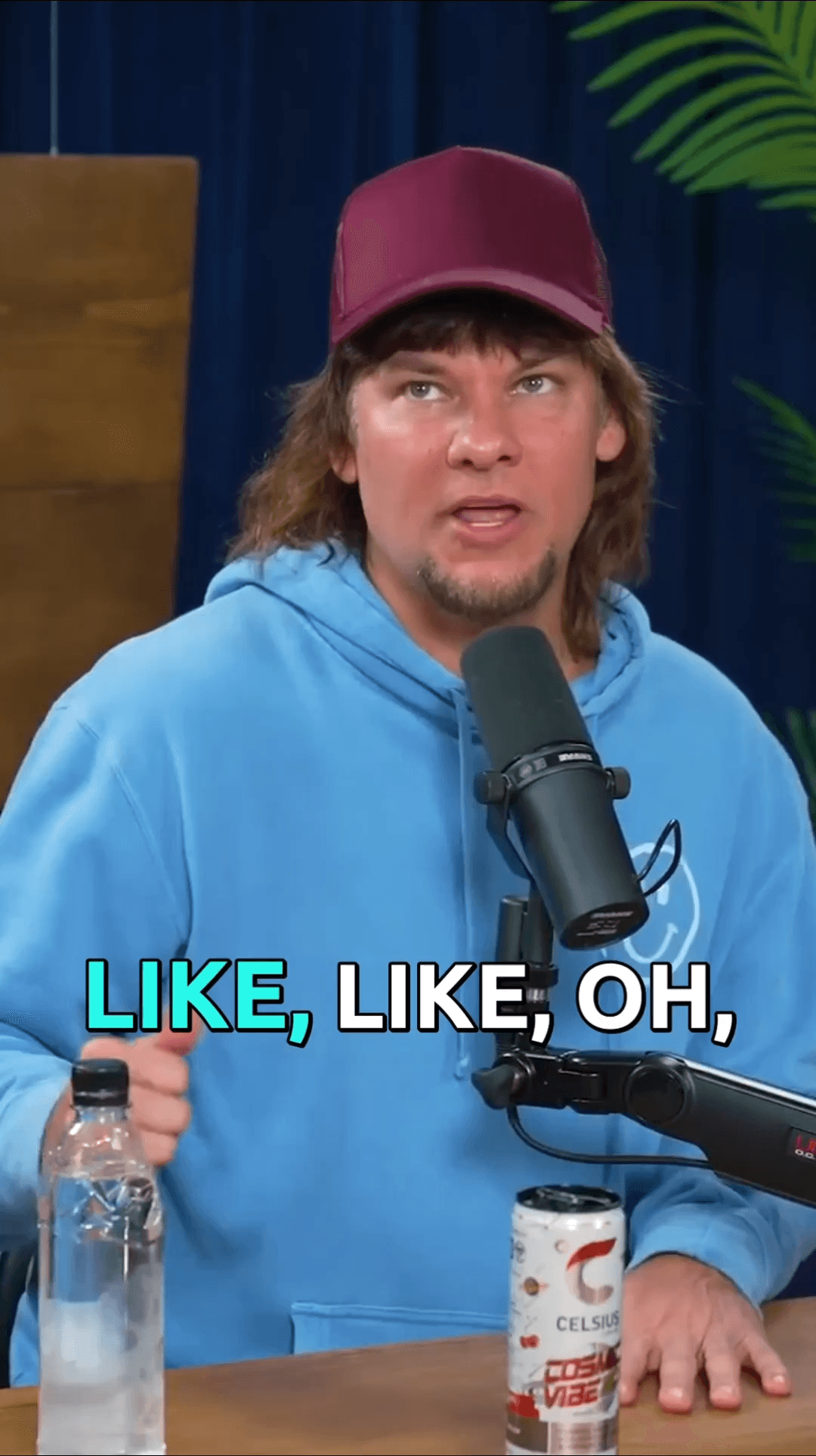
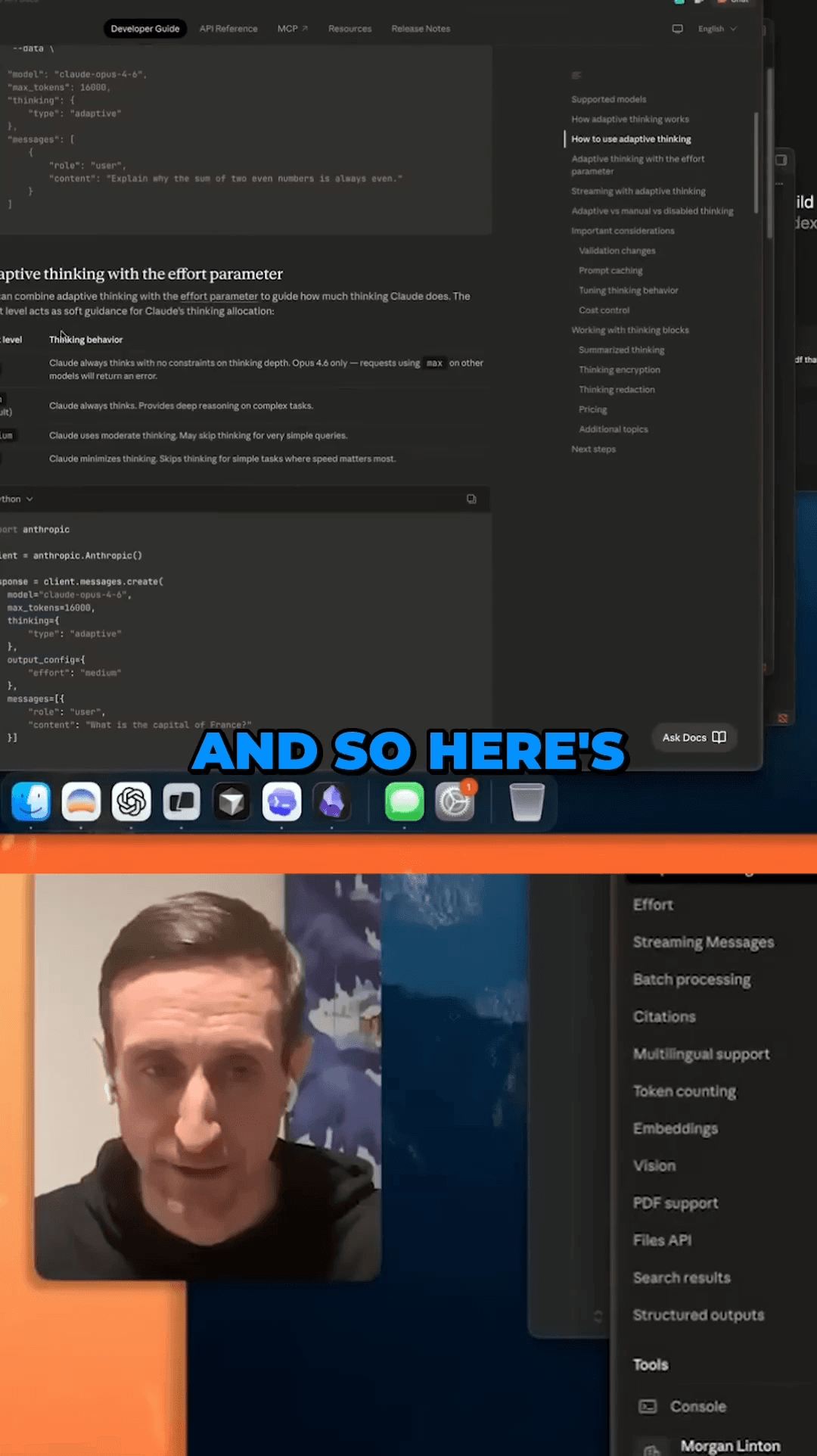
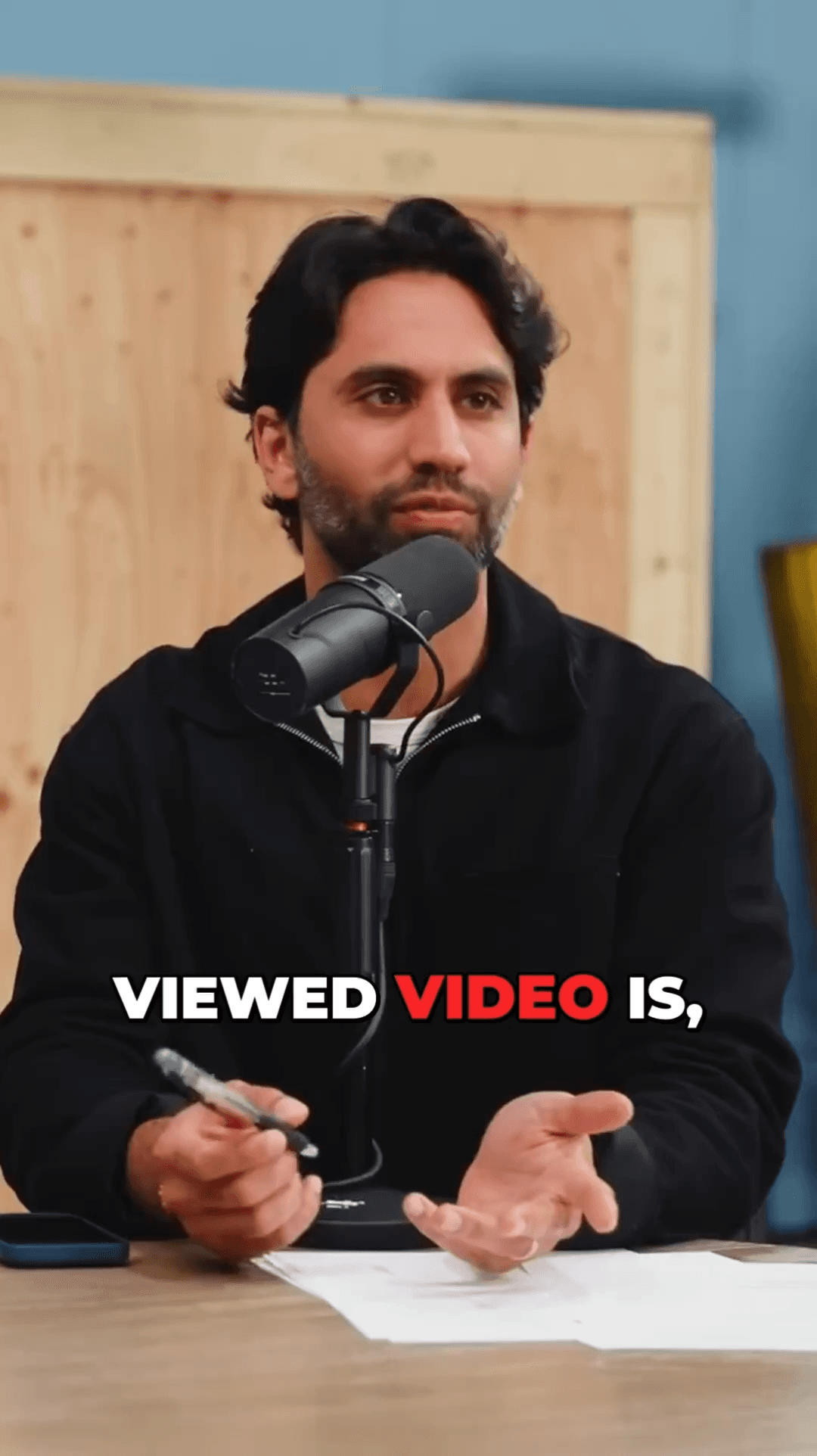
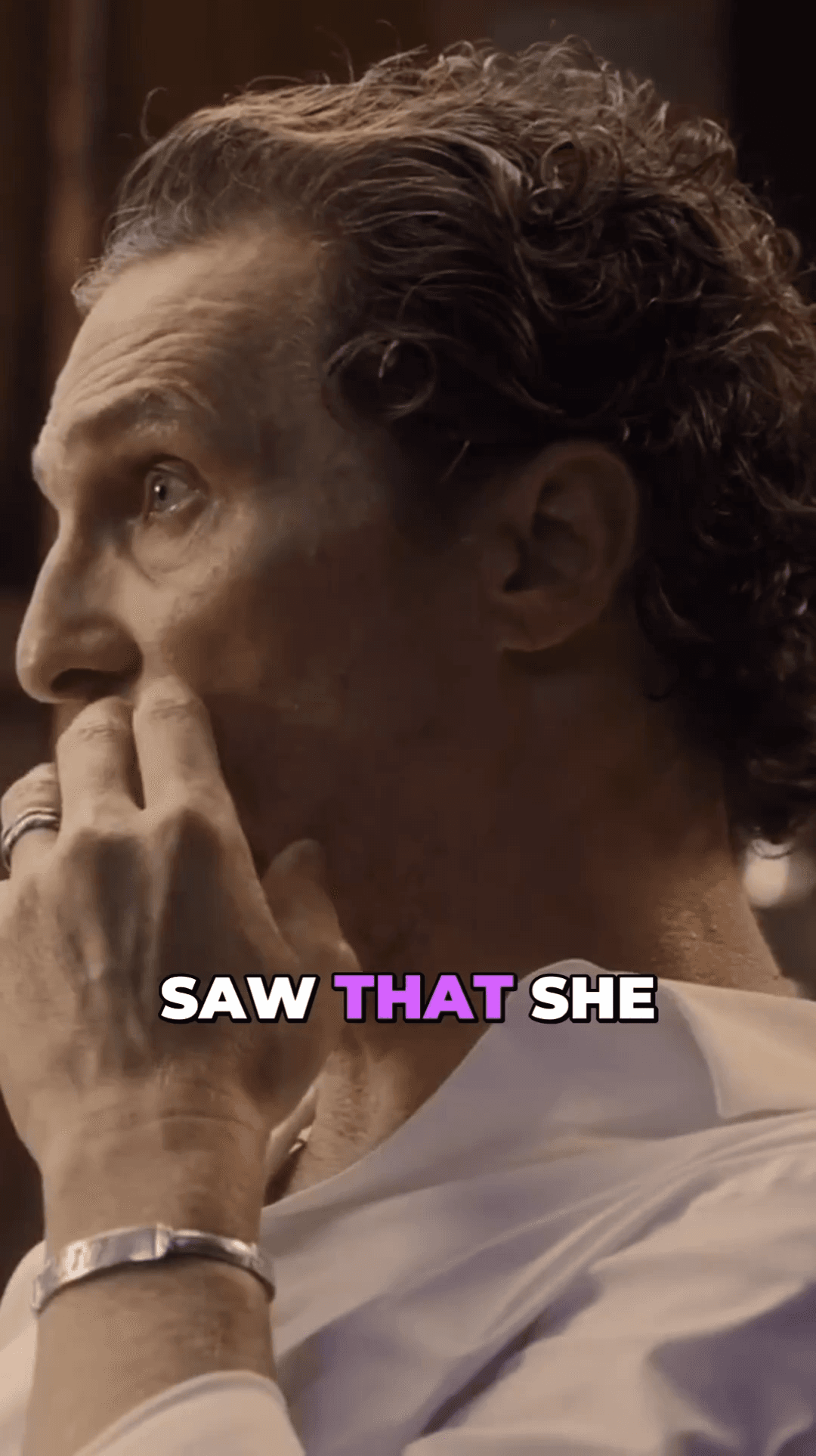
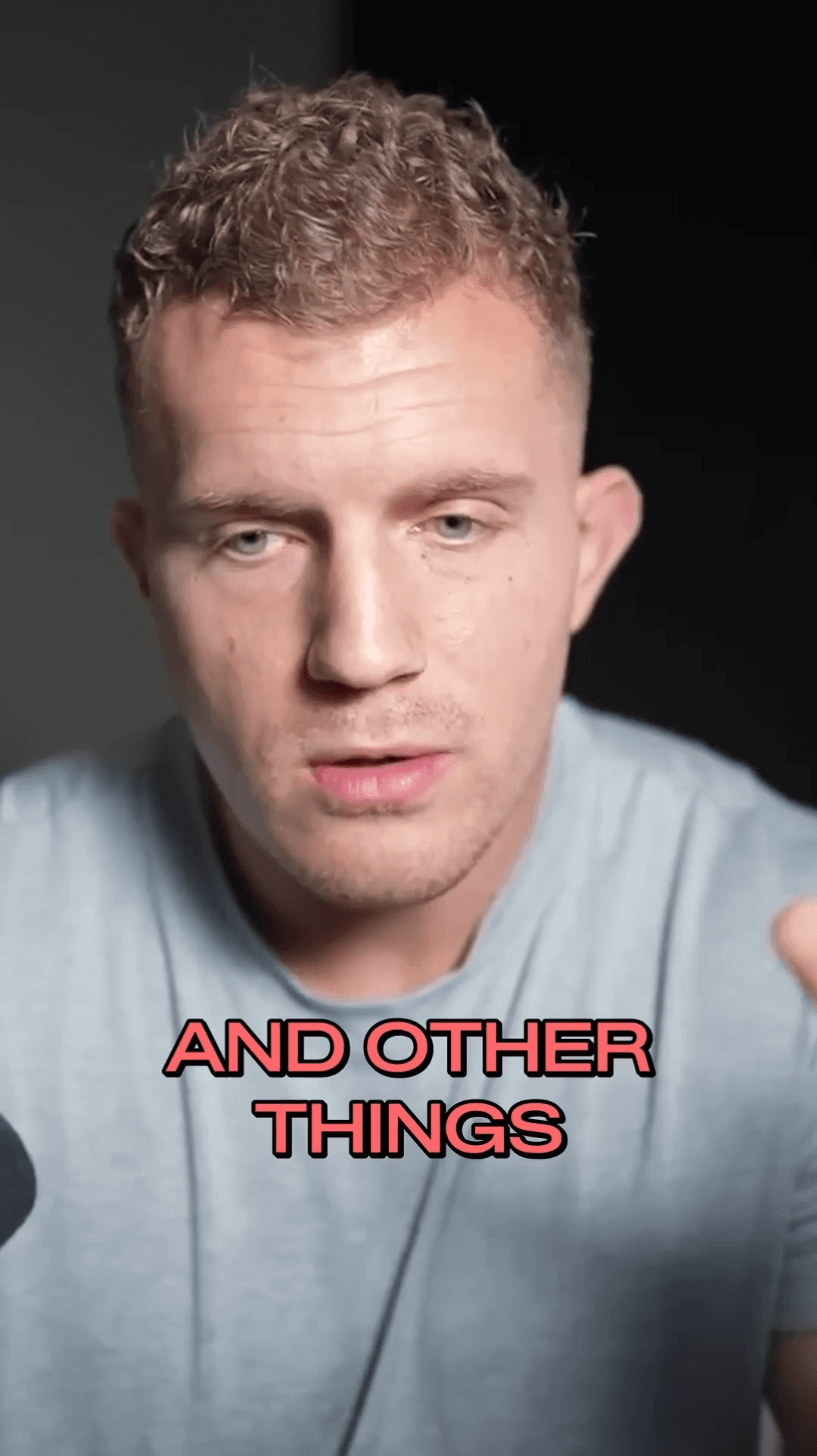
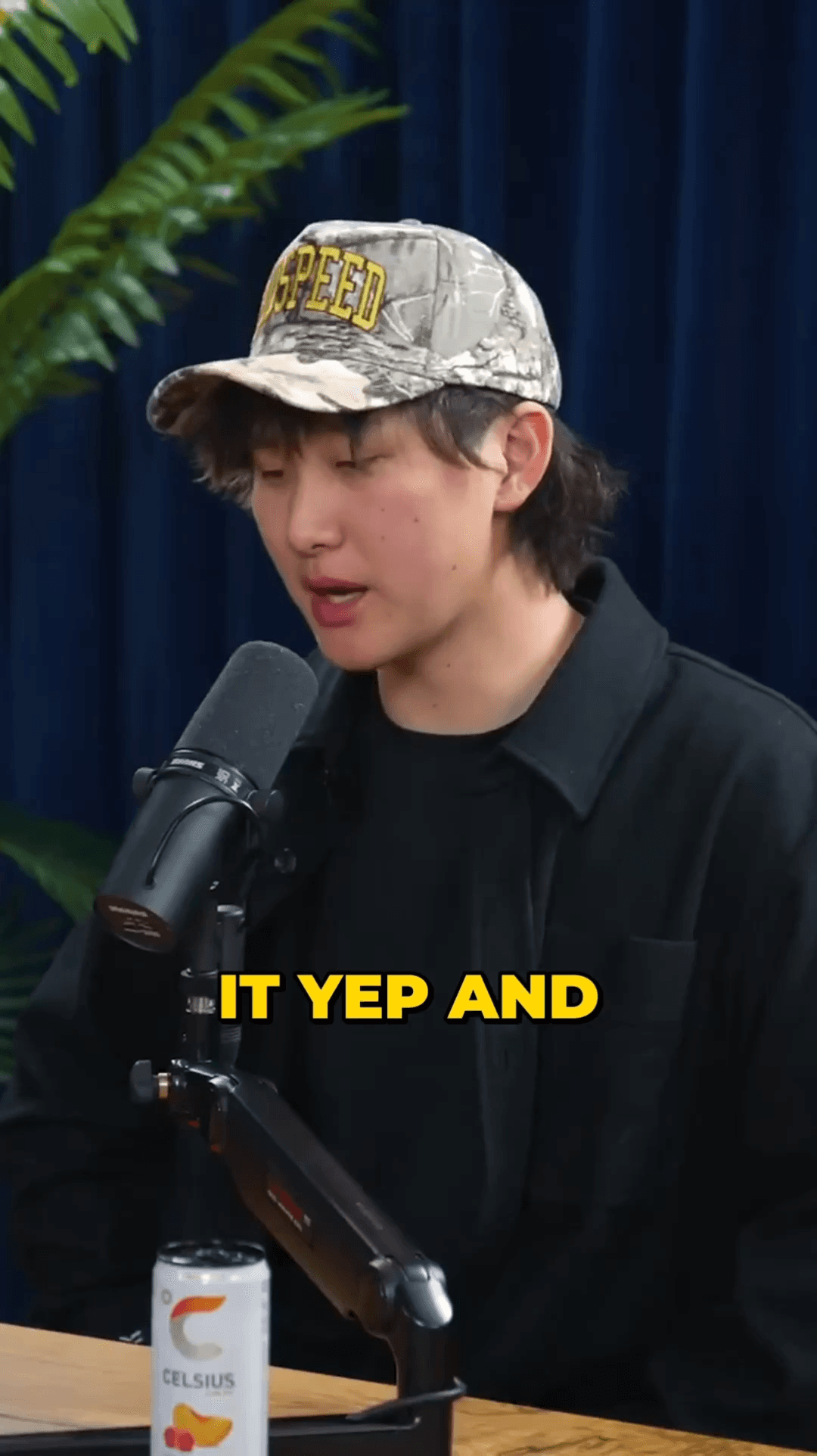
From YouTube video to TikTok clips in three steps
Copy your YouTube video URL and paste it into AutoShorts. Any video length works.
AI finds the best moments, applies face tracking, and adds animated subtitles automatically.
Download your clips or publish directly to TikTok with our built-in publishing integration.
Common questions about converting YouTube videos to TikTok
Repurpose your best YouTube content for TikTok in minutes. More platforms, more reach, same great content.
No credit card required — 3 free clips included
See how creators use AutoShorts for different content types
08 / Blog
Deeper reading on this topic