Extract Key Insights
AI identifies the most valuable takeaways, tips, and insights from your webinar for short-form content.
Repurpose your webinar recordings into bite-sized clips that drive traffic back to your brand. AI handles face tracking, subtitles, and moment selection.
No credit card required — 3 free clips included
02 / Webinar Clips
Maximize the ROI of every webinar recording
AI identifies the most valuable takeaways, tips, and insights from your webinar for short-form content.
Face tracking follows the presenter, holding one subject through the shot rather than cutting between people.
Word-level animated captions make clips accessible and engaging for LinkedIn and social media.
Get 5-10+ clips from a single webinar. Each clip focuses on a different key point or insight.
Clips are formatted for LinkedIn, Twitter, Instagram, and other professional platforms.
Share bite-sized clips to promote upcoming webinars and drive registrations from social media.
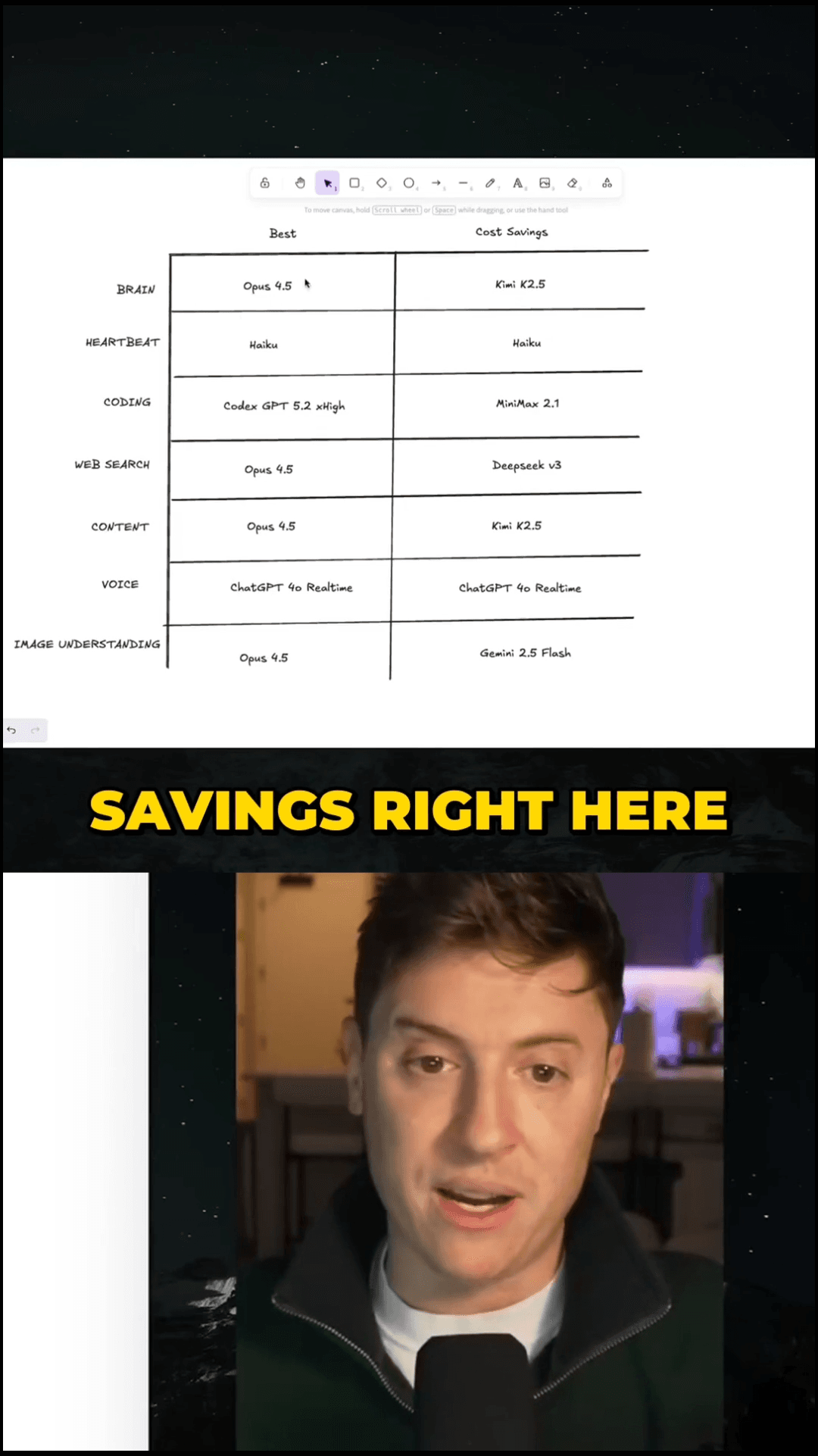
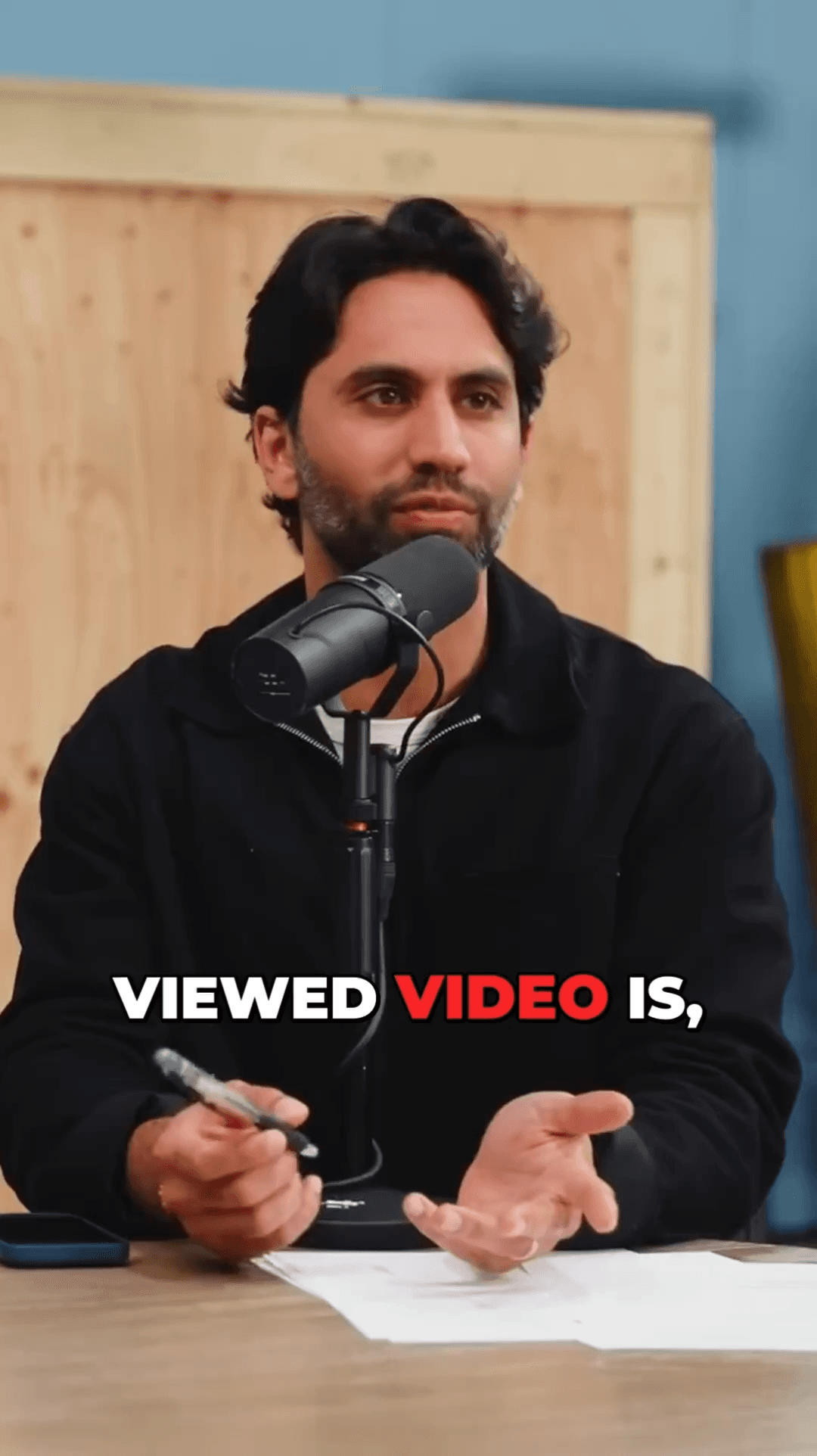
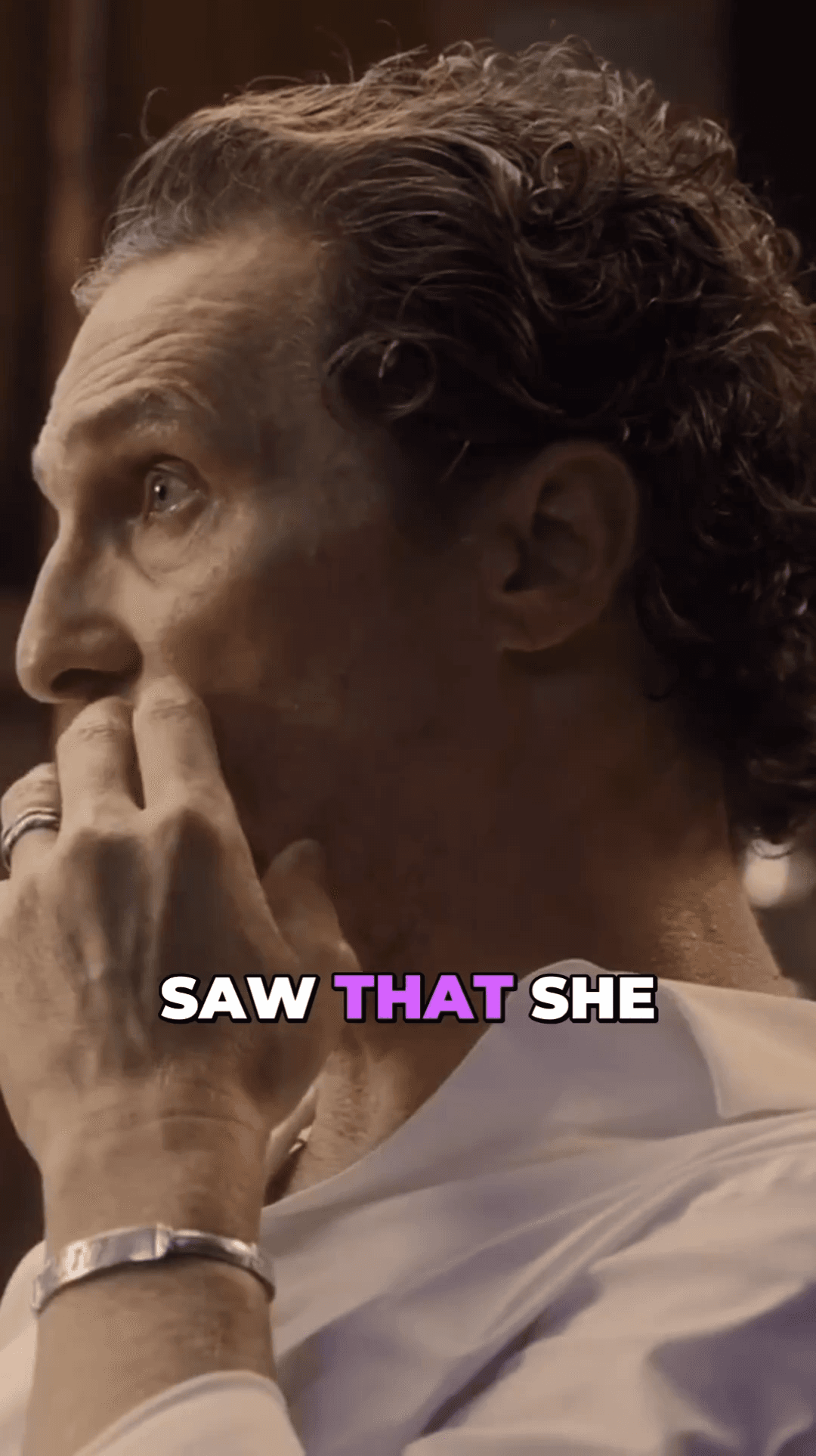
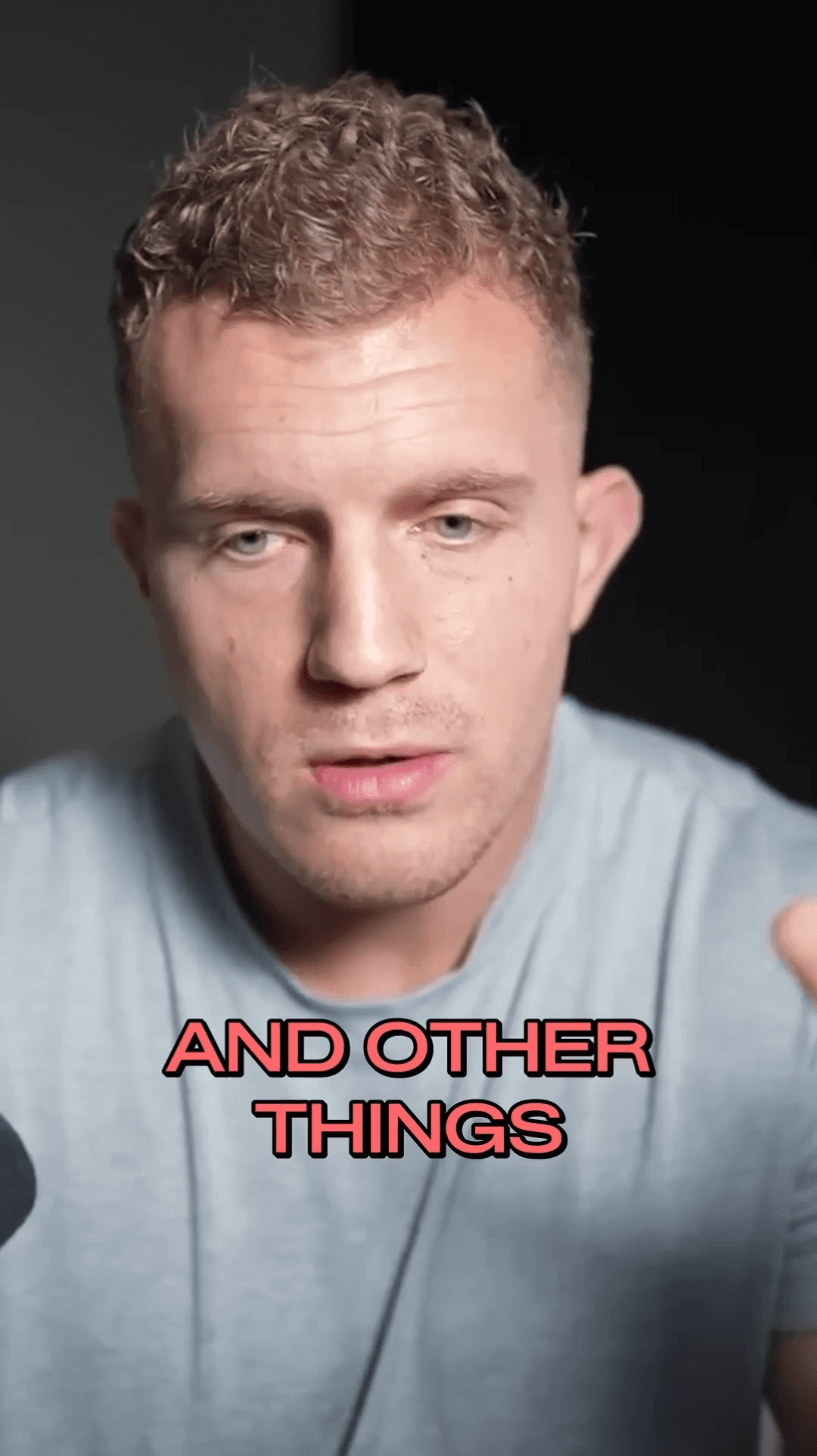
See the clips our users are creating with AutoShorts every day
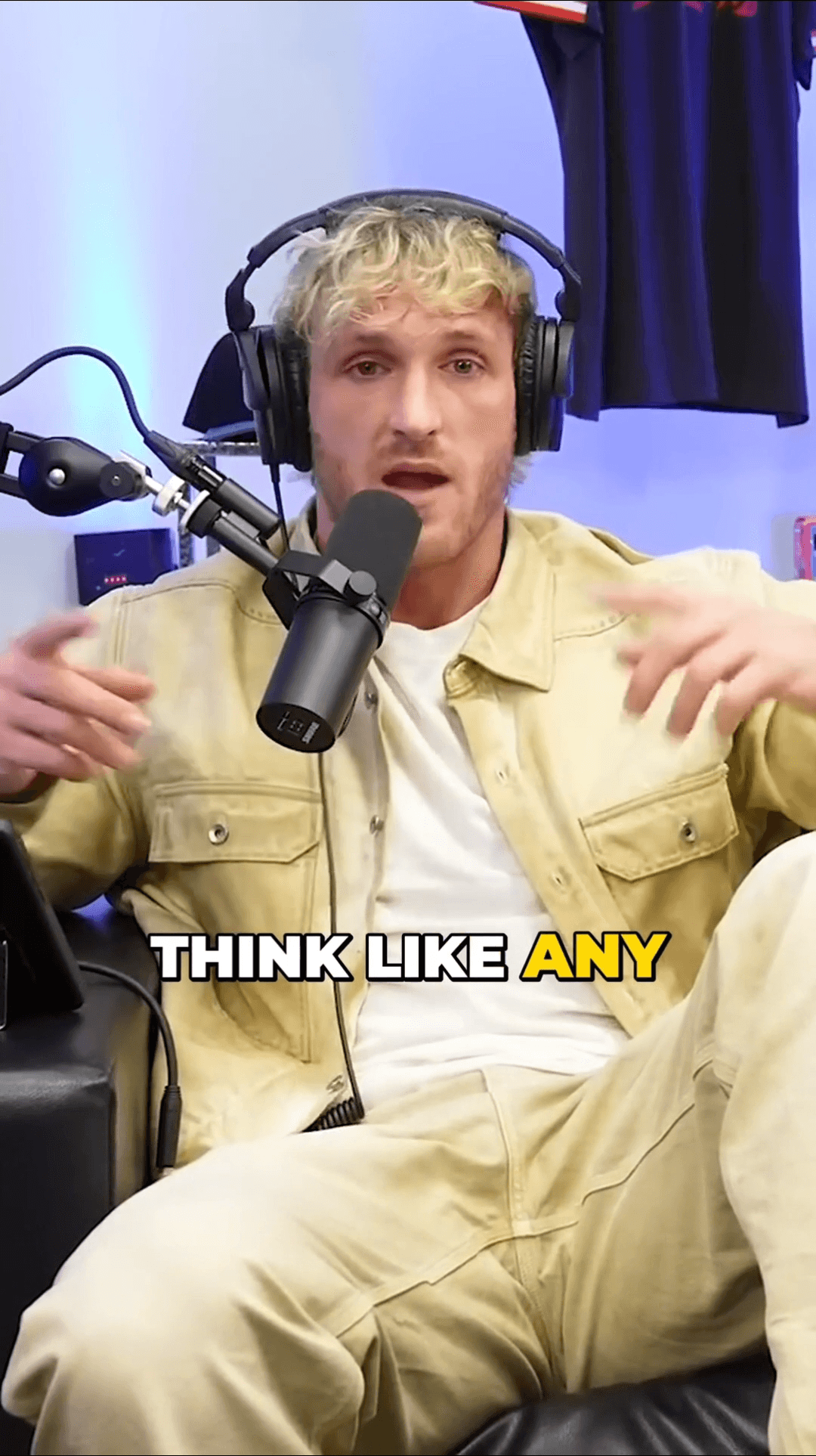
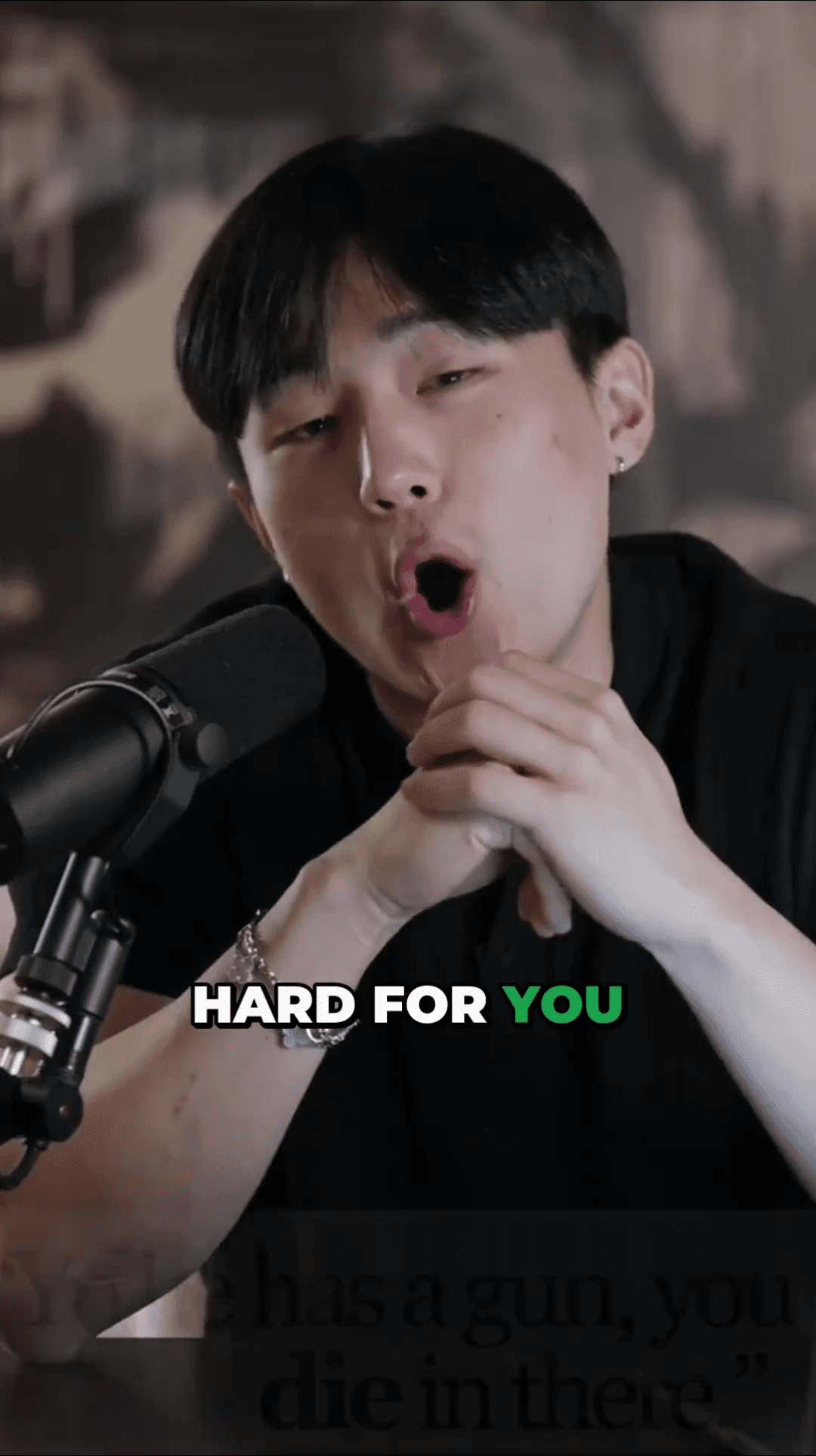

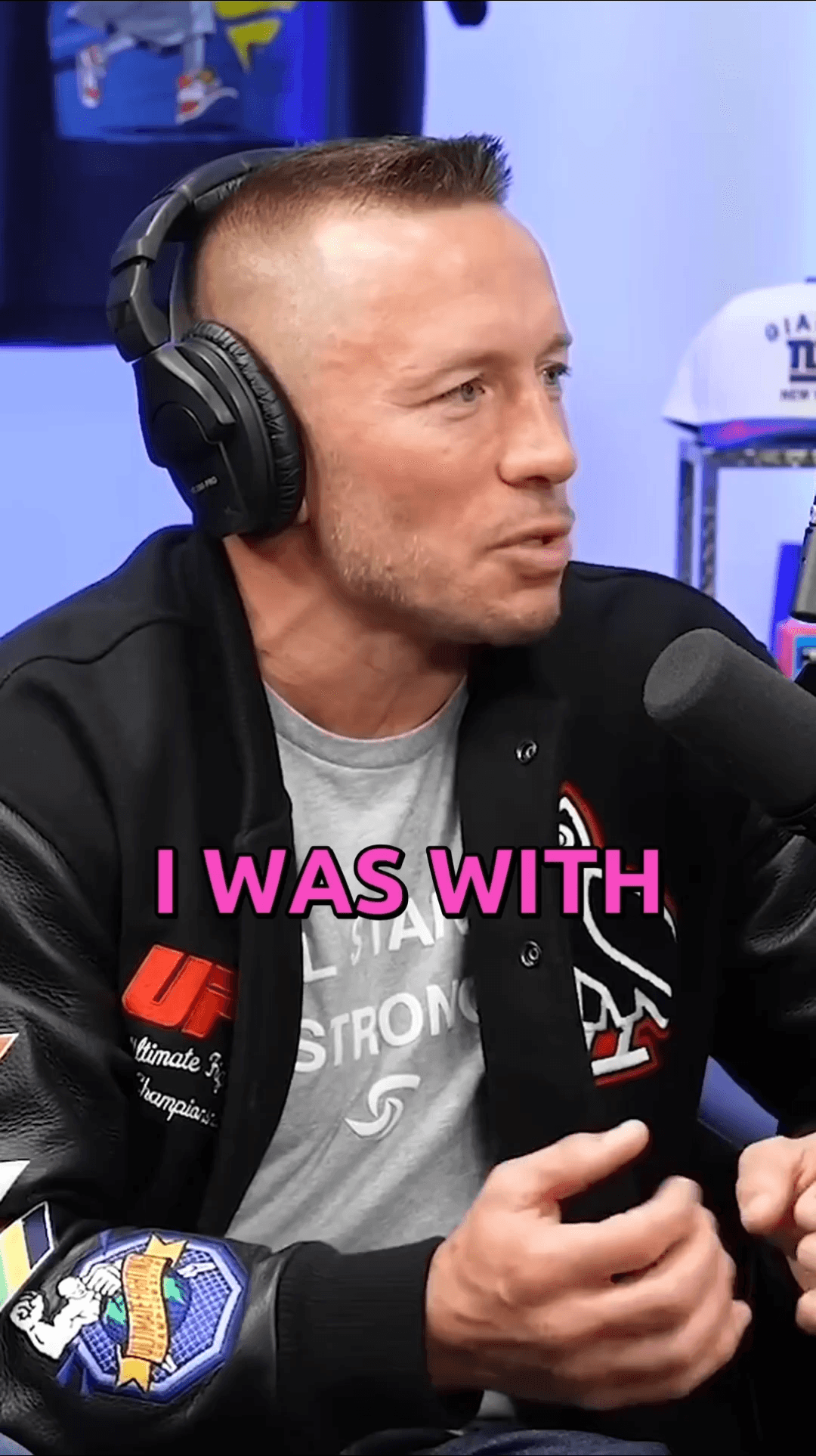
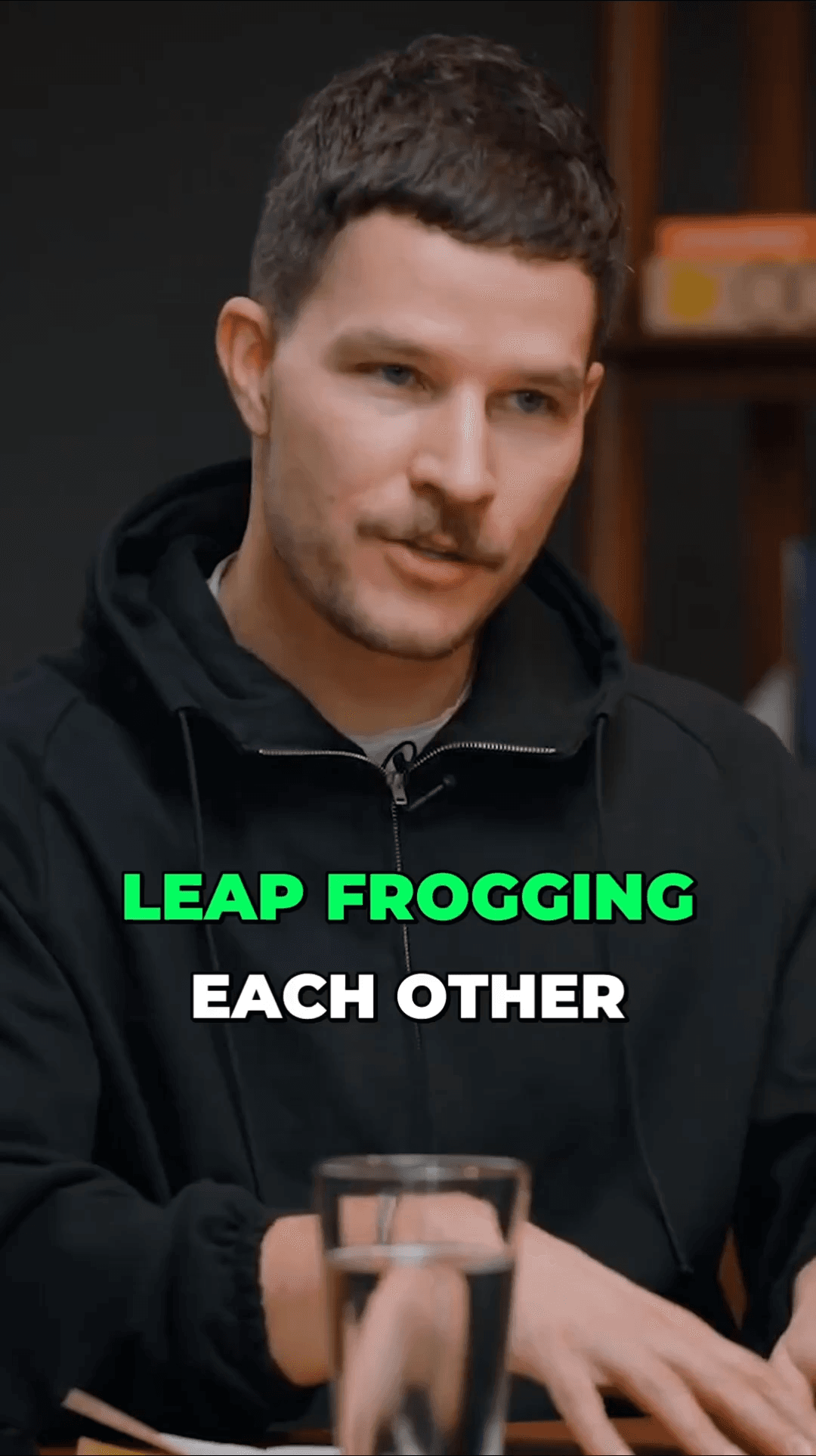
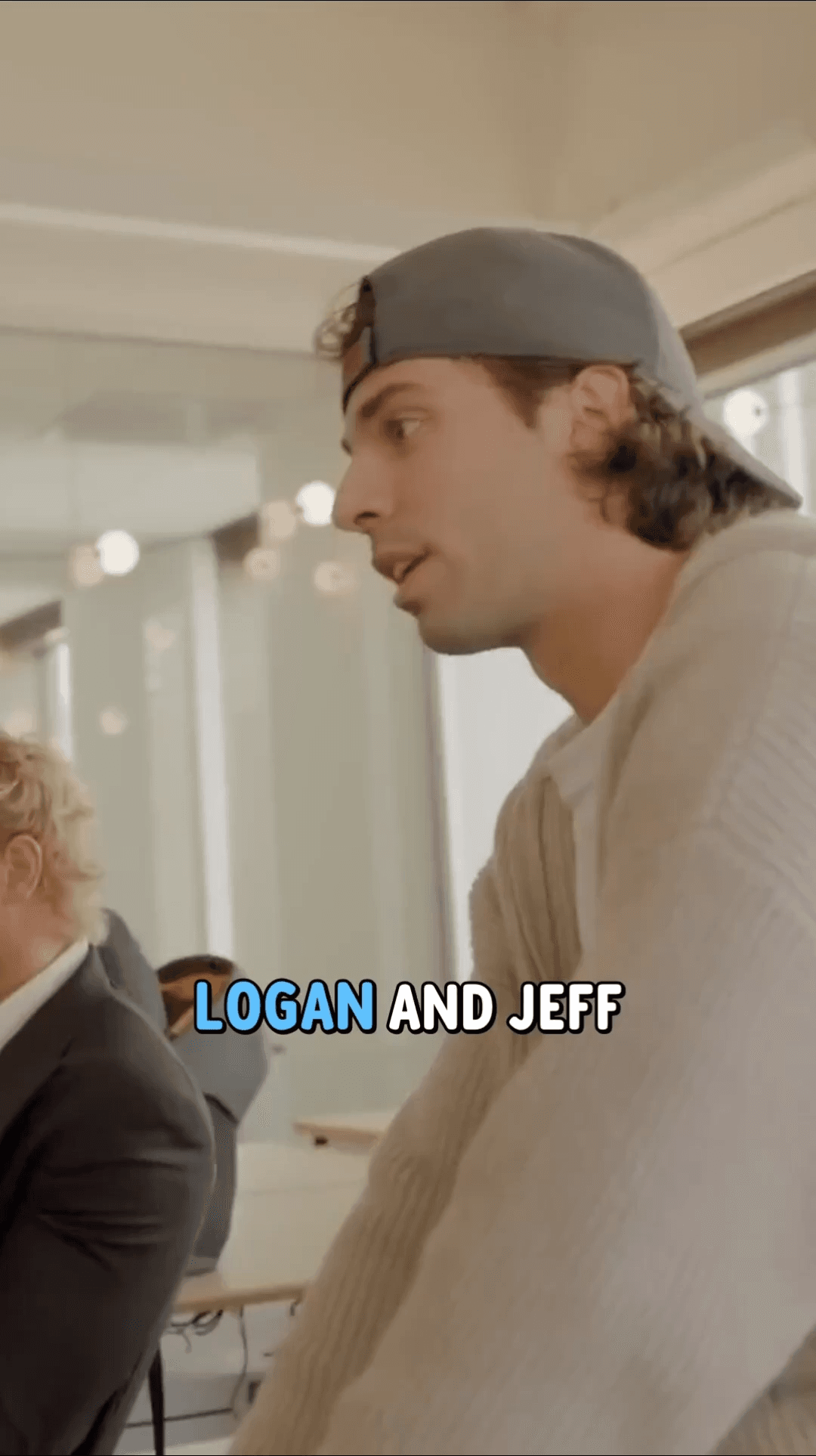
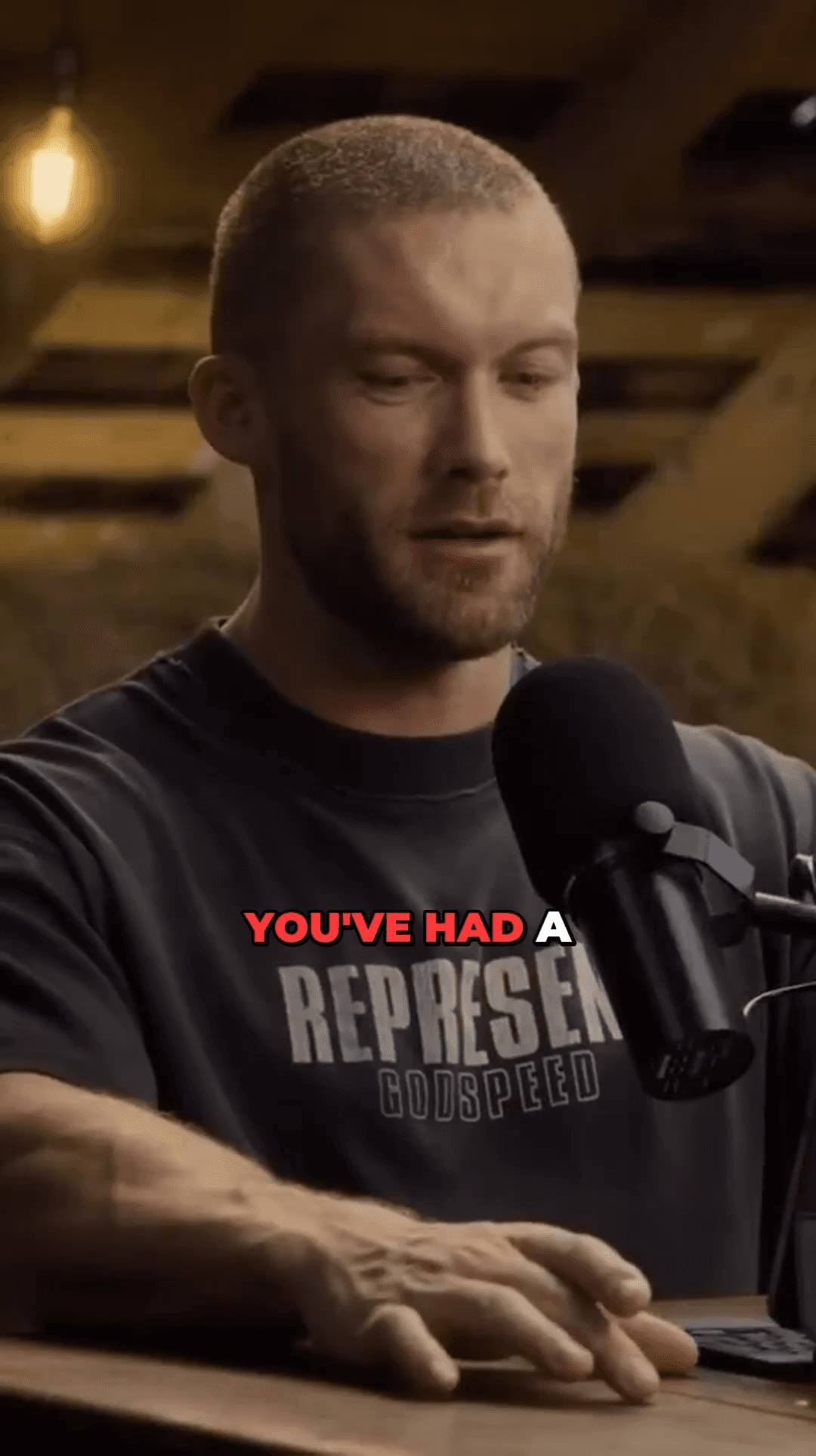
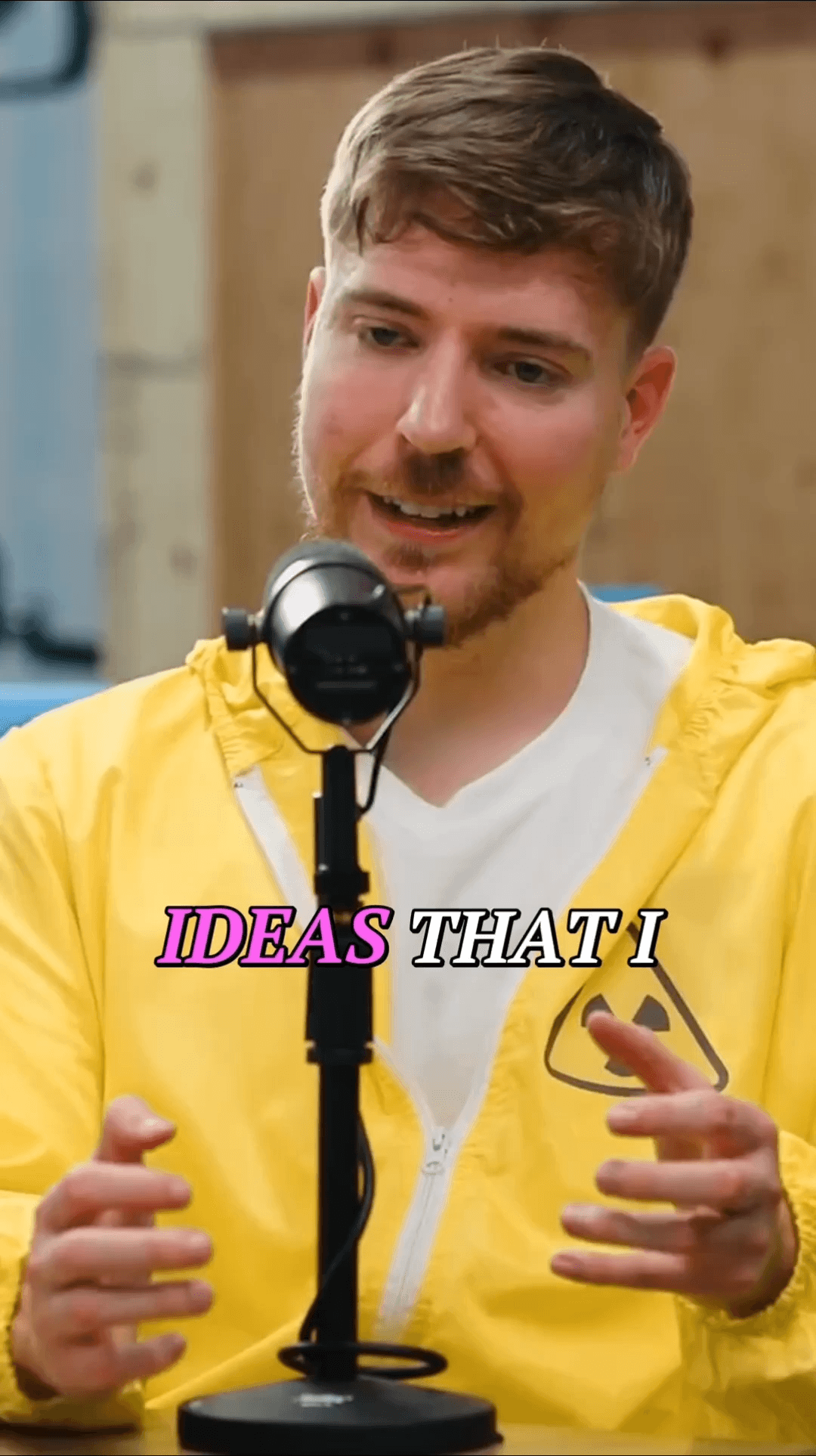

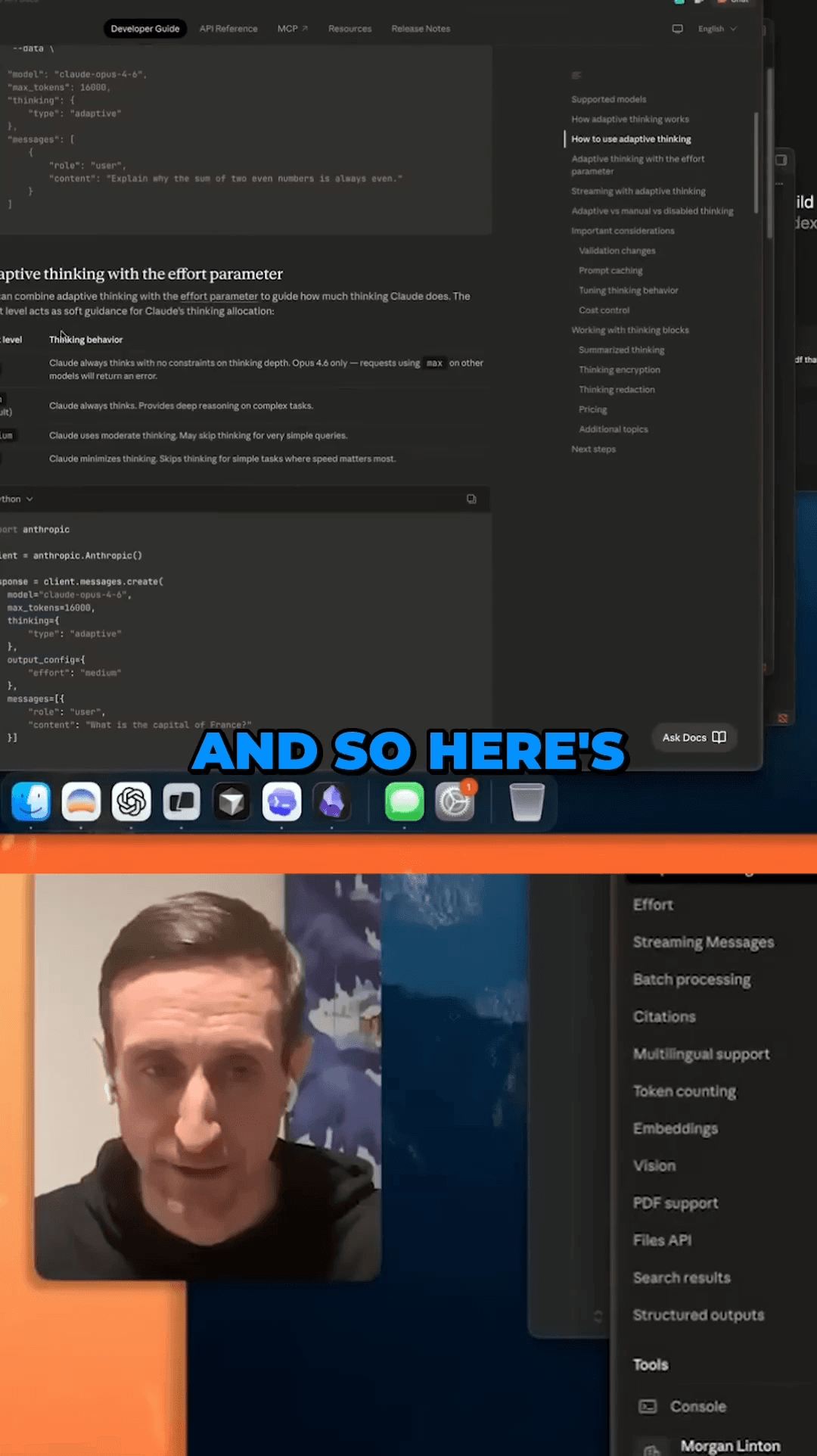

From recording to shareable clips in three steps
Upload your webinar recording or paste the YouTube URL if it's hosted there.
Our AI analyzes the transcript to identify the most valuable insights, tips, and discussion points.
Download clips optimized for LinkedIn, Twitter, Instagram, and other platforms.
Common questions about converting webinars to clips
Turn every webinar into a content goldmine. Extract 5-10 shareable clips from each recording automatically.
No credit card required — 3 free clips included
See how creators use AutoShorts for different content types
08 / Blog
Deeper reading on this topic