Master B-roll for TikTok, Reels & Shorts. Learn the 4 jobs of B-roll, avoid common mistakes, and boost retention in short-form videos.
1.7 seconds. That's how long you have before a thumb decides your video isn't worth the swipe. Most creators pour every ounce of effort into that opening hook, then forget the next 30 seconds even exist.
Here's the part almost nobody talks about: the hook gets the click, but B-roll gets the watch time. A talking head, however charismatic, is visually static. Cut in the right footage at the right second, and suddenly the viewer has a reason to keep their thumb still.
This isn't another article defining B-roll as "supplementary footage." You already know what it is. What you need is where it actually moves the needle, how to shot-list before you film so your cuts have somewhere to land, which mistakes quietly tank retention, and how to shoot once and adapt across TikTok, YouTube Shorts, and Instagram Reels without burning a weekend re-filming the same five seconds three times.
Short-form punishes wasted motion. Long-form can breathe; a 45-second Short cannot. Every cutaway has to earn its place.
What B-Roll Actually Does (And When It Fails)
Most creators treat B-roll like seasoning. Sprinkle some on, video tastes better. It doesn't work that way. B-roll has a job, sometimes four jobs at once, and footage that isn't doing one of them is just noise with better lighting.
The Four Jobs of B-Roll
According to Storyflow, B-roll does four distinct jobs, and generic footage does none of them. Here's what those jobs actually look like:
- Illustrating — showing the thing you're describing instead of just saying it
- Covering — smoothing over a jump cut so the edit doesn't feel like a stitch
- Rhythm — breaking up a static shot so the video has visual movement
- Proof — backing up a claim with context the viewer can see for themselves
Notice that "looks cool" isn't on the list. If your B-roll isn't doing one of those four things, cut it.
Why Most Creators Misuse It
The failure mode is depressingly common: cut to B-roll every three seconds because it feels like good editing rhythm, not because the footage means anything. According to ClipForge AI, this is exactly backwards — B-roll dropped in for pattern rather than purpose tanks engagement instead of lifting it.
Here's the part that trips people up: adding a cutaway where your talking-head clip is already strong can hurt you. If the face on screen is delivering — good energy, tight framing, the line is landing — cutting away pulls attention from something that was already working. You're not adding value. You're interrupting it.
The Retention Problem B-Roll Solves
Retention doesn't fall evenly across a short-form video. It craters in the middle, roughly seconds 12 to 30, right after the hook's novelty wears off and before the payoff arrives. That's the stretch where B-roll placement matters most — not the first two seconds, not the last five.
Worth knowing: One precisely-timed one-second cutaway placed at the exact moment attention is sliding beats eight seconds of generic footage scattered across the timeline.
The instinct to "add more B-roll" is usually wrong. The right instinct is to add it exactly once, exactly where the sag is happening, and make it earn its second on screen.
Planning B-Roll From Your Script, Not After

Most creators shoot their talking head, look at the timeline, and think "this needs something." That's backwards. B-roll planned after the fact is always generic, because you're now hunting for footage to fill a hole instead of footage that proves a point. Plan it from the script and every cutaway earns its place.
Building Your Shot List in Three Steps
Start with the script, not the camera. Go line by line and ask: where does this claim need visual proof, and where does the narration need a cutaway just to break up a face on screen?
According to Storyflow, you can derive a full b-roll list directly from your script rather than guessing on set — the shot list should come from the writing, not from wandering around with a camera hoping something useful happens.
Three steps, in order:
- Mark every claim, number, or transition in the script that needs backing footage.
- Sketch the rough edit on paper: where you cut, what the shot needs to show, how long it holds.
- Only then pick up the camera.
That paper sketch takes ten minutes. Skipping it costs hours later, when you're digging through footage bins trying to remember what you actually shot for the "here's the problem" section.
How Much B-Roll You Actually Need
People overshoot scenery and undershoot substance. A 30-second short doesn't need one gorgeous ten-second pan. It needs 8-12 seconds of cutaways, spread across three to five moments where the script actually calls for one.
Worth knowing: Short, frequent cutaways beat one long b-roll shot almost every time — they match the pace of scroll-speed attention instead of fighting it.
Think in chunks, not minutes. Three seconds here, two there, four somewhere else. Anything longer and you're not cutting away anymore, you're changing the subject.
Sourcing: Shoot, Stock, or Generate
Original footage wins, every time it's available. You control lighting, framing, and relevance, and it looks like nobody else's video. Paid stock is the sane fallback — budget $15-50 a month and you'll cover generic gaps without it looking stock-ish, as long as you don't pick the shot everyone else already used.
AI generation has a place, but a narrow one: transitions, ambient background, filler that carries zero narrative weight. Don't use it for anything the script needs as proof. A generated "team collaborating" clip doesn't back up your specific claim about your specific product.
That last point matters more than people think. A rushed five-minute shoot gives you one angle, one energy level, one usable clip if you're lucky. A 15-20 minute session gives you range — and it stops feeling like a chore, which is the real reason most people skip b-roll shoots entirely.
Editing B-Roll for Platform-Specific Pacing
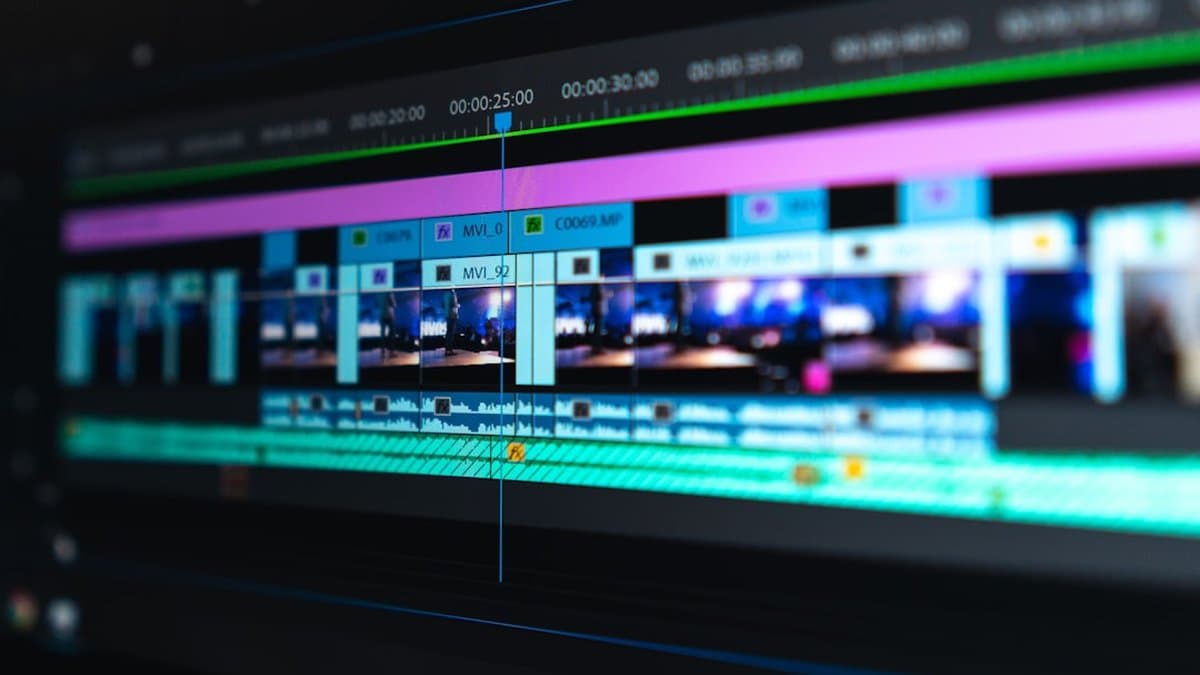
Same footage, same script, different platform, different edit. Skip that step and your B-roll works against you instead of for you. The pacing rules aren't a style choice — they're a response to how each platform trains its audience to watch.
TikTok Rhythm Is Different From YouTube Shorts
TikTok viewers grew up on jump cuts, whip pans, and transitions that would look like a mistake anywhere else. They tolerate it. Some of them expect it.
YouTube Shorts and Instagram Reels audiences skew toward smoother motion and slightly longer holds. Cut too fast on Shorts and it reads as chaotic rather than energetic.
The sweet spot that works across all three sits between 0.5 and 2 seconds per cut. Below half a second, the eye can't register what it's looking at. Above two seconds, you're back to static-talking-head territory — the exact problem B-roll exists to solve.
Timing the Cut to Match Viewer Attention
Most creators cut to B-roll wherever it's convenient in the timeline. Wrong move. Cut where retention is actually dropping.
According to ClipForge AI, the average TikTok viewer decides whether to keep watching within 1.7 seconds — and that decision-making doesn't stop after the hook. It repeats every few seconds, in miniature, for the rest of the video. Open your analytics, find where the drop-off graph dips, and put your cutaway there. Not at the next convenient pause in your script.
This means editing B-roll placement is a data task, not just a creative one.
Why Static Crops Miss the Point
Pasting in a clip and calling it done is the most common failure we see. A static insert with no movement reads as an afterthought, because it is one.
Zoom slightly. Reframe. Add a subtle push or drift. Small motion signals intent — it tells the viewer this cut was chosen, not dumped in to fill dead air.
Warning: If your on-screen captions say one thing and your B-roll shows another, viewers notice immediately. Misaligned visuals and text kill credibility faster than a bad hook.
Variable speed deserves the same restraint. According to Passionate, the creators who win attention build rhythm rather than relying on louder cuts alone. Use slow motion on a reveal. Speed-ramp an energy moment. Leave proof shots and illustrations at normal speed — slowing down a spreadsheet screenshot doesn't make it more convincing, it just makes it boring for longer.
Worth knowing: According to theStacc, well-used B-roll can lift short-form engagement 3x versus static talking-head cuts — but that multiplier assumes the cuts are timed and framed with intent, not dropped in randomly.
Tools like AutoShorts can help by reframing footage to 9:16 automatically and syncing captions to word-level timestamps, which at least keeps the text-visual alignment problem from creeping in. The pacing decisions — where to cut, how fast, how much motion — still need a human making the call.
Common B-Roll Mistakes That Kill Engagement
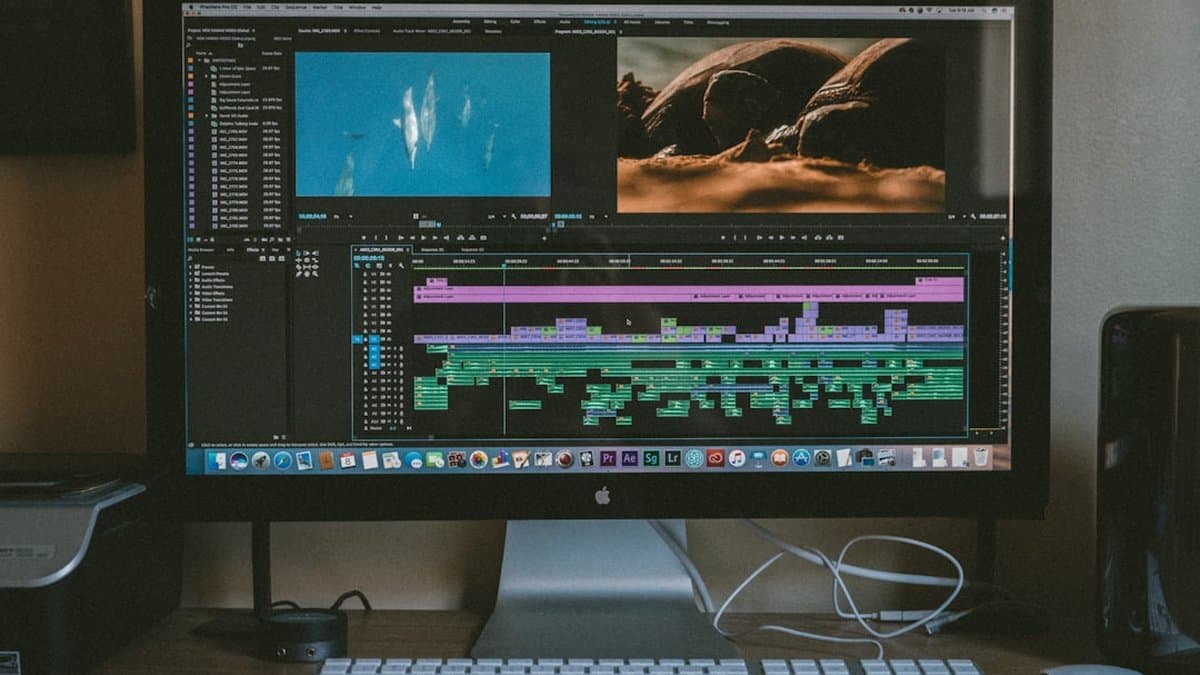
Most B-roll problems aren't shooting problems. They're judgment problems. You had the right footage and still ruined the cut, because the mistakes that kill engagement happen in the edit, not the camera. Here's where creators bleed viewers.
Generic Footage Without Context
Stock coffee shops. Stock typing hands. Stock skyline drone shots. Every video looks the same because every editor reached for the same folder.
The problem isn't that stock footage looks bad. It's that it could belong to literally any video, which means it belongs to none of them. According to Storyflow, B-roll does four distinct jobs — and generic footage does none of them. If your cutaway can't be traced back to a specific line in your script, cut it.
Warning: If you could swap the B-roll into a competitor's video without anyone noticing, it's not doing its job in yours.
Misaligned Audio and Visuals
Say "the button turns green" and show the button turning green at that exact word, not two seconds later. Miss the timing and you've created a tiny, invisible tax on your viewer's attention. They have to reconcile what they heard with what they're seeing. Do that three times in a video and they're gone — not because they got bored, but because the video asked them to work.
This is precision, not vibes. Watch your cut frame by frame against the transcript if you have to.
Overloading the Middle
Five clips in two seconds isn't energy. It's noise. Cut decisively to B-roll, hold it for the beat it needs to land, then move on. Montages work when the whole video is built as a montage — fast cuts, driving music, no talking head to anchor against. Bolt that pacing onto an otherwise normal explainer and you just gave your viewer whiplash.
According to ClipForge AI, the average TikTok user decides whether to scroll past your video within 1.7 seconds — which makes the opening frame important, sure, but it also means every subsequent cut is competing for attention you already fought hard to earn. Don't spend that attention on clutter.
Worth knowing: If you can't explain why a clip is there in one sentence, it's filler — and filler is what gets skipped.
Two more mistakes worth naming, briefly:
- Ignoring safe zones. Shoot 16:9, crop to 9:16, and you lose detail at the edges — sometimes the exact detail you wanted visible. Shoot vertical from the start when you can.
- Forgetting sound exists. Silent B-roll over a hard cut in the voiceover feels unfinished, even when the visuals are sharp. Ambient noise, room tone, something — dead air reads as a mistake, not a choice.
Build Your B-Roll Library for Speed and Consistency

Most creators treat B-roll as disposable. Shoot it, use it once, forget it exists. That's a waste of a shoot day. Every clip you capture should outlive the video it was shot for, and the only thing stopping that is how you file it.
Organizing What You Already Have
Stop organizing by date or project name. "March_shoot" tells you nothing when you're mid-edit and need a reaction shot right now. Organize by function instead: transitions, product close-ups, hands-on action, scenery, reactions, screen recordings. Six folders, maybe fewer.
According to Aibrify, a well-organized B-roll library speeds editing 3 to 5x, because you're pulling from a system instead of scrolling through a graveyard of unlabeled clips hoping something fits. That's the whole payoff. You're not hunting for a cutaway every time your script calls for one.
Pair that with a naming convention: [content-type][function][take]. So productdemo_closeup_02 or interview_reaction_04. Searchable in seconds, no guessing which "final" file is actually final.
Reusing Footage Across Multiple Videos
Shoot 20% more B-roll than the current video needs. That overflow becomes the template for your next three videos in the same niche or format — you're not starting from zero next time, you're editing against a stocked shelf.
The same logic applies across platforms. A 9:16 close-up of hands doing something — pouring, typing, unboxing — works for TikTok, Reels, and Shorts with nothing more than a crop adjustment and different transition timing. You don't need three separate shoots. You need one good shot and three edits.
Worth knowing: The 20% overage rule pays off fastest in recurring formats — weekly product drops, recurring interview segments, tutorial series. One-off videos see less benefit.
Tools That Speed Up the Search
A folder structure only helps if the search inside it is fast. If you're pulling B-roll-heavy clips from longer source video, the bottleneck usually isn't the footage — it's finding the right ten seconds inside an hour of raw recording. That's part of what AutoShorts handles on the front end: it transcribes with timestamps and identifies the moments worth clipping, so you're not scrubbing a timeline by eye looking for the shot you vaguely remember.
The tradeoff is upfront time. Tagging and naming clips properly takes ten extra minutes per shoot day. Skip it once and you'll pay that back tenfold three months later, digging through an unlabeled drive at 11pm.
Start With the Script, Not the Camera
If you do one thing differently after reading this, make it the shot list. Not a better camera, not a bigger B-roll library, not a fancier transition. A script marked up with exactly where you need visual proof and what proves it. That's the decision that saves the most time, because it turns shooting from a guessing game into a 20-minute batch job.
Skip the stock footage folder. Everyone reaches for the same coffee shop b-roll, and it tells your viewer nothing about your video specifically. Generic footage feels like progress. It isn't.
Here's the actual sequence: mark the moments in your script where your message needs backup. Match each one to a specific cut. Shoot that list in one sitting. Then edit — and file the footage properly so it's usable again next month, not just this once.
If captions are the part eating your week, AutoShorts automates that generation and can turn longer footage into shorts faster, which frees up the time you'd rather spend planning B-roll that actually earns its place in the cut.
Frequently asked questions
B-roll serves four distinct purposes: illustrating what you're describing, covering jump cuts to smooth transitions, creating rhythm through visual movement, and providing proof to back up claims. According to the complete guide to B-roll for short-form video in 2026, footage that doesn't fulfill at least one of these functions should be cut from your edit. Generic footage added just to fill space will actually hurt engagement instead of improving it.
Most viewers make the decision to swipe away within just 1.7 seconds of a video appearing on their screen. This means your hook needs to grab attention immediately, but what really keeps them watching is strategic B-roll placement throughout the rest of the video. The real retention battle happens in the middle section (seconds 12-30), where well-placed B-roll can make the difference between a watch and a scroll.
Cutting to B-roll just to maintain visual rhythm is backwards—it actually tanks engagement instead of lifting it. If your talking-head shot is already delivering strong energy and landing well with viewers, cutting away pulls their attention from something that was already working. B-roll should only interrupt a strong shot if it's serving one of the four functional purposes: illustrating, covering, creating rhythm, or providing proof.
Well-used B-roll can lift short-form video engagement by 3x compared to static talking-head cuts alone. This dramatic difference comes from using footage strategically—not just for visual appeal, but for the specific jobs it accomplishes in your narrative. The complete guide to B-roll for short-form video emphasizes that every cutaway must earn its place through clear functional value.
The most critical placement window is in the middle section of your video, roughly seconds 12 to 30, where retention naturally craters after the hook's novelty wears off and before the payoff arrives. While the first two seconds focus on hooking viewers and the last five seconds drive action, the middle stretch is where B-roll makes the biggest difference in keeping thumbs still. Strategic placement during this vulnerable section is where B-roll earns its power to extend watch time.
The choice depends on your niche, budget, and whether authenticity is critical to your audience's trust in your message. Real footage works best when you're providing proof or backing up specific claims, while AI-generated or stock B-roll excels at illustrating concepts or creating visual rhythm. For most creators building an audience in 2026, a hybrid approach—shooting your own B-roll for claim-backing shots and using high-quality stock footage for illustrative cuts—delivers the best results without excessive production time.